
What the agent may do on a call
An action is something the agent does during a call. An action that is off will not run, even if the customer asks.
On the agent page click "Configure" and choose "Actions & permissions"
Turn on the switch next to each action the agent needs
Click "Save changes"
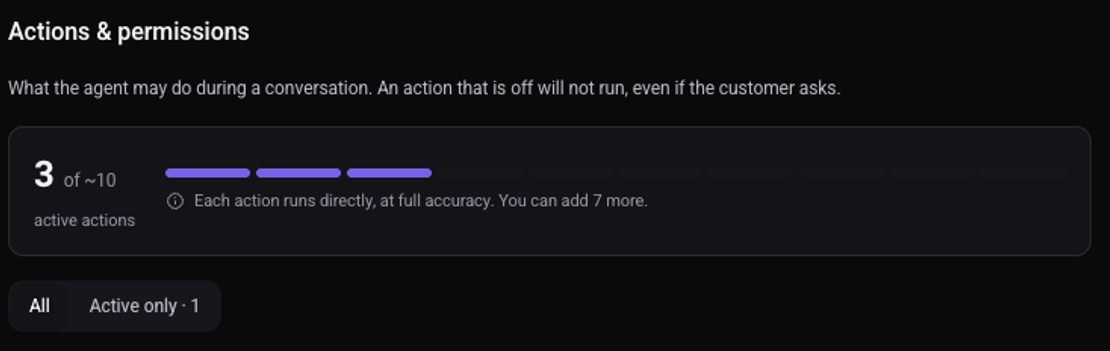
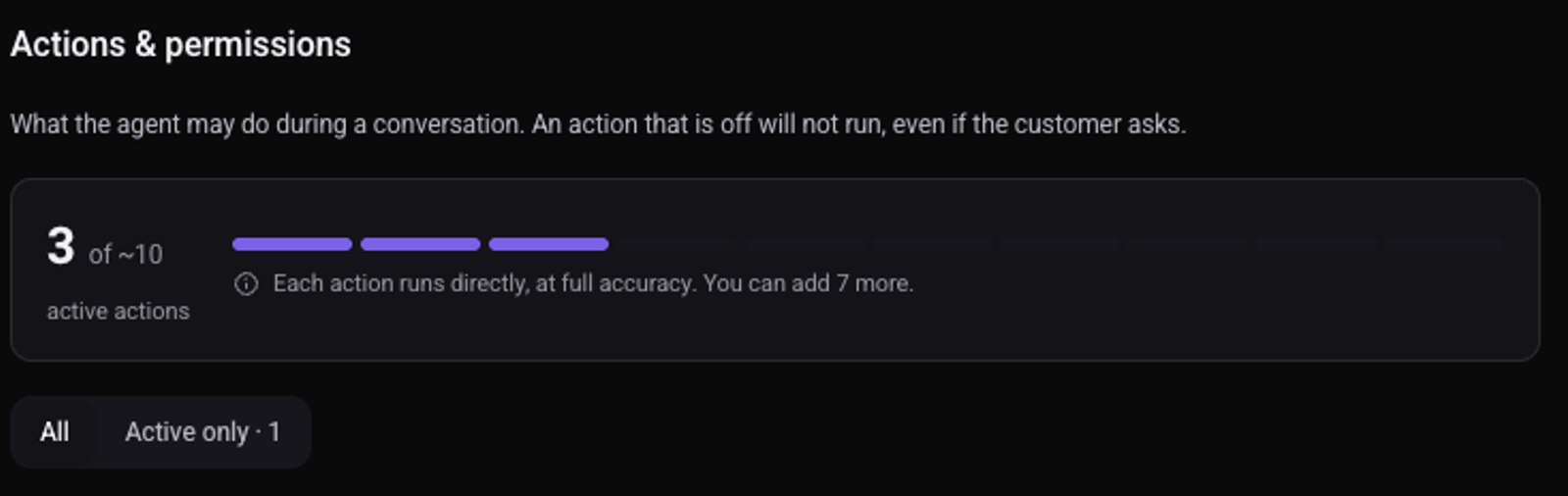
The counter at the top shows how many actions are active.
Which actions are there?
- Verification & Validation: send a verification code by SMS, check the code, and validate a value such as an ID number or an email.
- Messaging: send the customer an SMS or an email during the call.
- Details collection: see how the agent collects details from the customer.
- Meetings & callbacks: see how the agent books meetings in your calendar.
- Follow-up & team: hand over to the team, and memory of earlier calls with the same customer. See how to transfer a call to a person.
How is an action different from an automation?
An action happens during the call, when the agent decides it is needed. An automation always runs, as a call starts or after it. See how to create an automation.