
How the agent calls back a customer who asked
When a customer says "call me back tomorrow morning", the agent calls again at the agreed time. One switch turns this on.
On the agent page click "Configure" and choose "Automations"
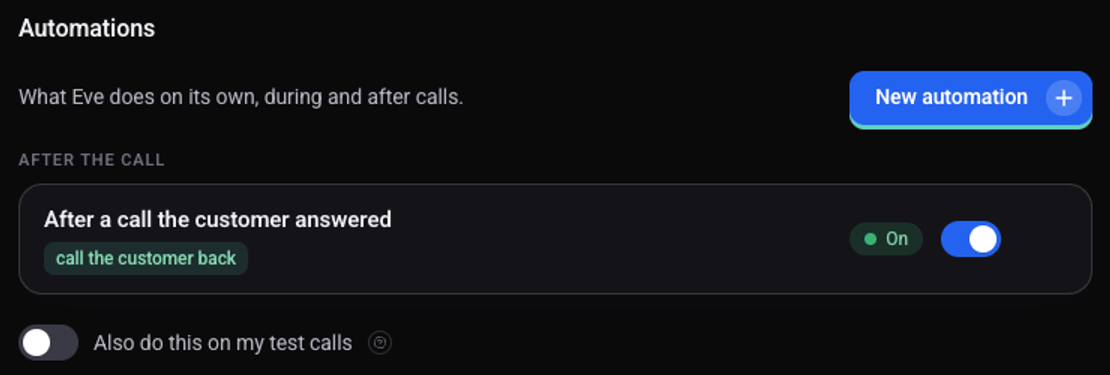
Under "After the call" turn on the switch on the "Call back when asked" row
Check that the row shows "On"
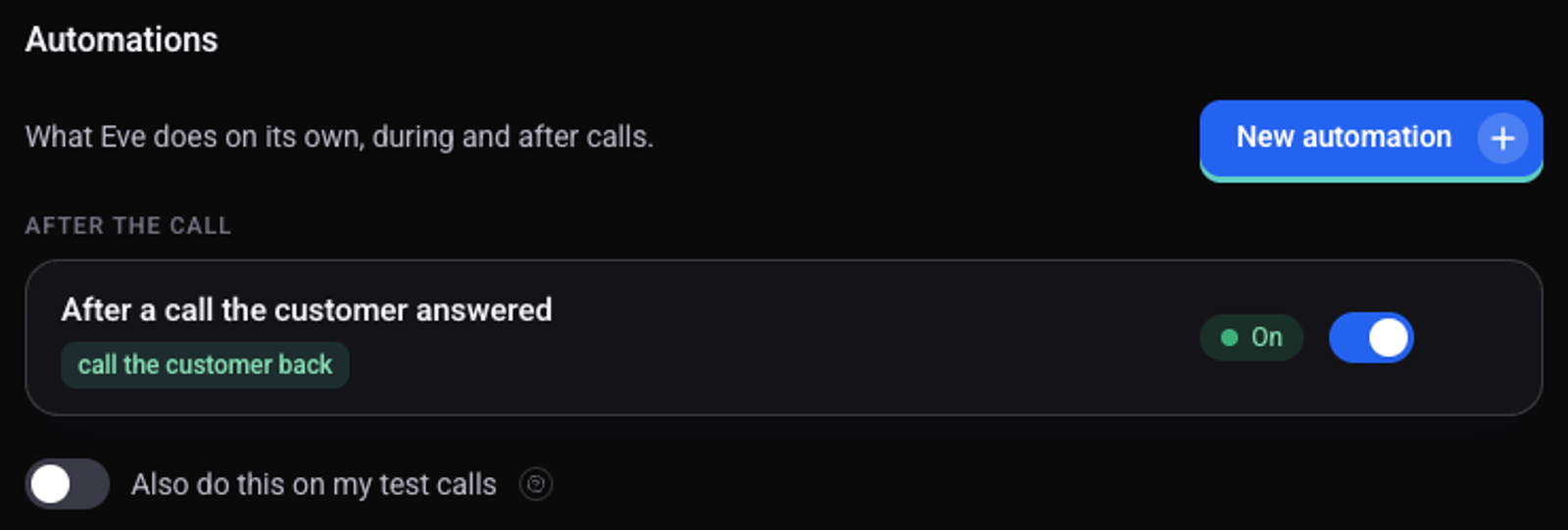
The row changes to "After a call the customer answered", with the tag "call the customer back".
When does the agent call again?
After every call the agent checks whether the customer asked for a callback, and calls at the agreed time. Callbacks go out only during the agent's calling hours.
How do I turn it off?
Turn off the switch on the same row. No new callbacks are scheduled.
See also: how to run a different action for each call outcome and how the agent books meetings in your calendar.