
How to define a successful call and indicators
Until you say what counts as success, calls are counted but not scored. After that every call gets a score.
On the agent page click "Configure" and choose "Analytics"
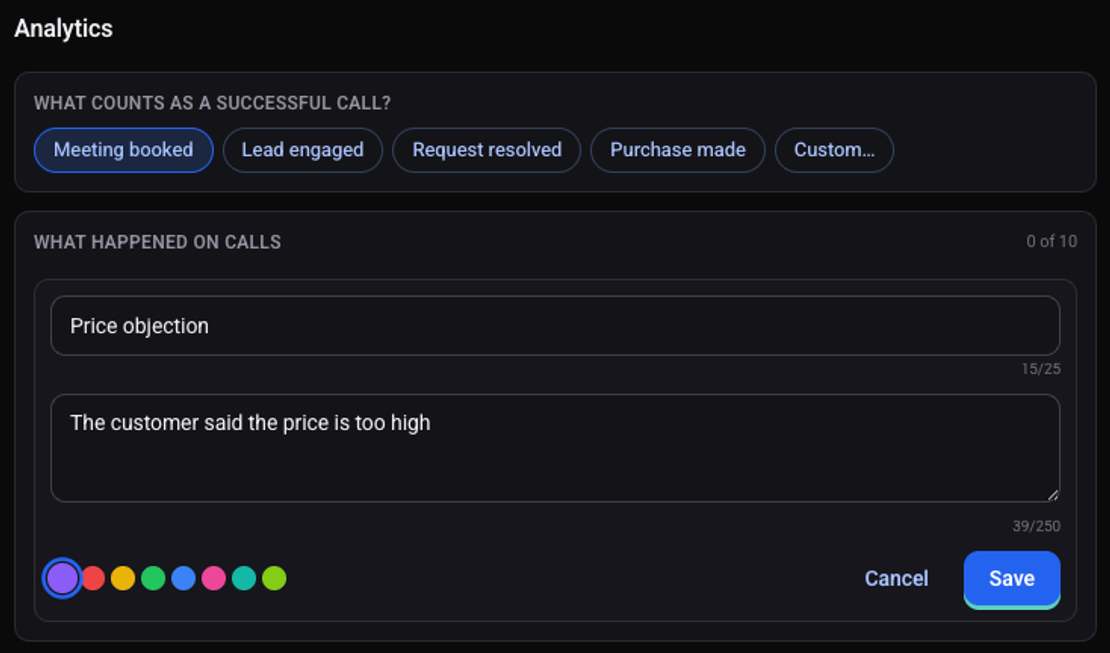
Under "What counts as a successful call?" pick an outcome
If none fits, pick "Custom…" and write in one sentence what makes a call successful.
Under "What happened on calls" click "Add indicator"
"Suggest with AI" proposes indicators based on what the agent does.
Give the indicator a short name, write when it applies, and click "Save"
Click "Save changes"
From then on every call is scored, and the results appear on the "Analytics" tab of the agent page.
Which indicators are worth adding?
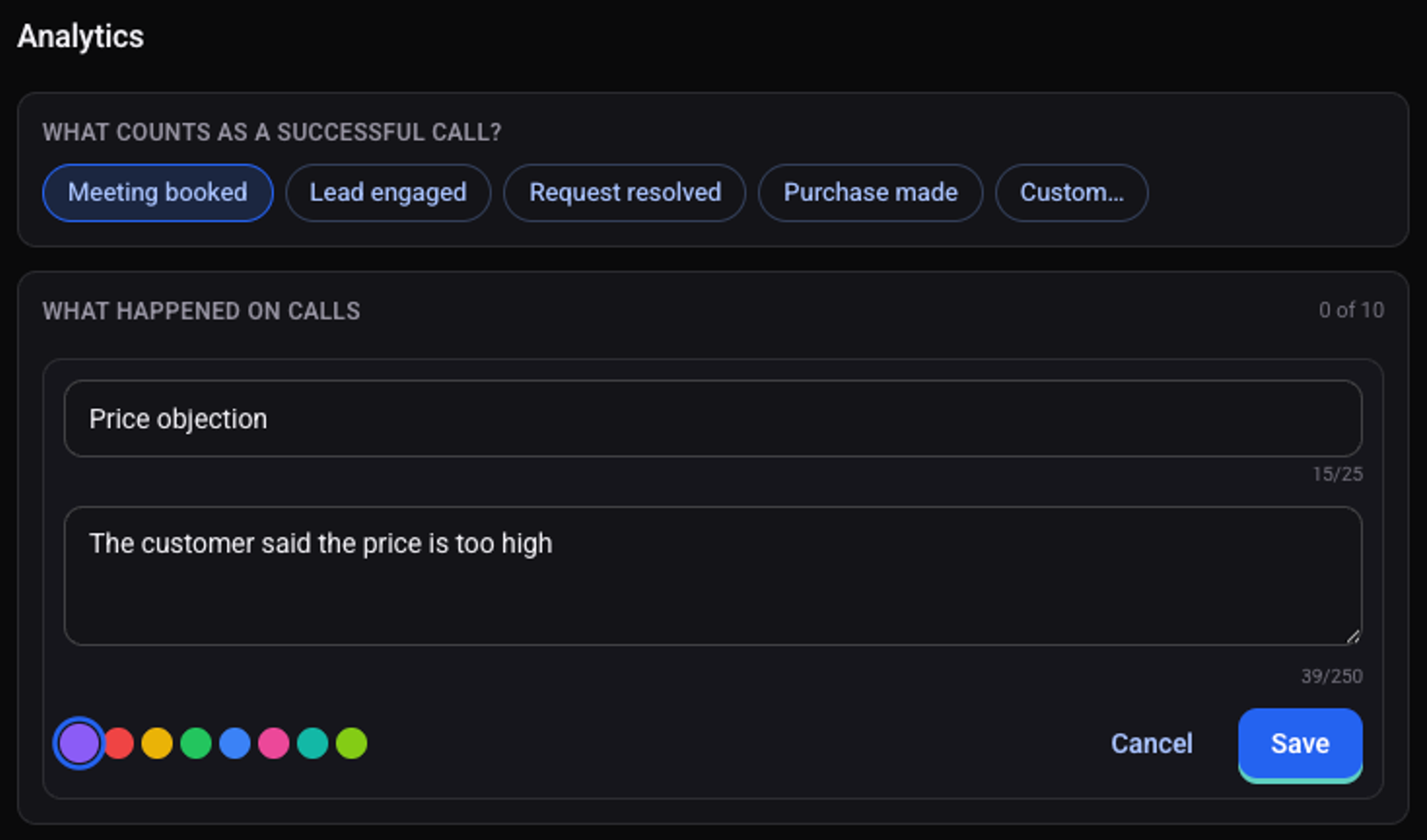
- A recurring objection, for example "The customer said the price is too high".
- A request worth counting, for example "The customer asked to speak to a person".
- A sign of interest, for example "The customer asked about an open slot".
See also: how to make a test call and how to write the script and the greeting.