
How to connect Google Calendar
Once a calendar is connected, agents can check availability in it and book meetings.
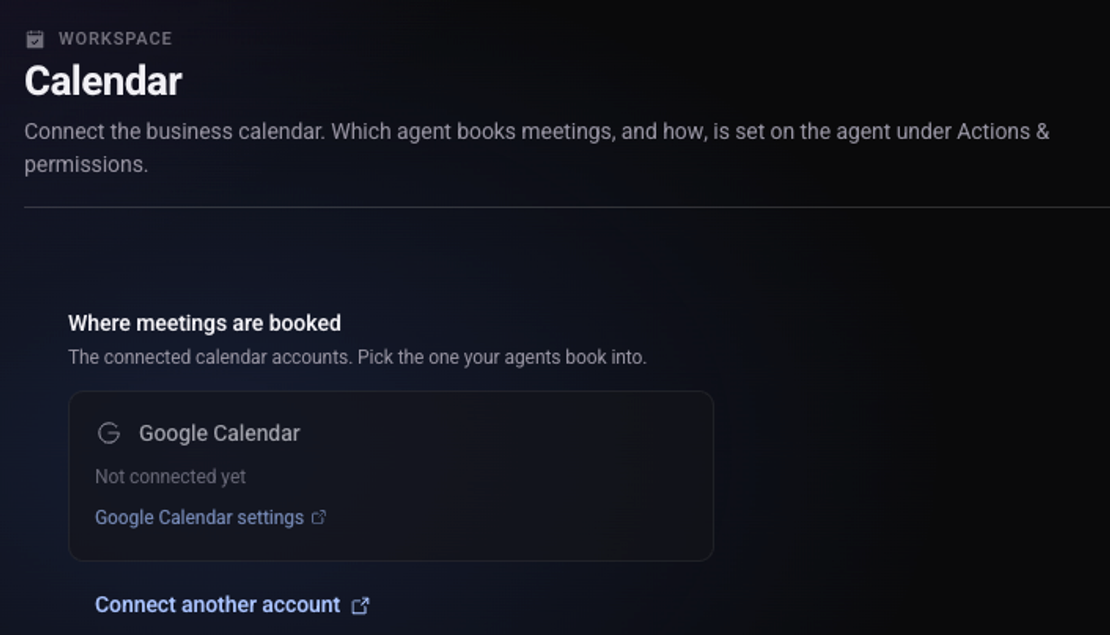
Open the user menu, choose "Workspace settings" and then "Calendar"
On the "Google Calendar" card click "Google Calendar settings"
Click "Connect Google Calendar"
Sign in to your Google account and approve access
Go back to the "Calendar" screen
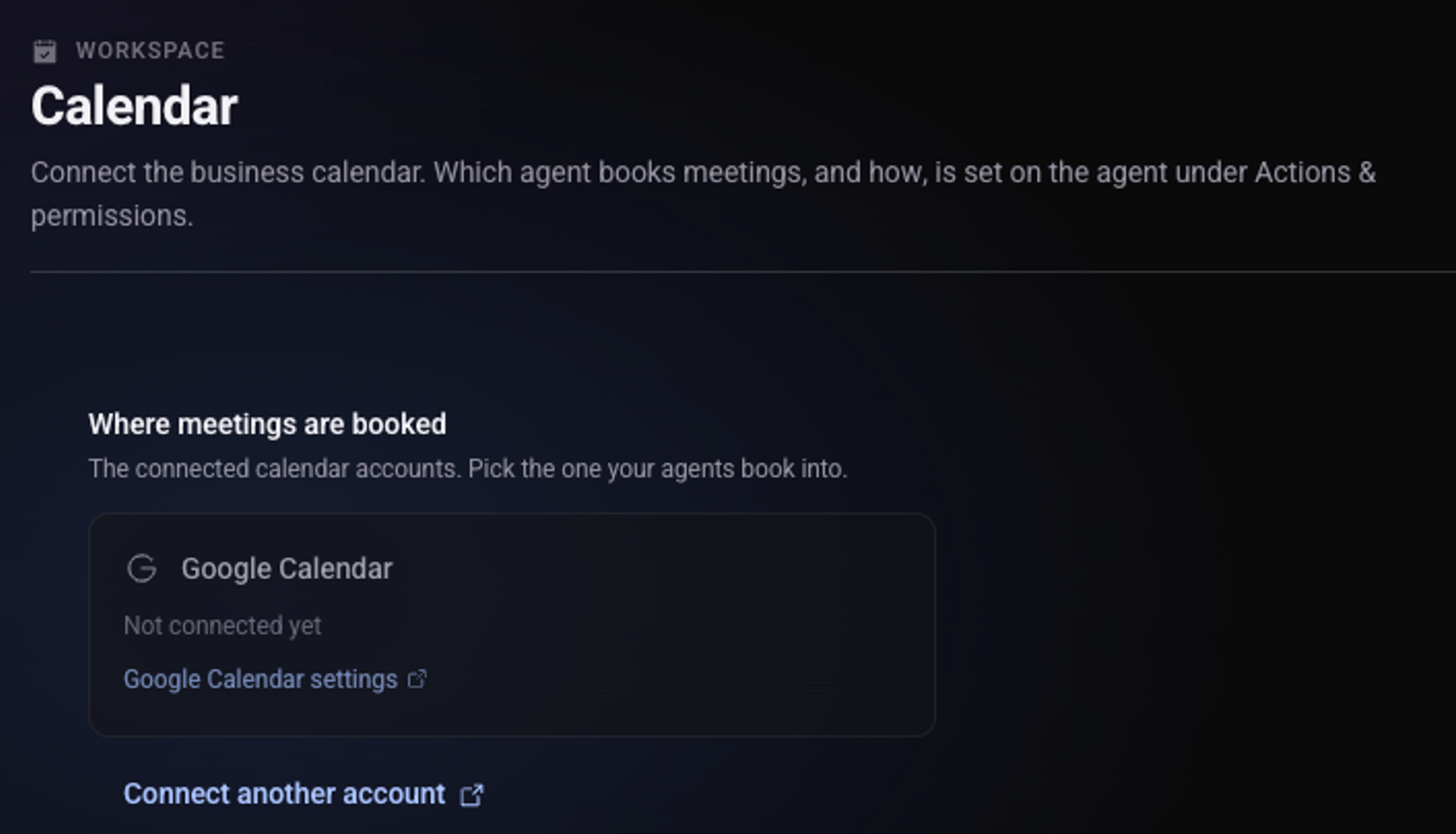
Under "Where meetings are booked" the account shows as connected.
What next?
Turn on meeting booking for the agent. See how the agent books meetings in your calendar.
See also: how to connect a CRM or another system.