
How to turn on inbound calls
With inbound calls on, the agent answers everyone who calls its number. You need an active account.
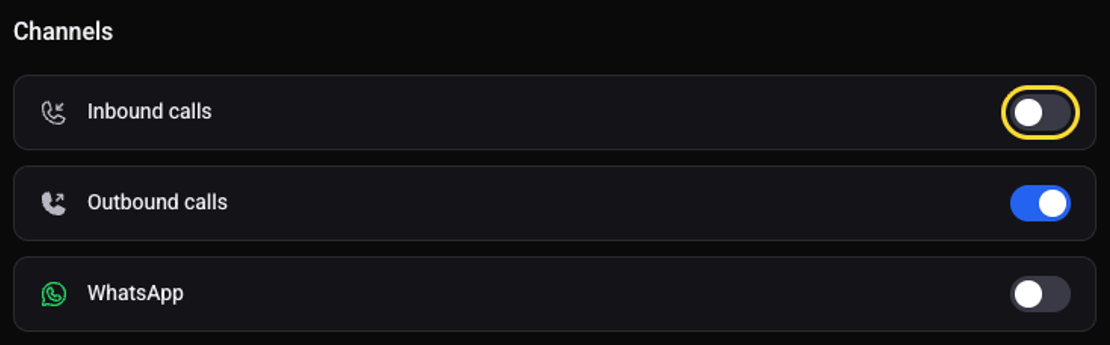
On the agent page click "Configure" and choose "Channels"
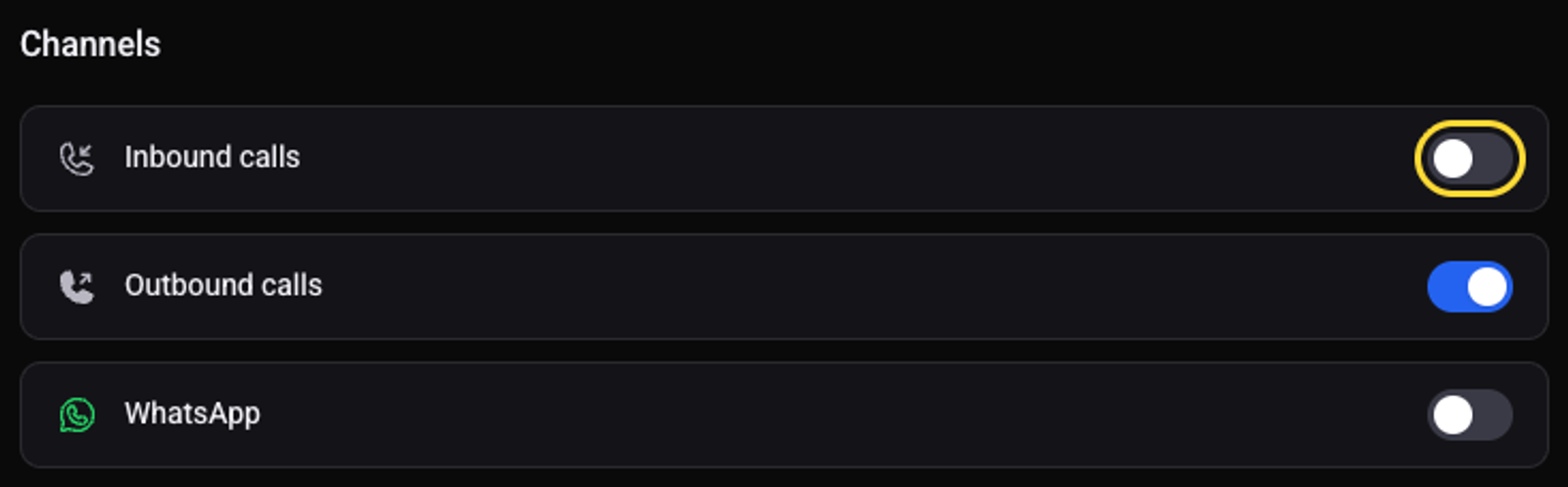
Turn on the "Inbound calls" switch
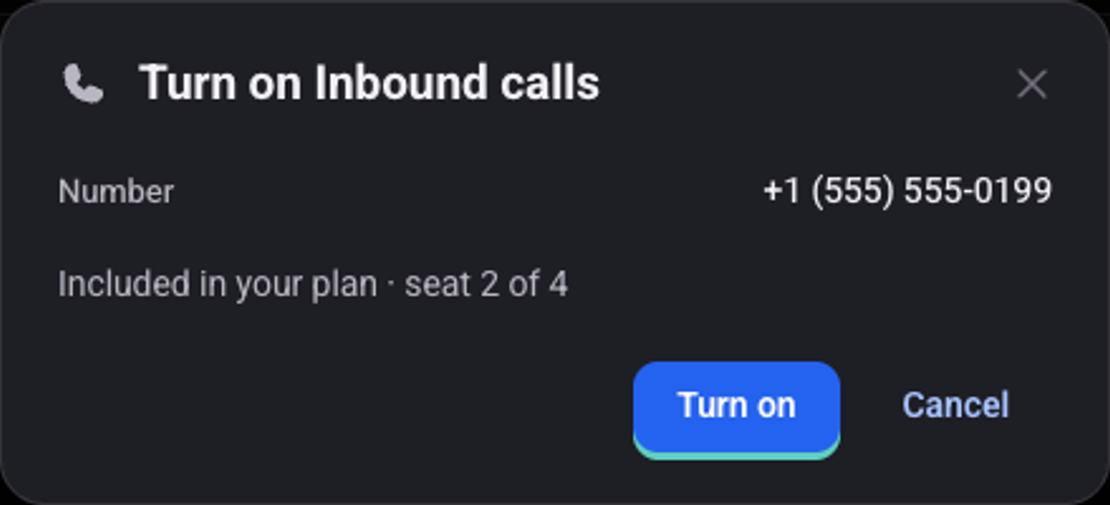
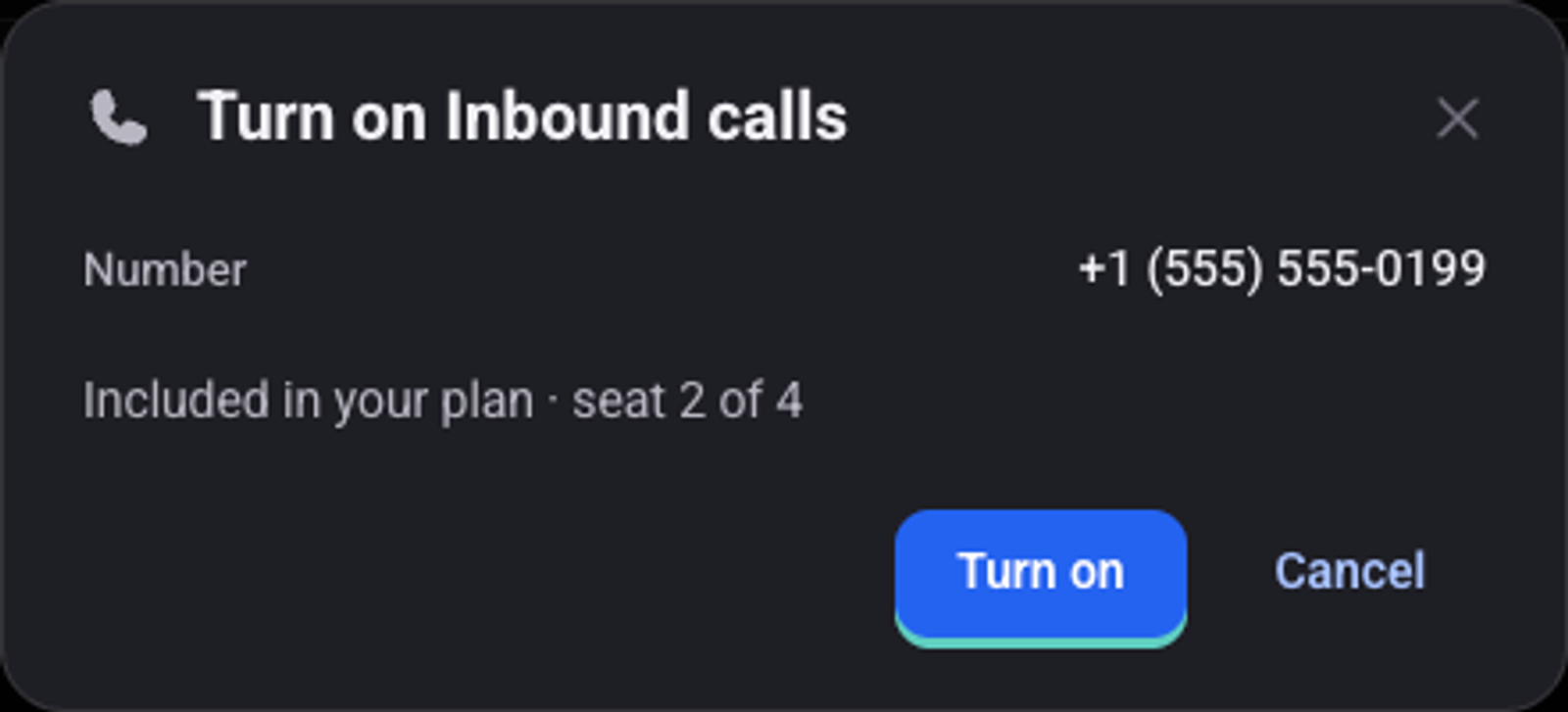
In the "Turn on Inbound calls" window check the number and click "Turn on"
If the plan has no free seat, the window shows the monthly addition before you confirm.
Wait for the status to change to "Synced"
Call the number from another phone
The agent answers with its greeting.
How many calls does the agent answer at once?
On the "Inbound calls" page, "Parallel calls" sets how many calls the agent handles at the same time.
How do I change the number?
On the same page, under "Number", click "Request a number change" and choose a reason.
See also: how to write the script and the greeting and how to create an automation.