How to connect monday
Once monday is connected, the agent can update board items and statuses and log calls on them.
Open the user menu, choose "Workspace settings" and then "Integrations"
Go to the "Integration library" tab and click "Connect" on the monday card
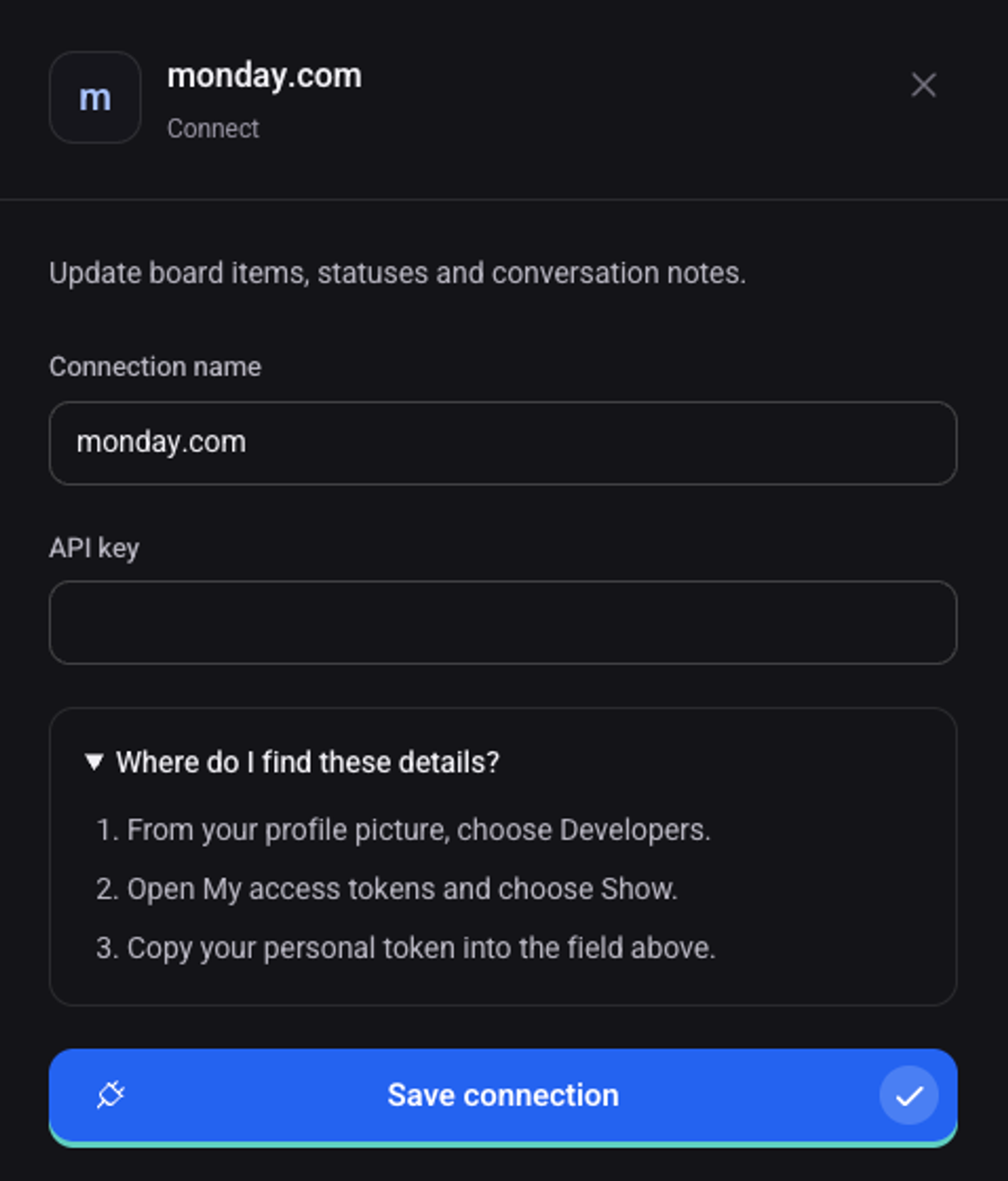
In monday, click your profile picture and choose "Developers"
Open "My access tokens", click "Show" and copy your personal token
Back in Direnium, paste the token into the "API key" field
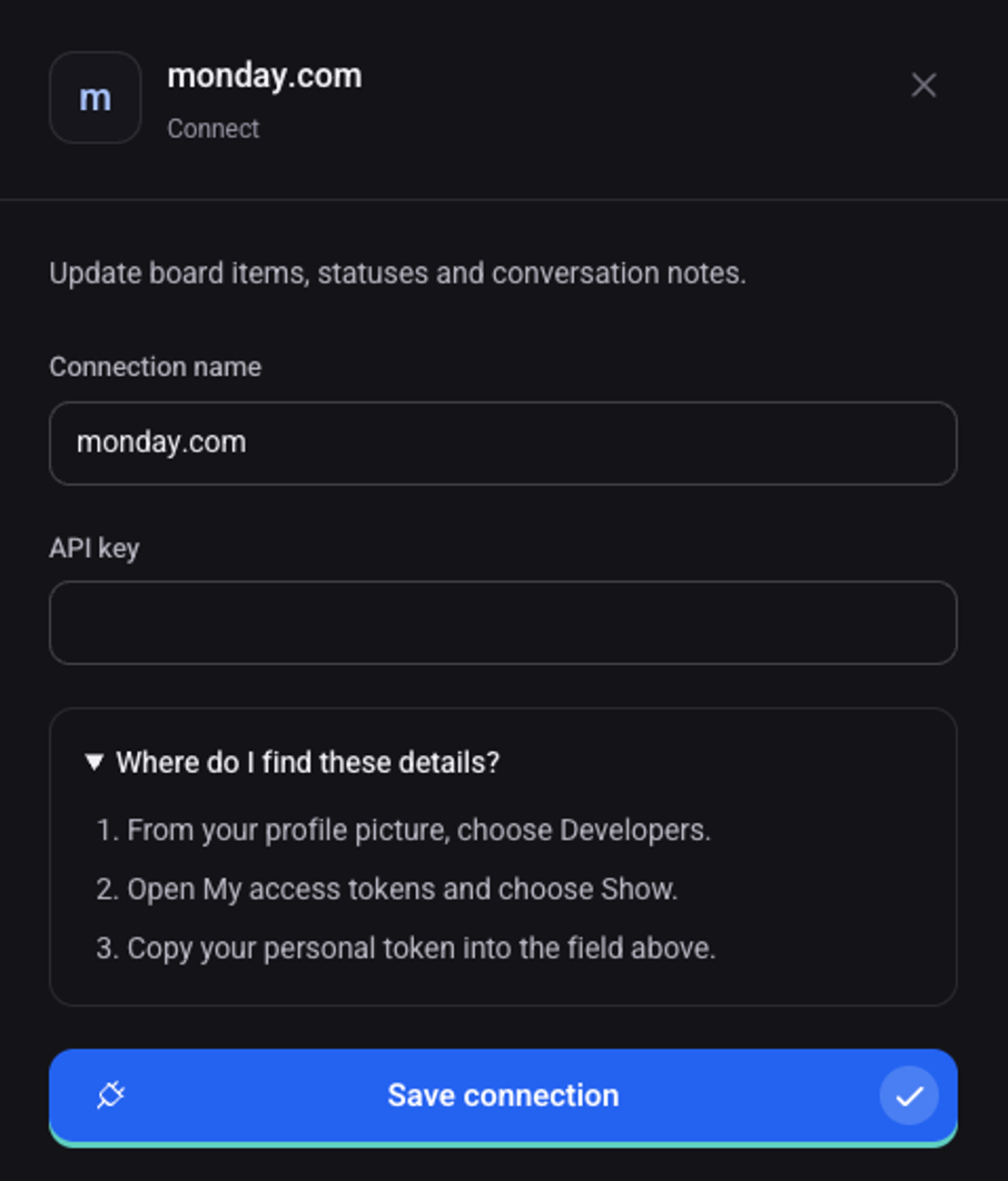
Click "Save connection"
The connection shows on the "My connections" tab with the status "Connected".