
How to create and manage API keys
An API key identifies your system on every request. It is shown once, at the moment it is created.
Open the user menu, choose "Workspace settings" and then "API Keys"
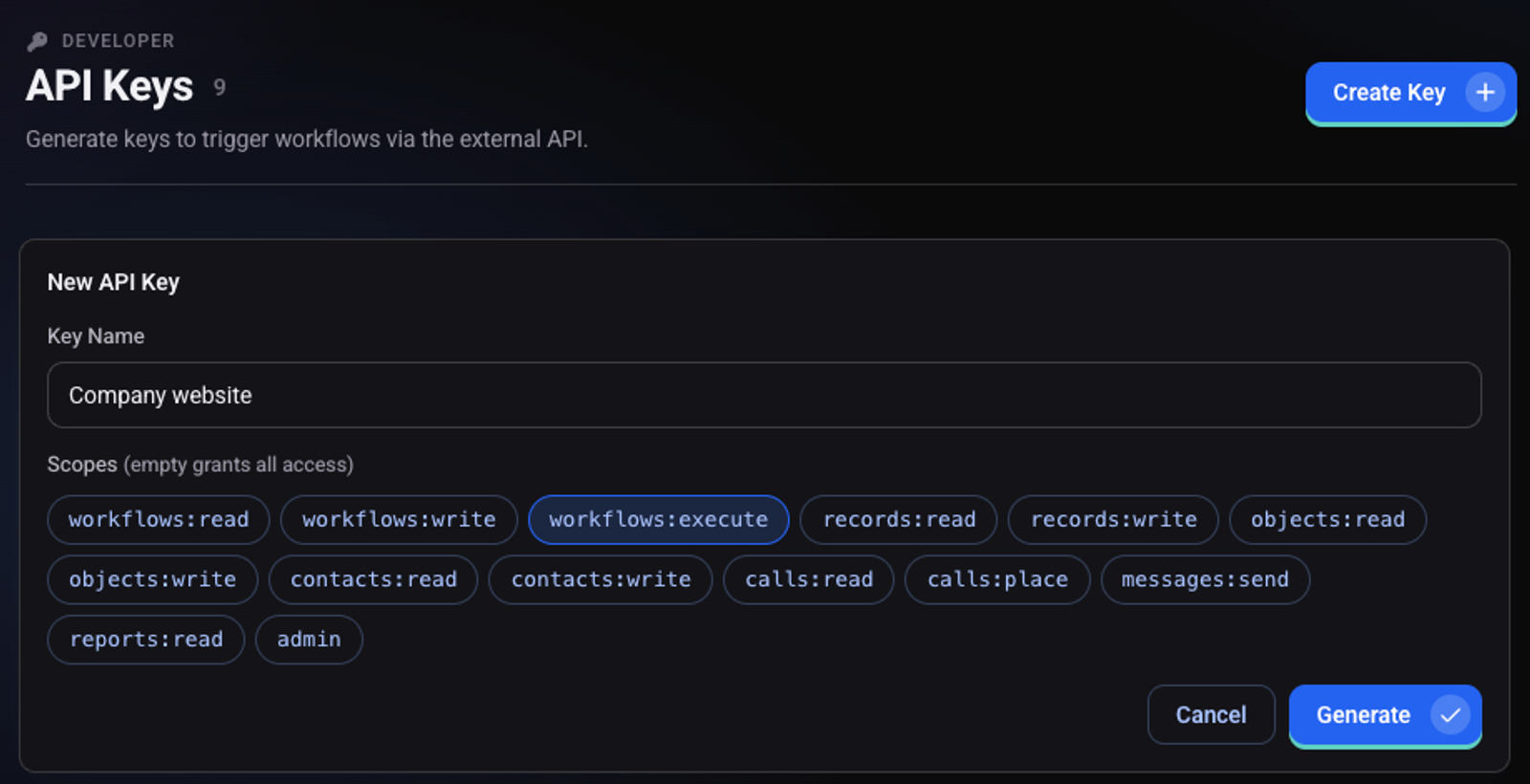
Click "Create Key" and name it
Use a name that says where the key is used, for example Company website.
Under Scopes select only the permissions the system needs
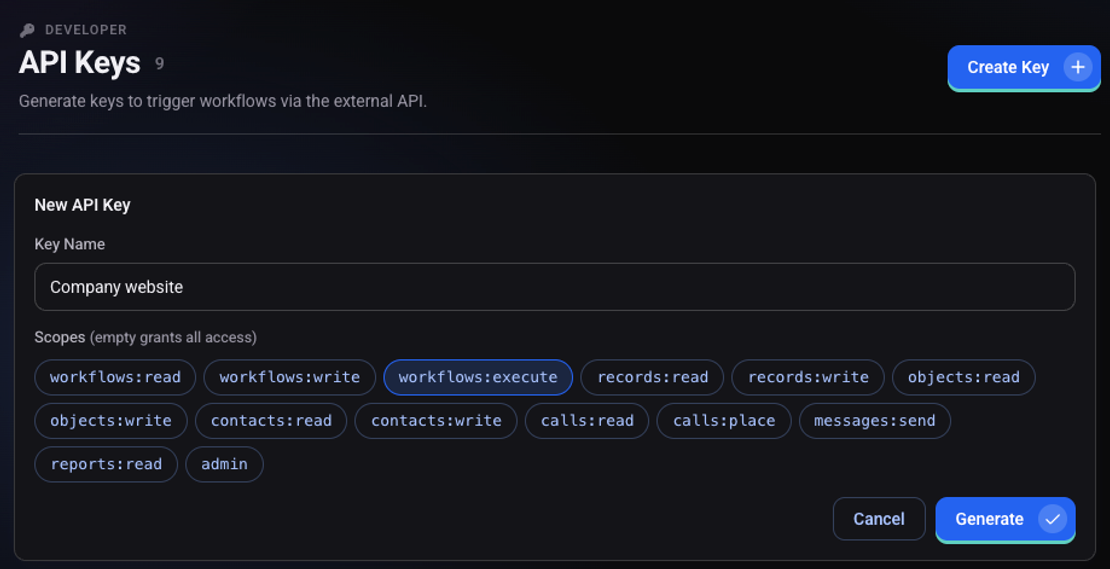
Click "Generate"
In the "API Key Created" window copy the key and click "Done"
The key will not be shown again. The new key appears in the table with the status "Active".
How do I use the key?
The key is sent in a header on every request
Authorization: Bearer <API-KEY>How do I revoke a key?
On the key's row click "Revoke key". Anything using the key stops working immediately. "Edit scopes" changes the permissions without replacing the key.
A dial list's key is created from the list itself. See how to trigger calls through the API and how to receive updates with webhooks.