
How to connect your own API to an automation
A new operation is one request to an external system, which the agent sends as a call starts or after it.
On the agent page click "Configure", choose "Automations" and click "New automation"
Choose when, then "Connect another system"
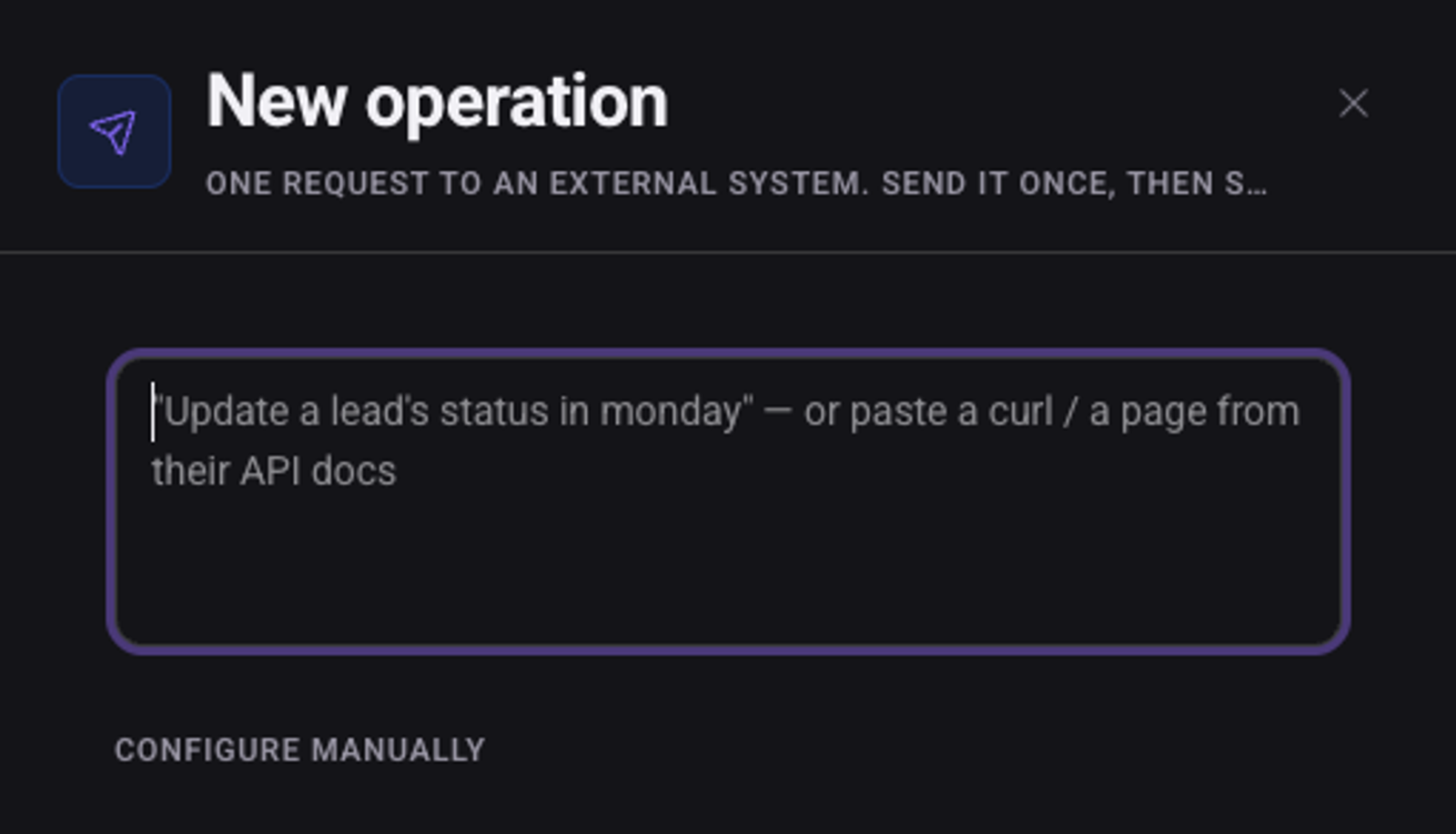
Describe in words what should happen, or paste a curl command or a page from the docs, and click "Draft it"
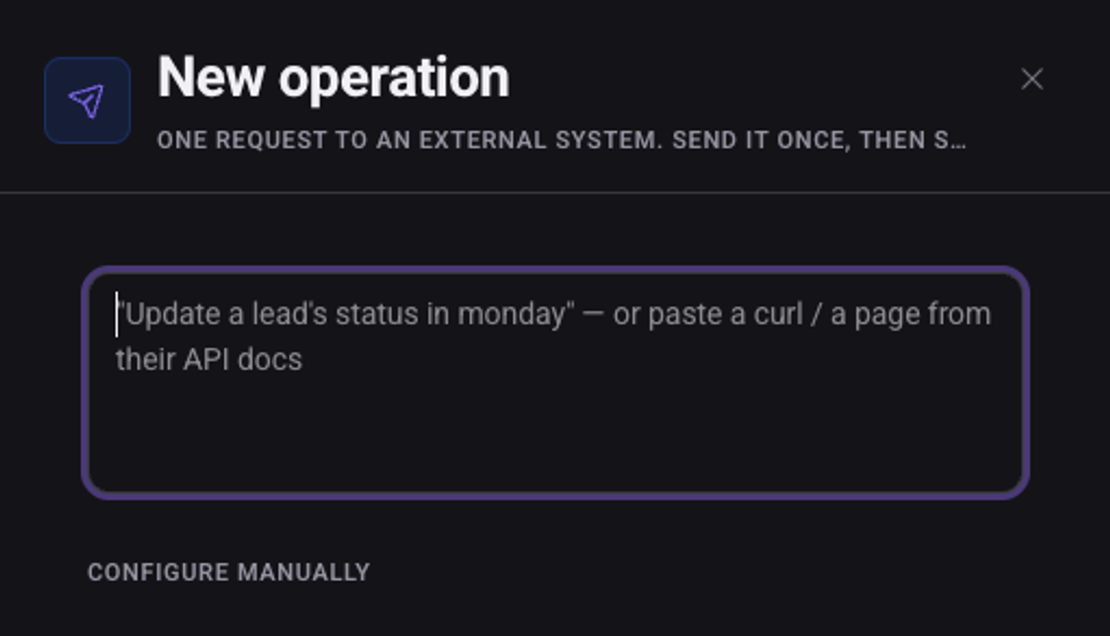
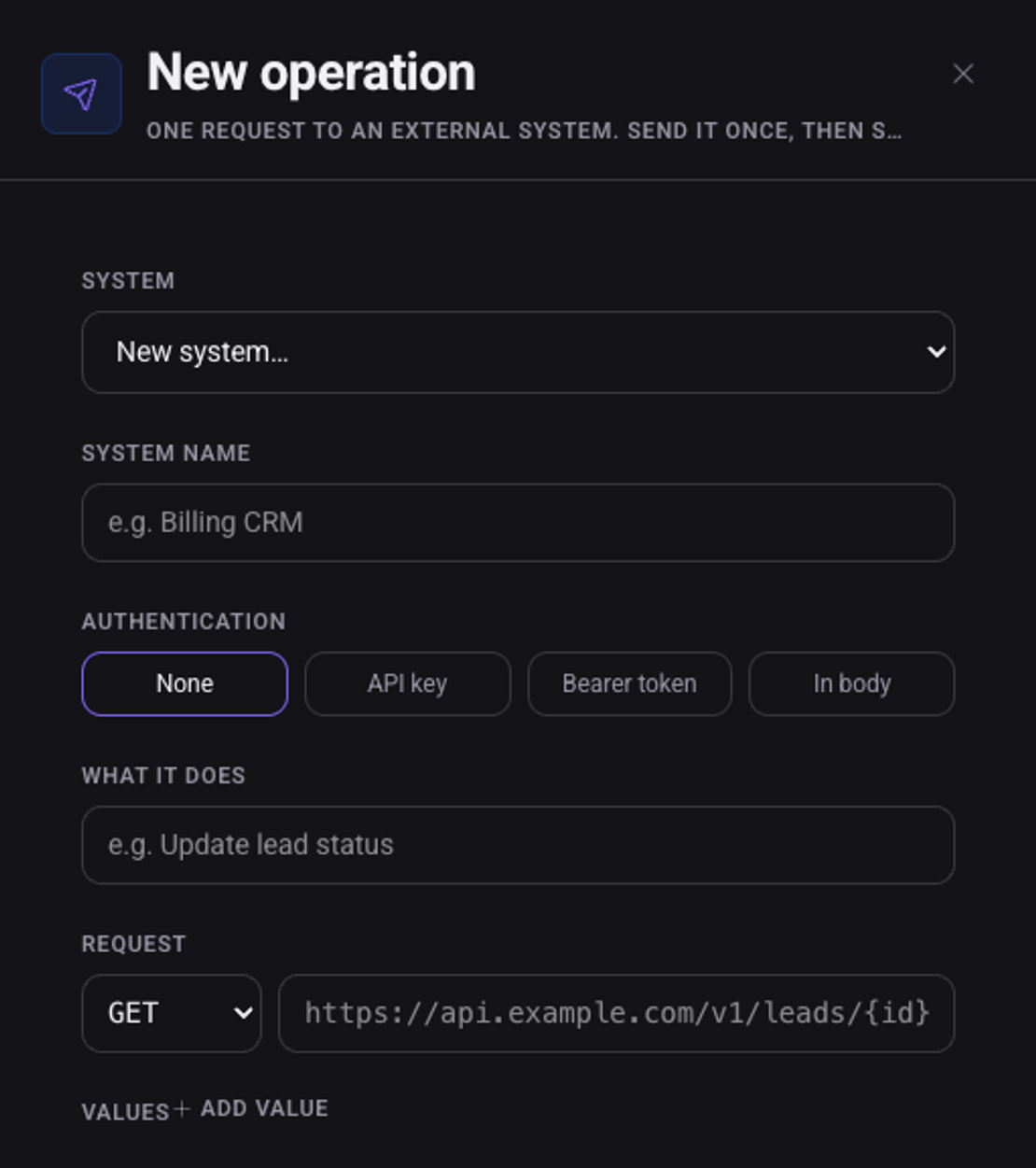
Or click "Configure manually" and fill in the details
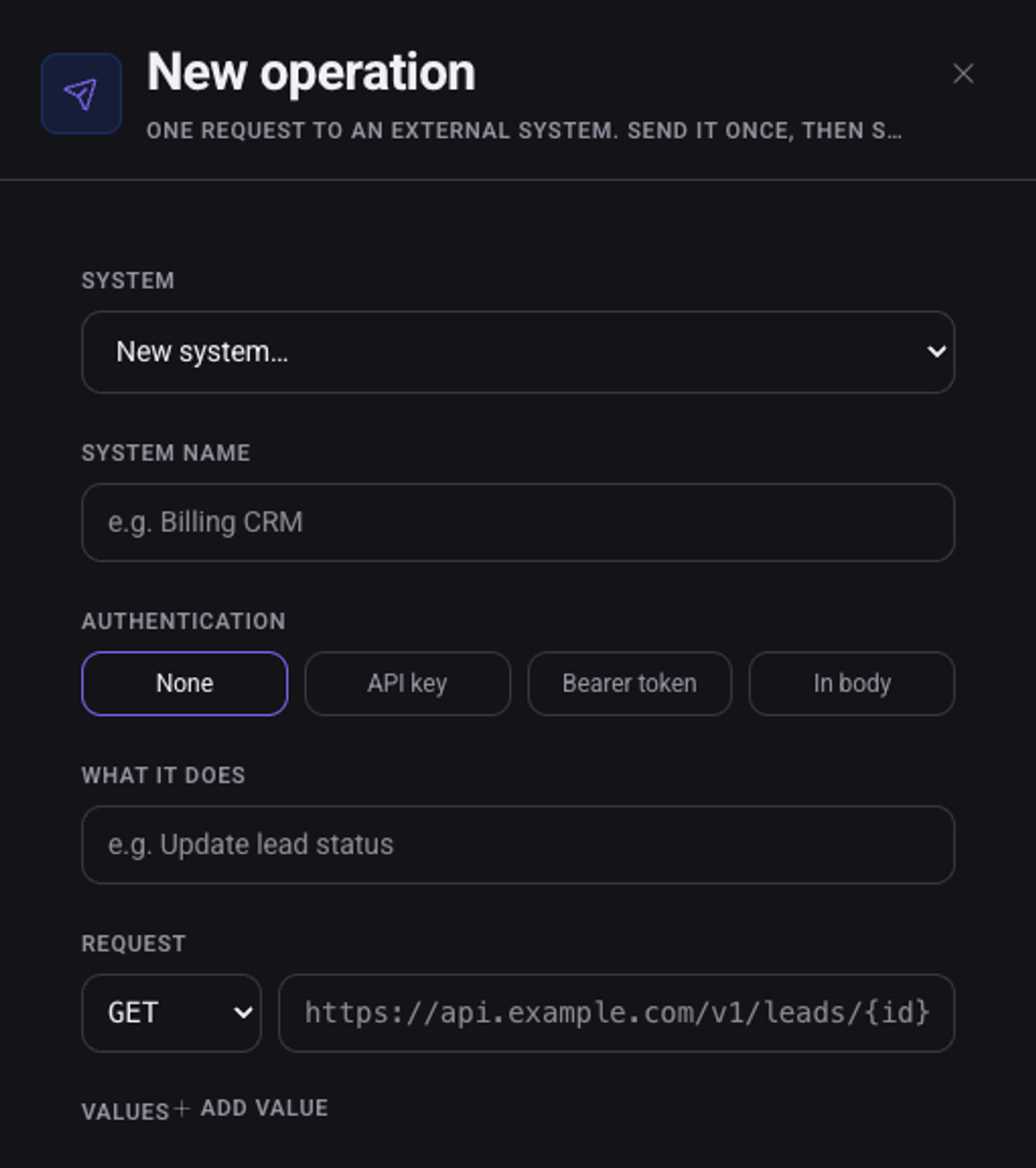
The system name, the authentication type, what the operation does, and the request: method and address. "Add value" adds a value sent with the request.
Click "Send" to send the request once
The request really goes to your system.
When the response is right, click "Save"
How does it authenticate with my system?
Under "Authentication" choose "None", "API key", "Bearer token" or "In body".
See also: how to connect a CRM or another system and how to update your CRM after a call.