
How to write the script and the greeting
The script tells the agent who it is and what to do on a call. The greeting is the first thing the customer hears.
On the agent page click "Configure" and choose "Behavior"
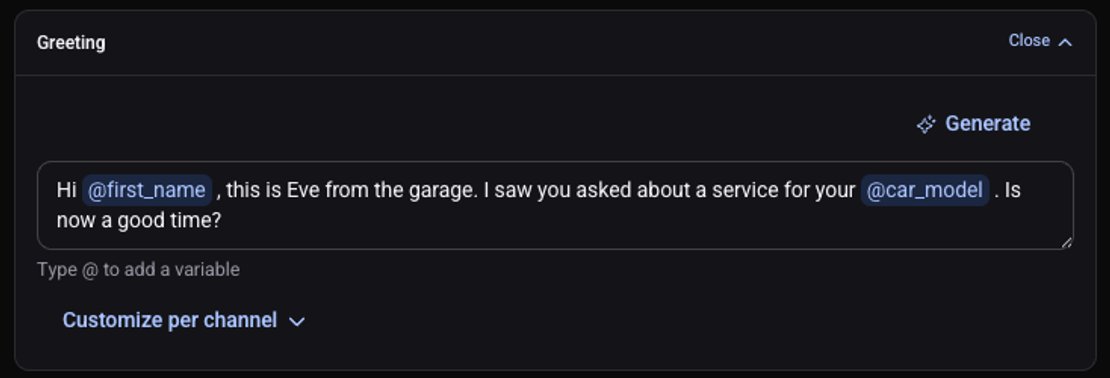
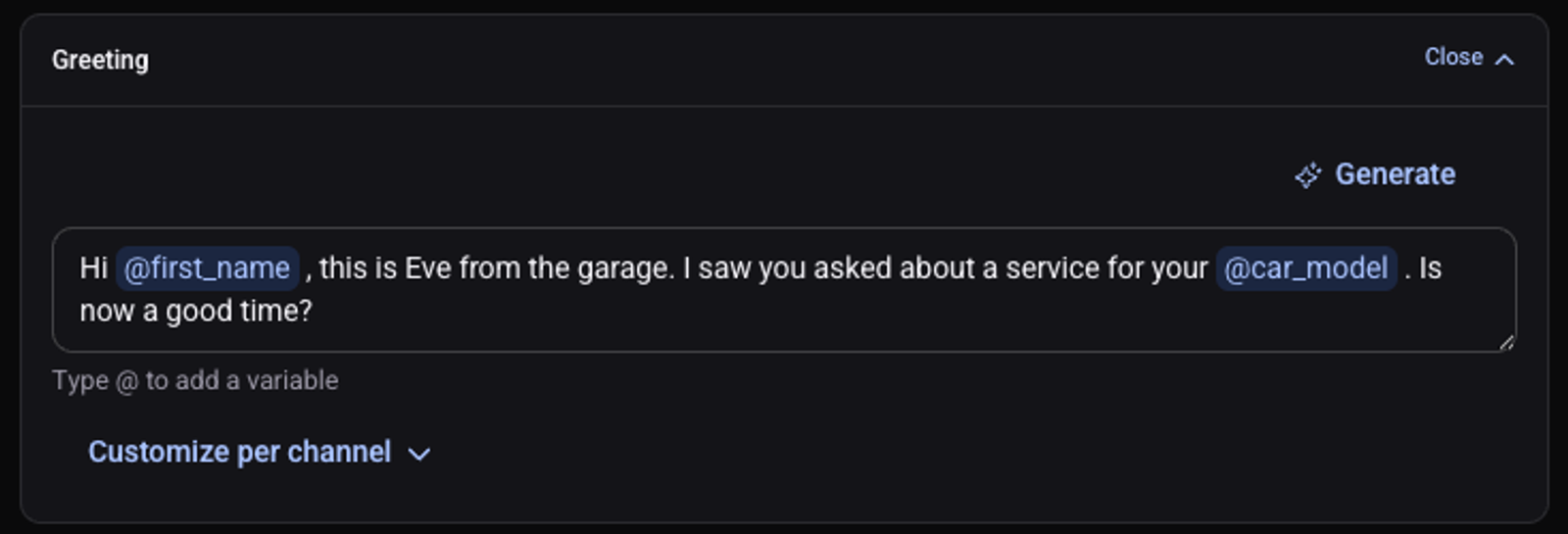
Click "Edit" on the "Greeting" card and write a short sentence that ends with a question
"Generate" suggests one for you.
Click "Edit" on the "Script" card
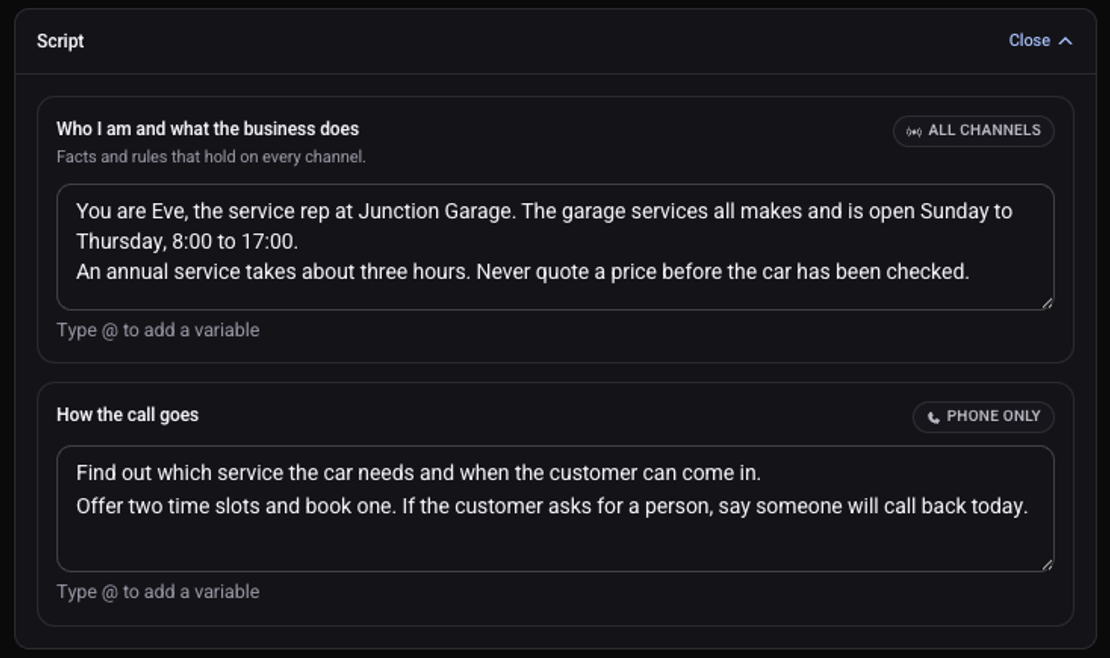
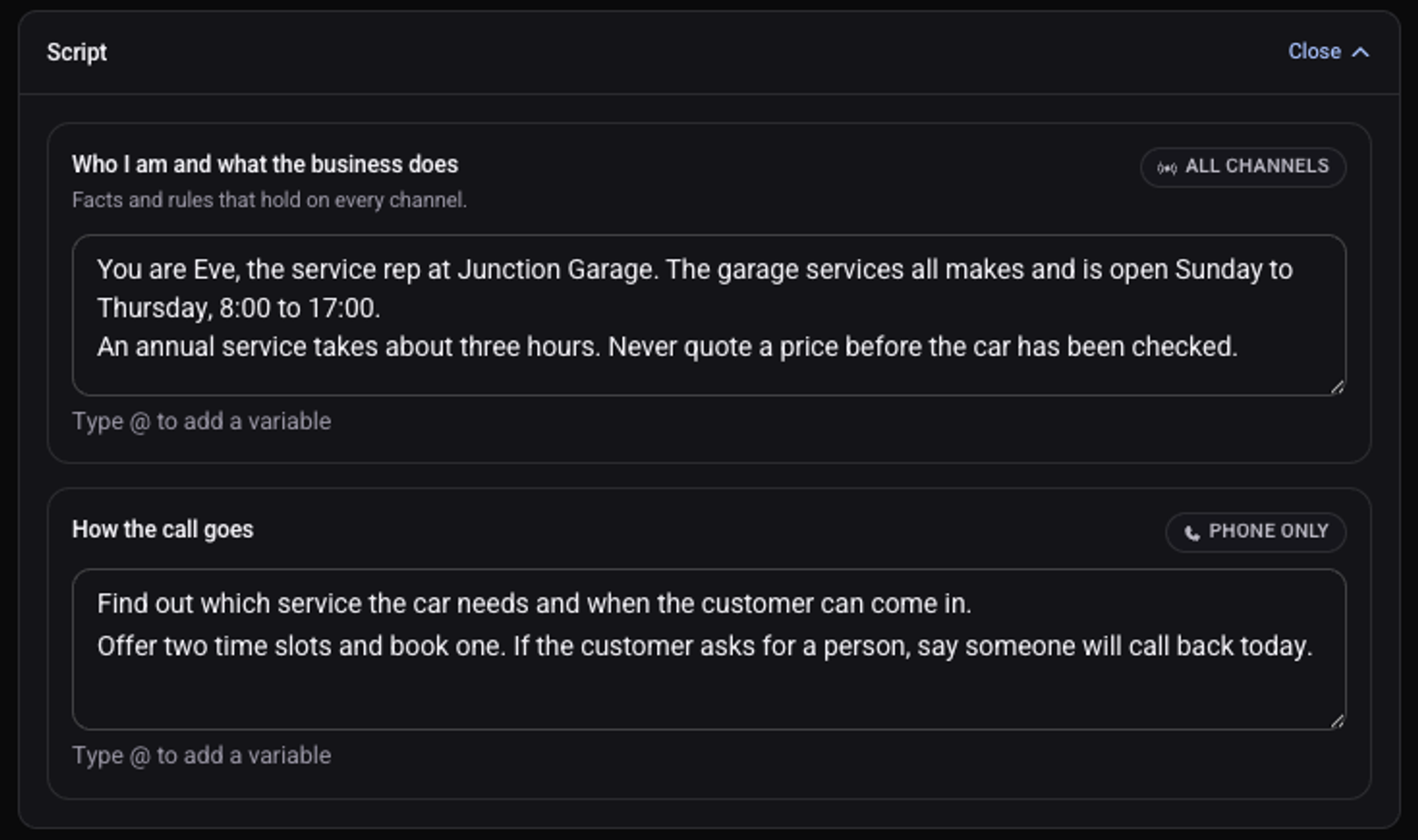
Under "Who I am and what the business does" write facts and rules
Who the agent is, what the business offers, and what it must never say.
Under "How the call goes" write what to ask, what to offer and how to close
Click "Save changes"
The button changes to "Saved".
What makes a good script?
- Exact facts: hours, services, service areas. What is not in the script or the knowledge, the agent does not know.
- Short sentences. One instruction per line.
- What to do when a customer asks for a person.
- Tone and reply length go in the "Manner" card.
- Price lists and common questions go in knowledge, not in the script.
To have the agent greet customers by name, see how to use the customer's name in a call. After every change, make a test call.