
How to restore an earlier version of the agent
Every save of the agent's settings keeps a copy. If a change broke something, go back to an earlier copy.
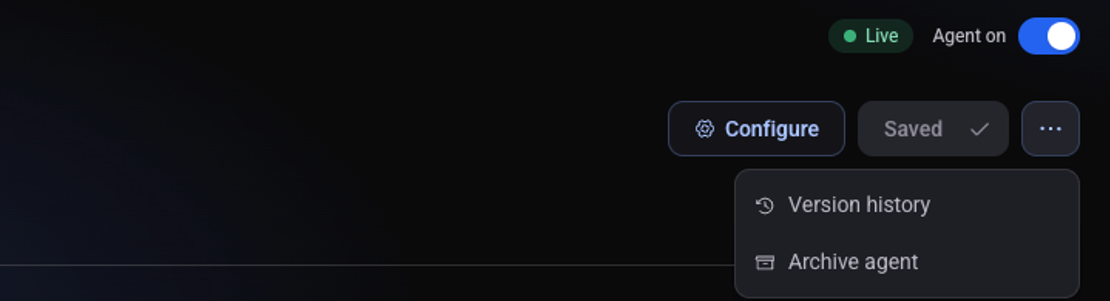
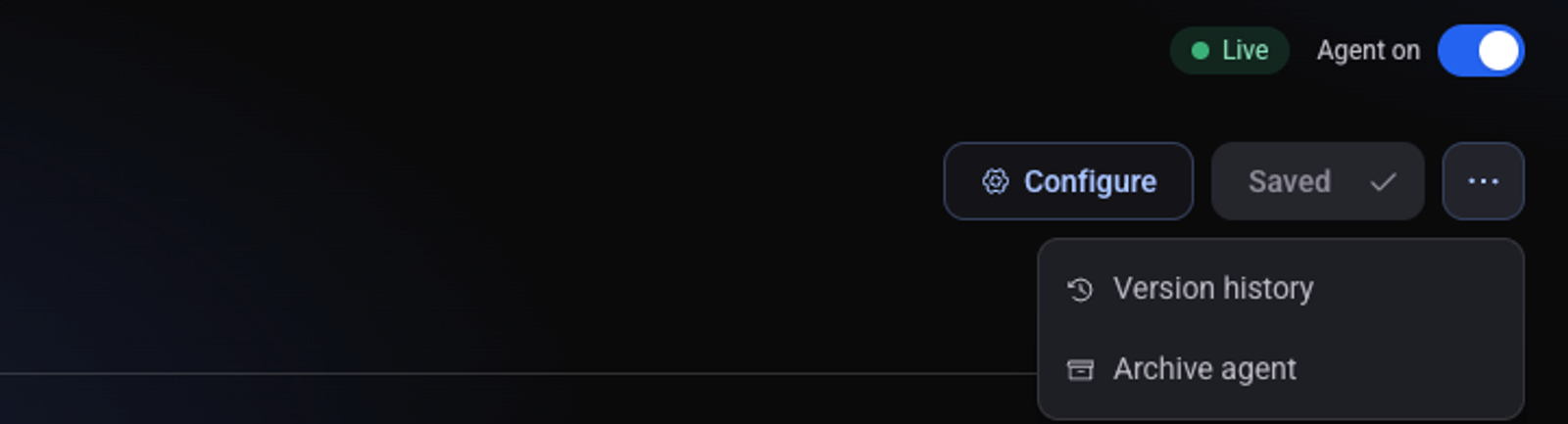
On the agent page click the three dots and choose "Version history"
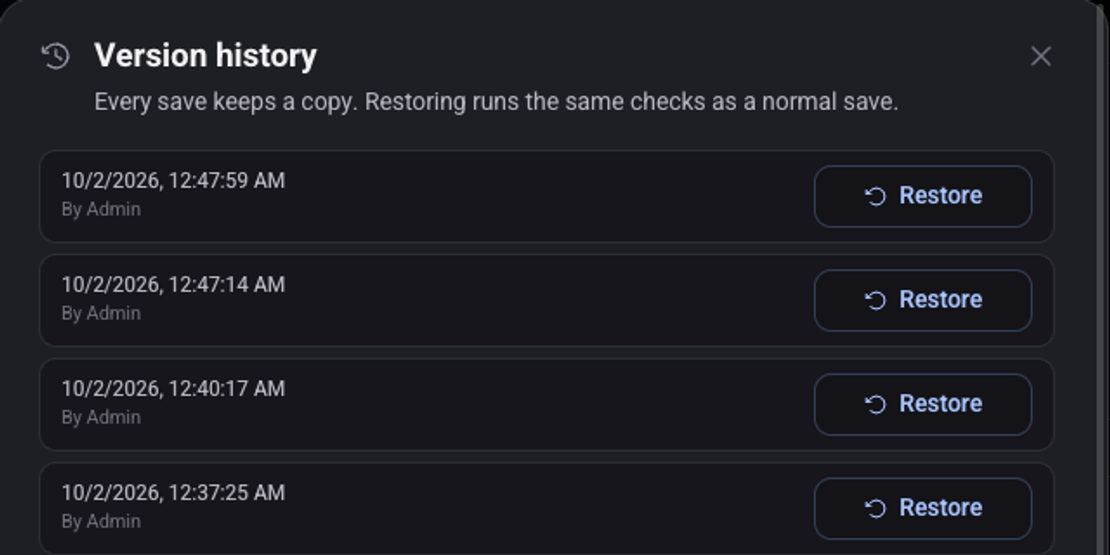
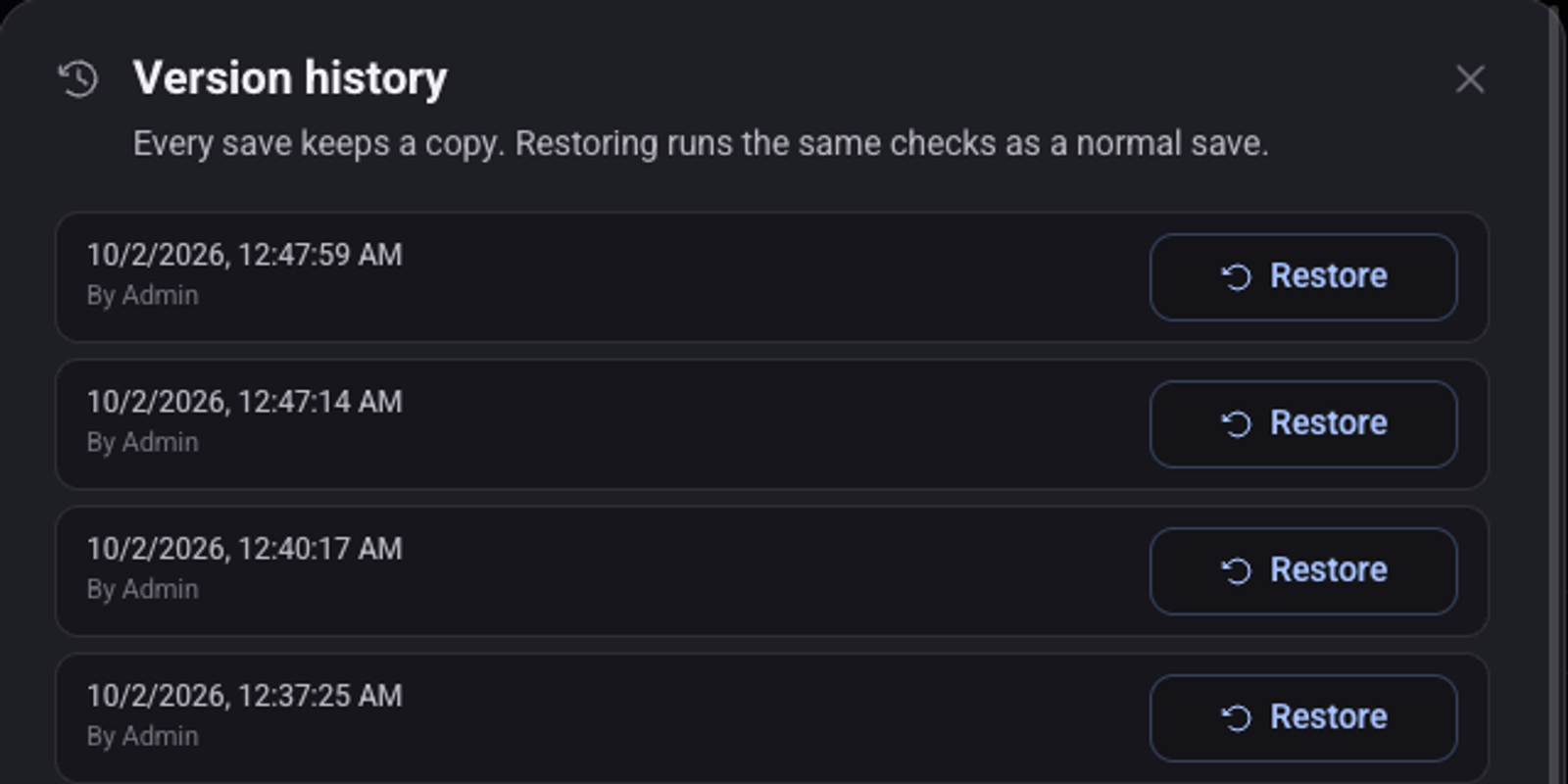
Find the row by its date and time and click "Restore"
Each row holds the settings as they were before the change saved at that time. To undo your last change, pick the top row.
Confirm with "Restore"
The current settings are replaced, and a copy of them is kept as a new row at the top. So you can undo the restore too.
See also: how to make a test call and how to turn an agent off, archive it and restore it.