
How to send the team a call summary on WhatsApp
After every answered call, your team gets the call summary and the customer's phone on WhatsApp.
On the agent page click "Configure", choose "Automations" and click "New automation"
Choose "After a call the customer answered"
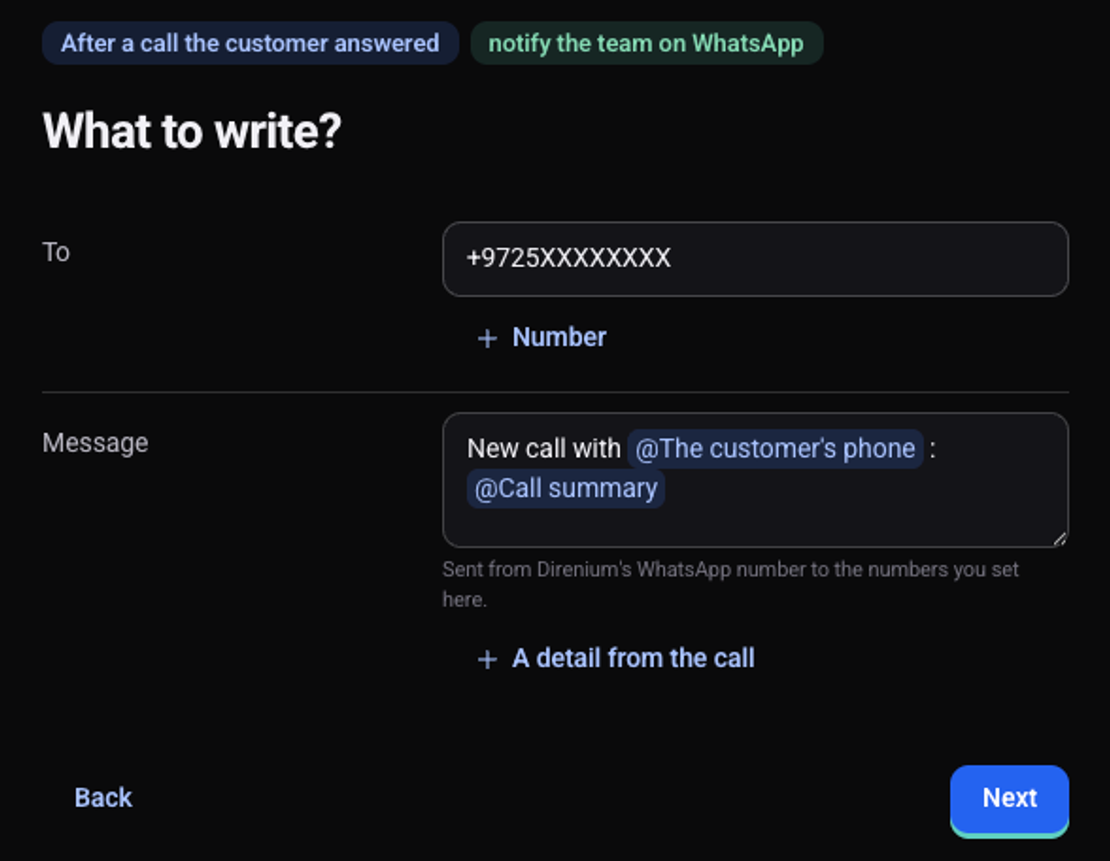
Choose "Send a message", then "People on your team", then "WhatsApp"
Under "To" type the team member's WhatsApp number
"Number" adds another recipient.
Under "Message" type @ and pick "The customer's phone" and "Call summary"
You can add your own text between the details. The message is sent from Direnium's WhatsApp number and arrives as one paragraph.
Click "Next", then "Turn on"
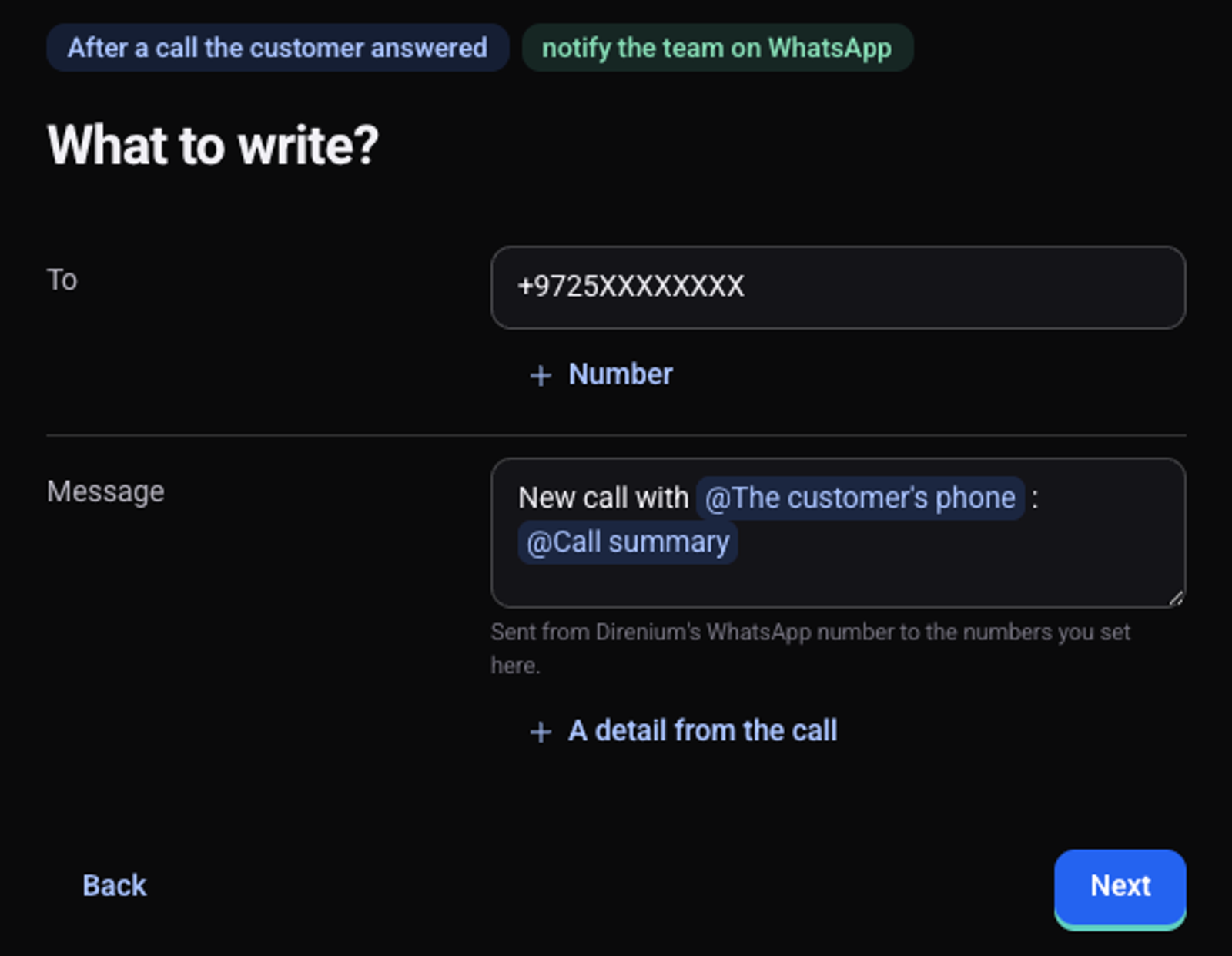
After the next call the message arrives on WhatsApp, and it is listed on the automation's page under "What happened lately".
Which details can the message include?
Typing @ opens the list: the call summary, how the call ended, how long it lasted, a recording link, the full transcript and the variables from the script. "A detail from the call" adds a detail of your own, such as the budget the customer mentioned.
See also: how to create an automation and how to make a test call.