
How to message the customer after a call
After the call the customer gets a message: a confirmation, a link or a reminder.
On the agent page click "Configure", choose "Automations" and click "New automation"
Choose when, for example "After a call the customer answered"
Choose "Send a message", then "The customer"
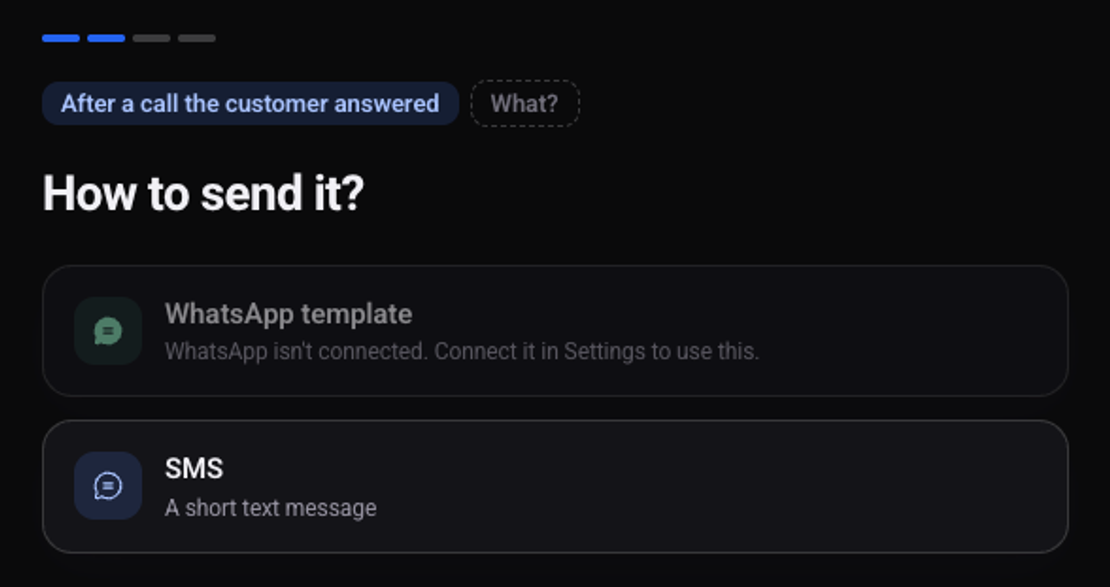
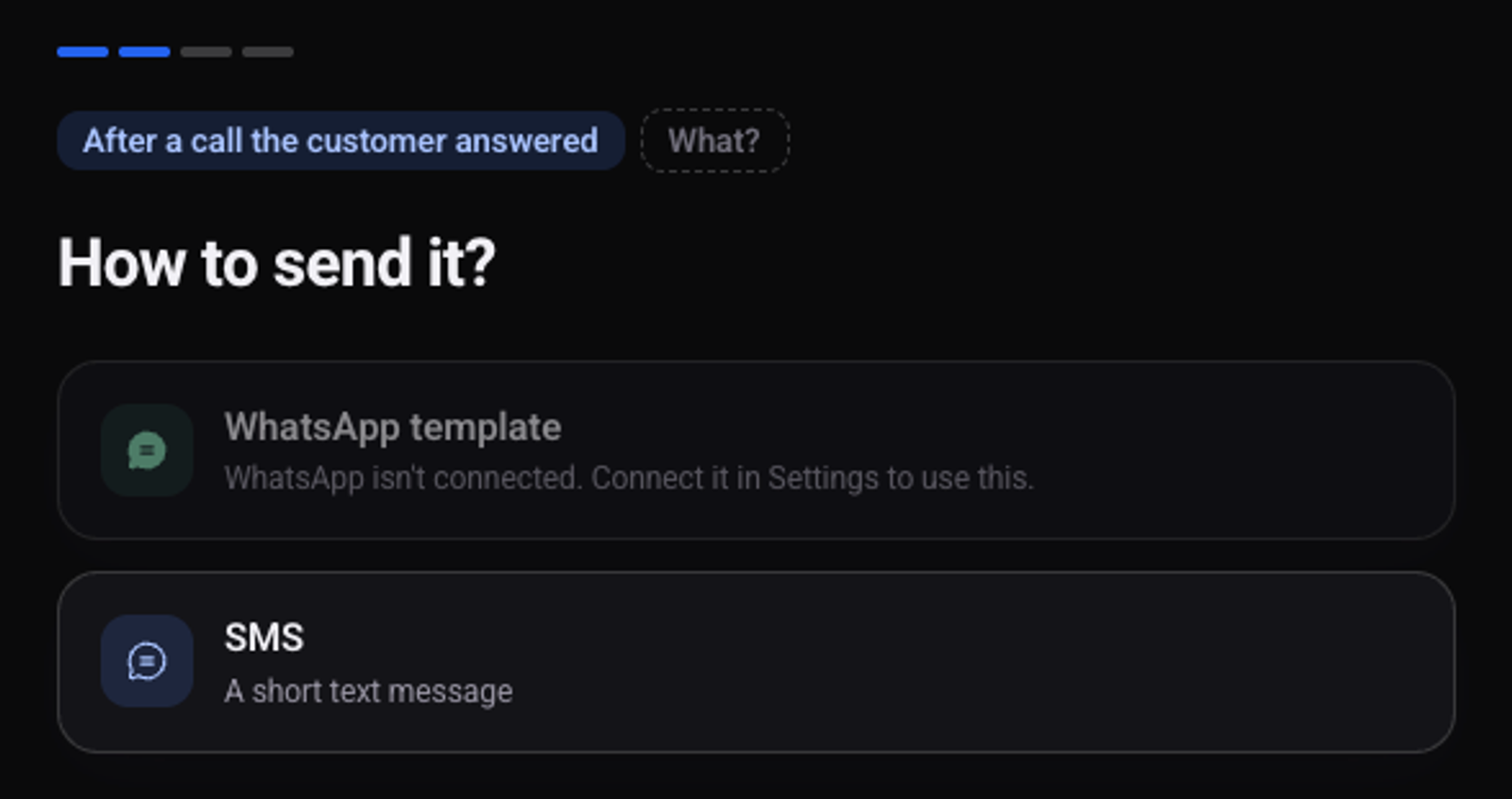
Choose how to send it: "SMS" or "WhatsApp template"
A WhatsApp template is available once WhatsApp is connected.
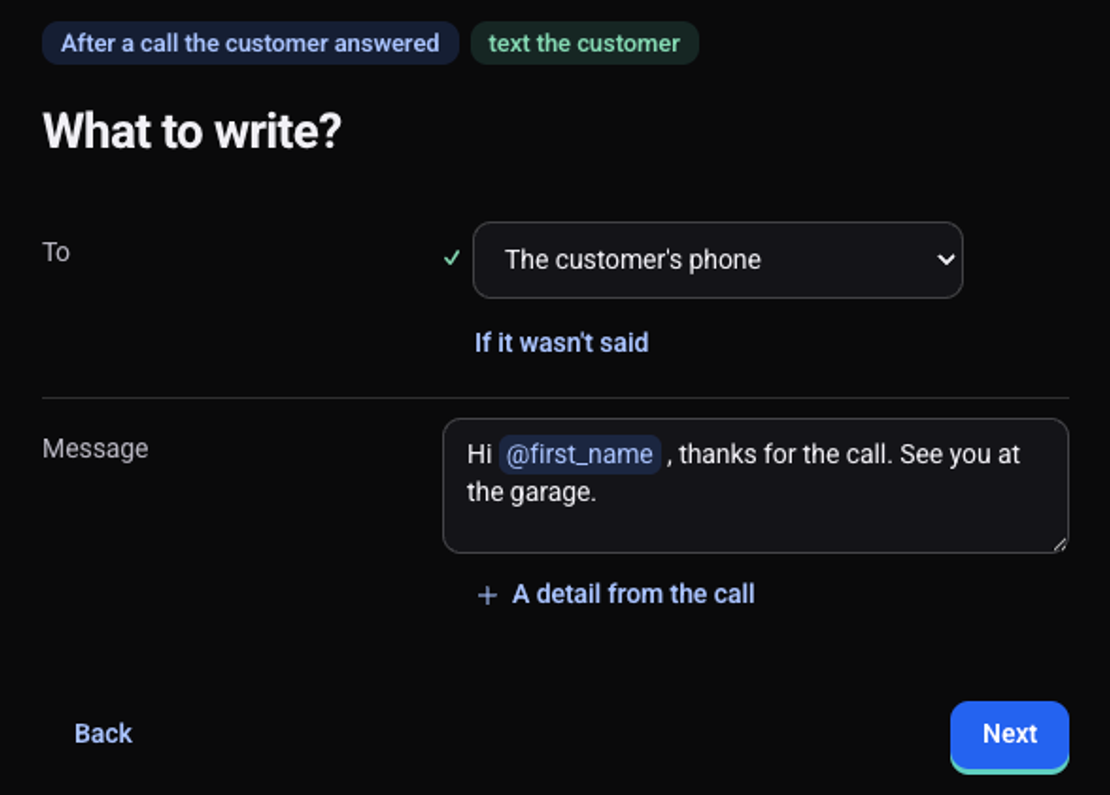
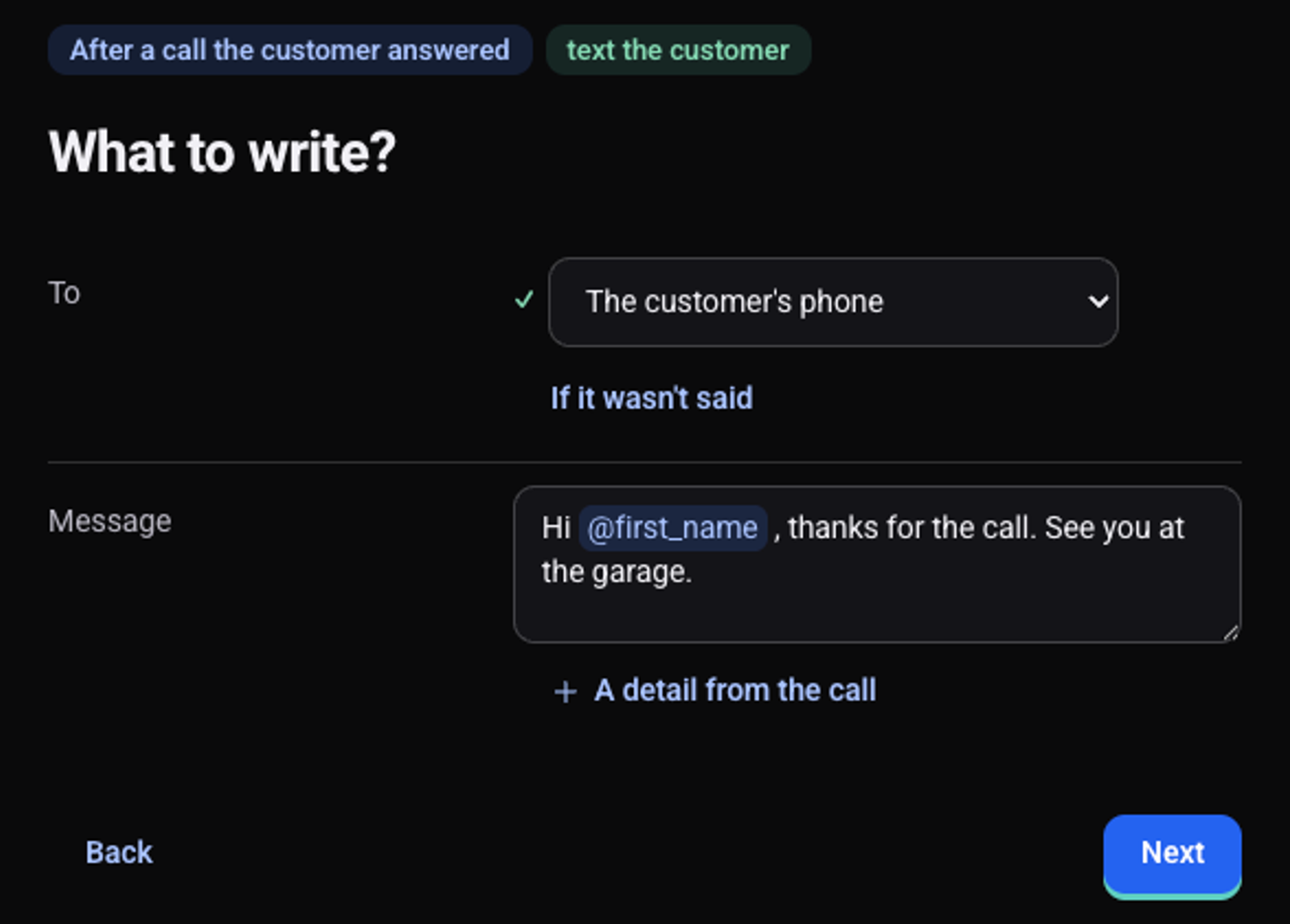
Under "Message" write the text, and type @ to include a detail from the call
The message goes to "The customer's phone".
Click "Next", check the preview and click "Turn on"
After the next call the message goes out, and it is listed on the automation's page under "What happened lately".
See also: how to send the team a call summary on WhatsApp and how to test an automation before turning it on.