
How to receive updates with webhooks and verify the signature
A webhook sends your server a signed POST request the moment something happens, such as a call ending.
Open the user menu, choose "Workspace settings" and then "Webhooks"
Click "Add Endpoint"
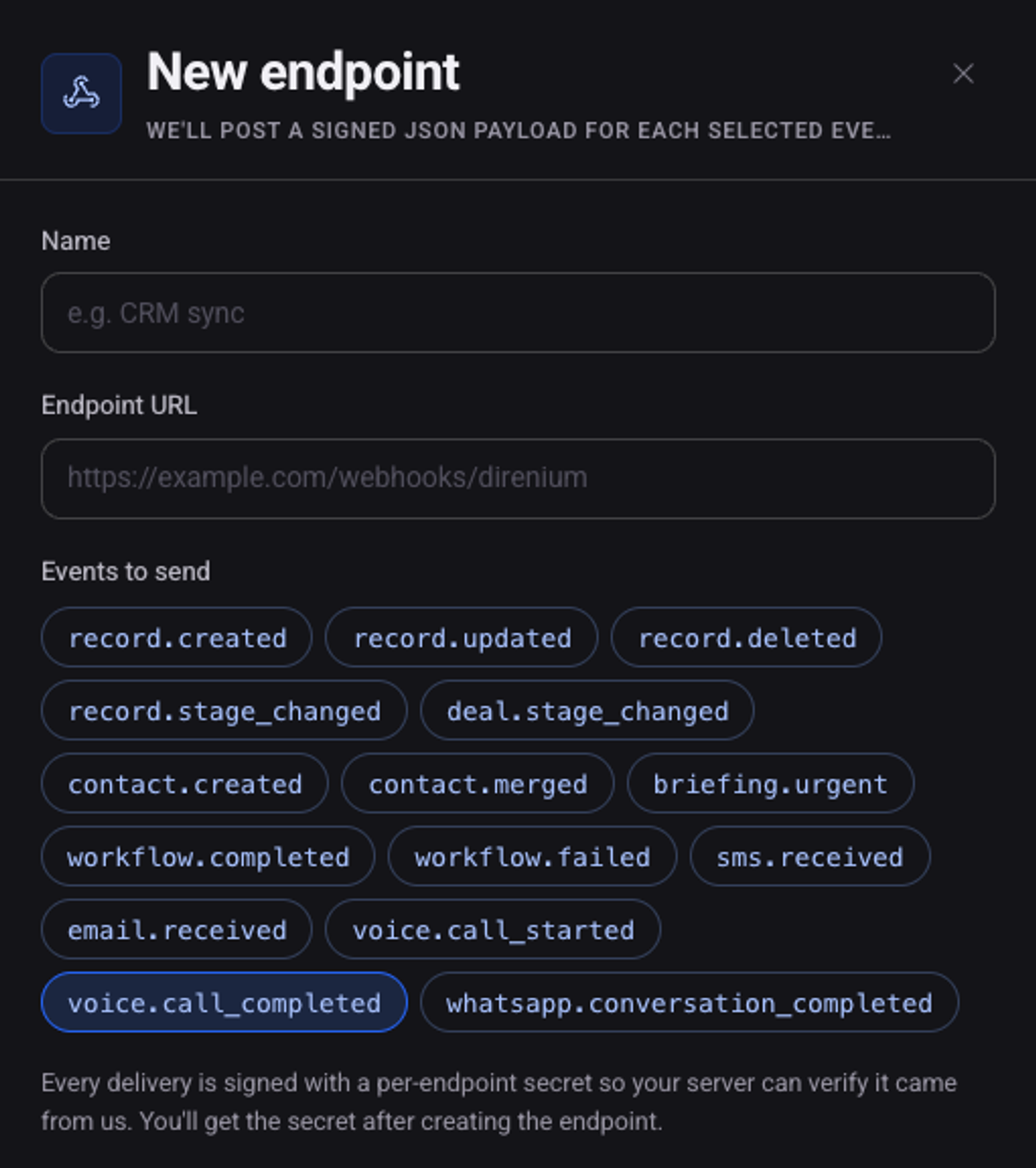
Name it, enter the "Endpoint URL" and choose the "Events to send"
For calls:
voice.call_startedandvoice.call_completed.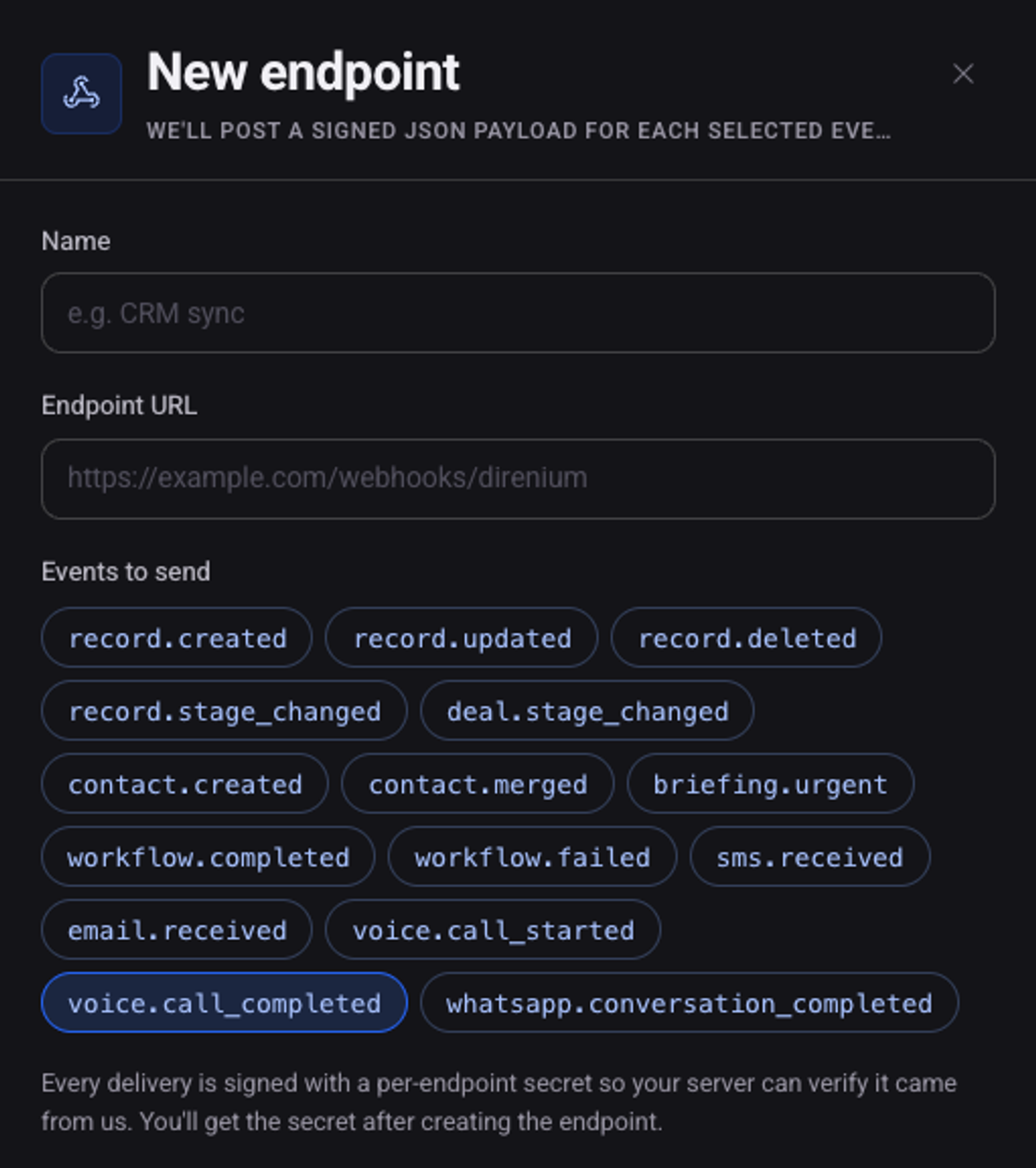
Click "Create endpoint"
In the "Endpoint created" window copy the "Signing secret"
Keep it on your server. You use it to verify that a request came from us.
Click "Send test event" and check that your server received it
What does my server receive?
Example request
POST /webhooks/direnium HTTP/1.1
Content-Type: application/json
X-Direnium-Event: voice.call_completed
X-Direnium-Signature: t=<TIMESTAMP>,v1=<SIGNATURE>

{
  "event": "voice.call_completed",
  "data": {
    "callId": "call_3fa8e9d2",
    "direction": "outbound",
    "status": "completed",
    "durationSeconds": 42,
    "summary": "Customer asked to reschedule to Tuesday.",
    "sentiment": "positive"
  },
  "deliveredAt": "<ISO-TIME>"
}
The envelope is always the same: event, data and deliveredAt. The content of data depends on the event. Return a 2xx status to acknowledge. A failed delivery is retried up to 5 times, with growing delays.
How do I verify the signature?
The X-Direnium-Signature header carries a timestamp t and a signature v1. The signature is the HMAC-SHA256 of the timestamp, a dot, and the request body exactly as received, using the endpoint's signing secret.
Verification in Node.js
const crypto = require('crypto');

function isFromDirenium(rawBody, signatureHeader, secret) {
  const parts = Object.fromEntries(signatureHeader.split(',').map((part) => part.split('=')));
  const expected = crypto.createHmac('sha256', secret).update(`${parts.t}.${rawBody}`).digest('hex');
  return expected.length === parts.v1.length
    && crypto.timingSafeEqual(Buffer.from(expected), Buffer.from(parts.v1));
}
See also: how to create and manage API keys and how to trigger calls through the API.