
How to make a test call
On a test call the agent calls you, and you hear it the way a customer would.
On the agent page click "Configure", then "Test call" at the top of the screen
The button appears when the agent has a phone channel. Unsaved changes are saved before dialing.
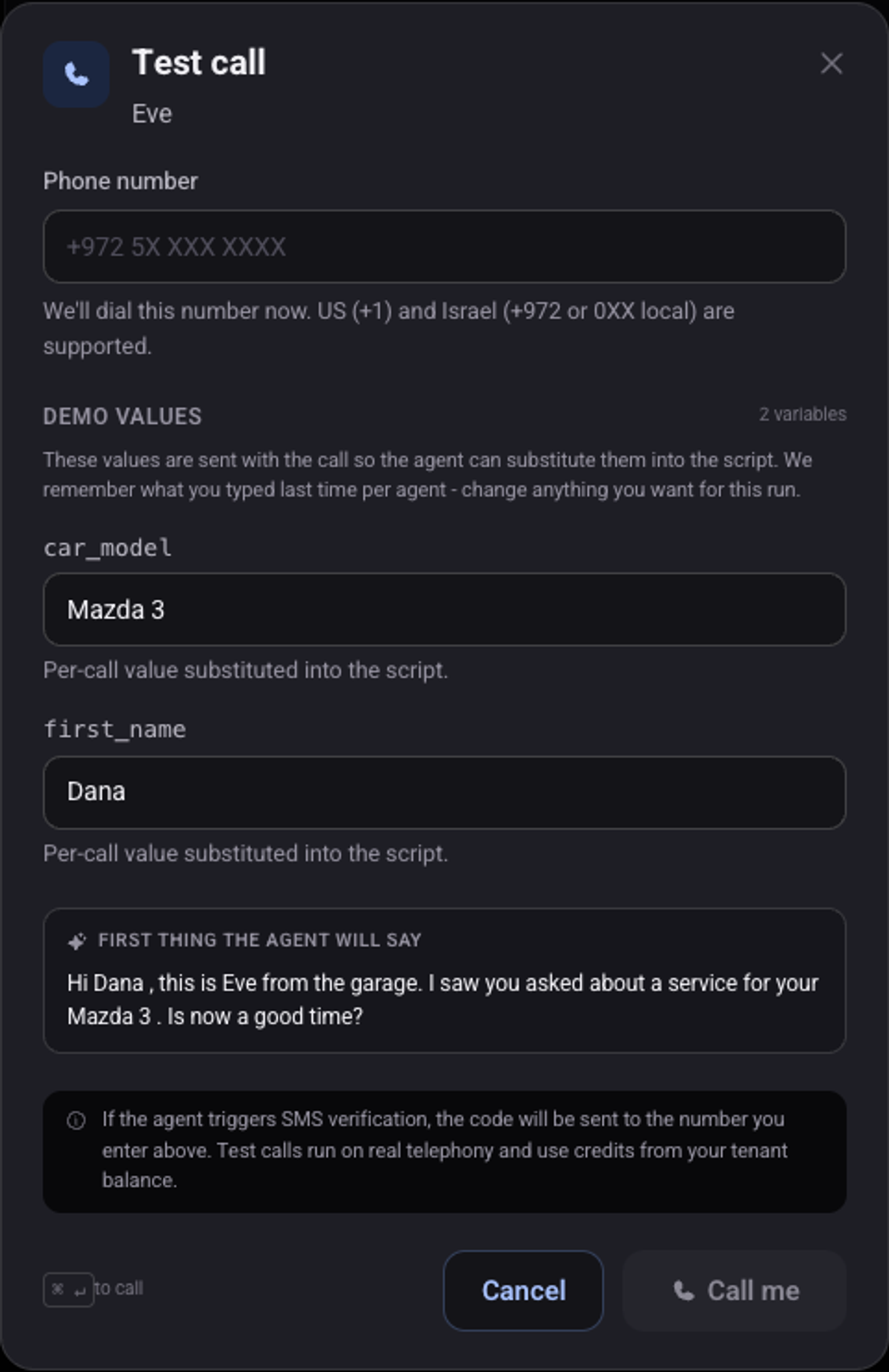
Enter your phone number
If the script has variables, fill them in under "Demo values"
Under "First thing the agent will say" you see the greeting with the values.
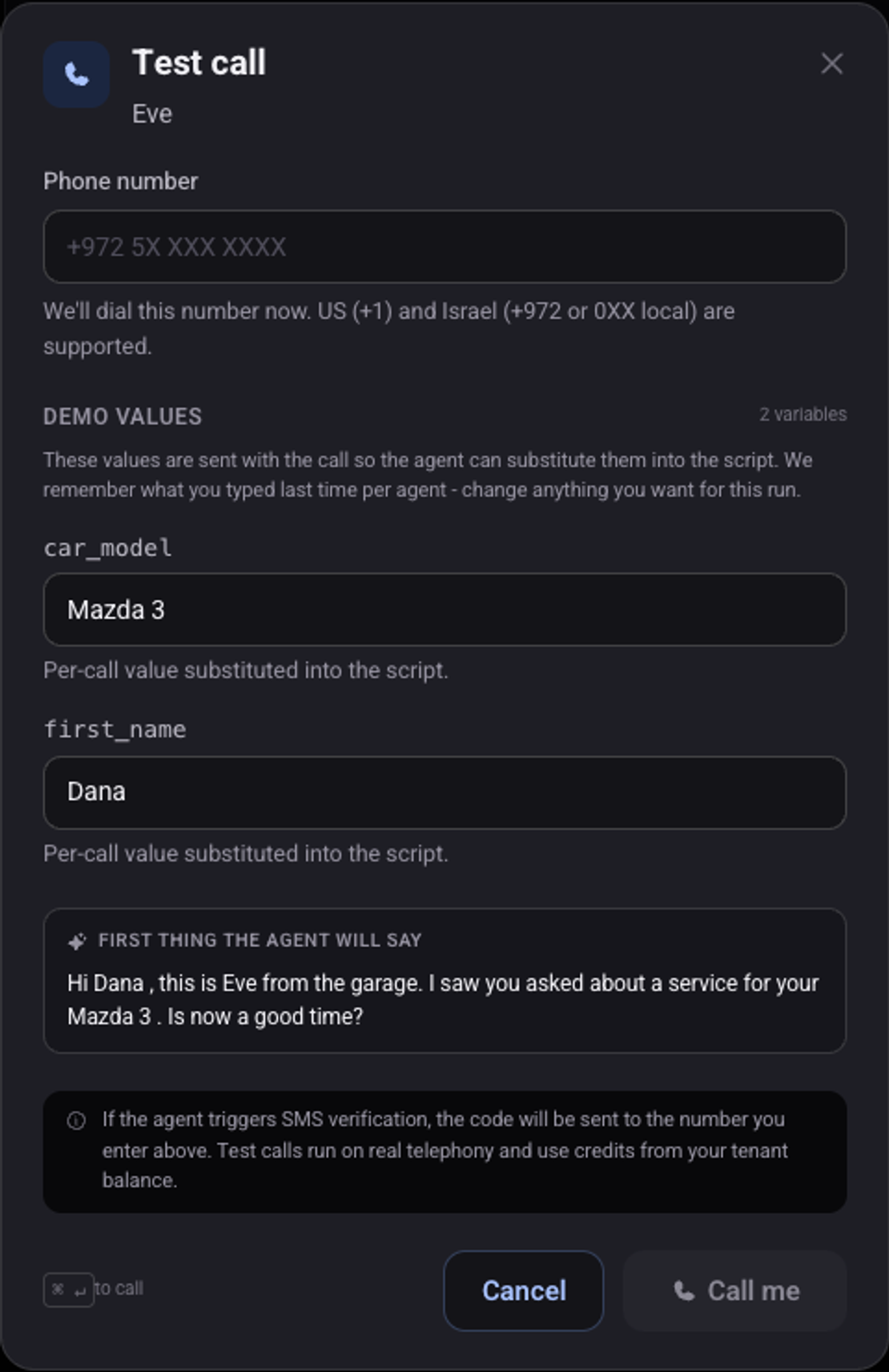
Click "Call me" and pick up
After the call open "Call history" and tick "Include test calls"
The call is listed there with its recording, transcript and summary.
Do automations run on a test call?
No. To run them, turn on "Also do this on my test calls" at the bottom of "Automations". From then on the messages and updates really go out.
See also: how to write the script and the greeting, how to use the customer's name in a call, minutes balance.