How to go live: from sign-up to your first call
It takes a few minutes to get from sign-up to a first call with your agent. After activation the agent gets a phone number and starts working.
Sign up with your email, business name and mobile number
The mobile number is verified with an SMS code. The agent calls it for the trial call.
Answer the setup questions
What the business does, whether the agent answers calls or makes them, and what it should achieve on a call. If the business has a website, the agent learns from it.
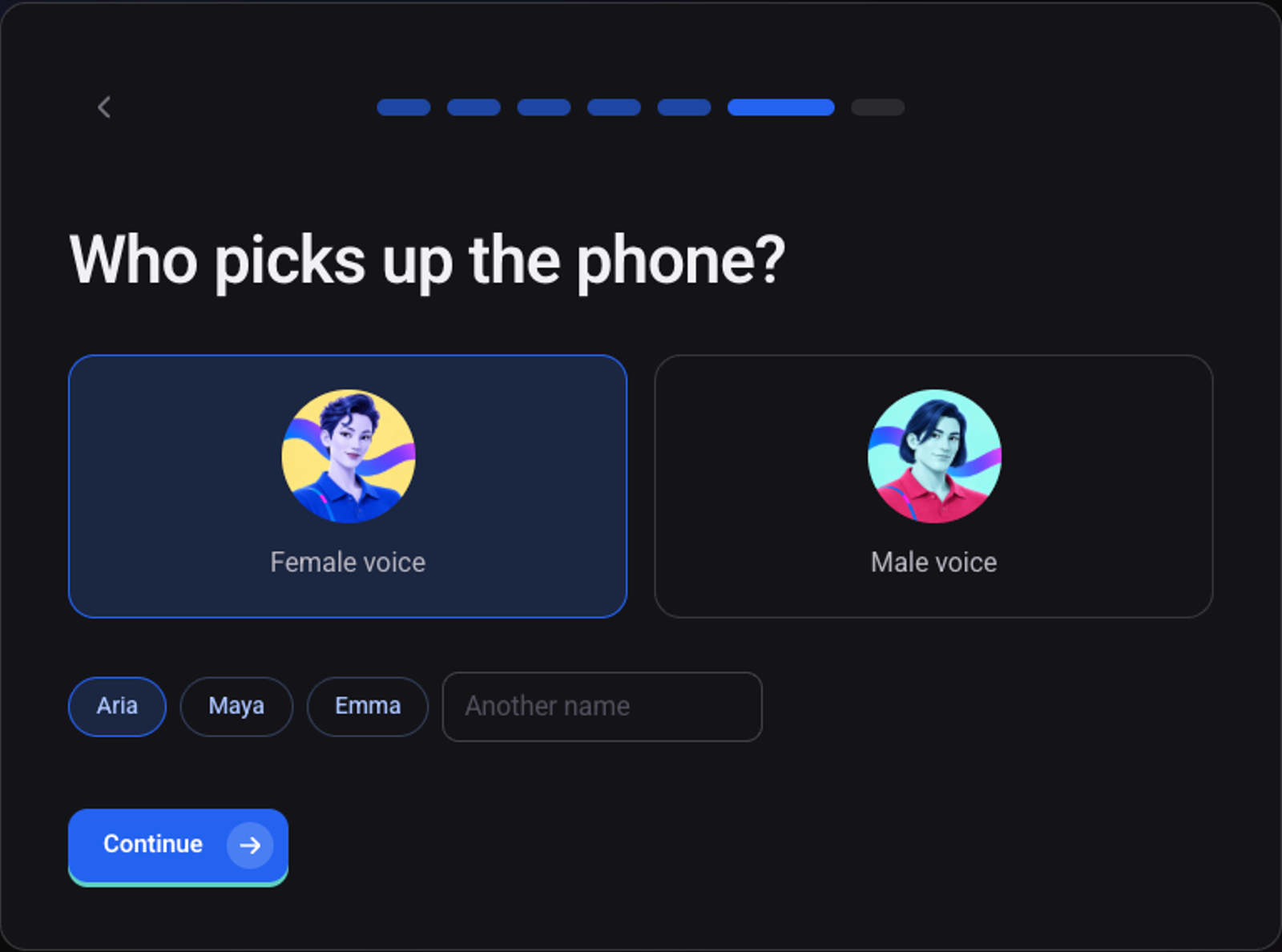
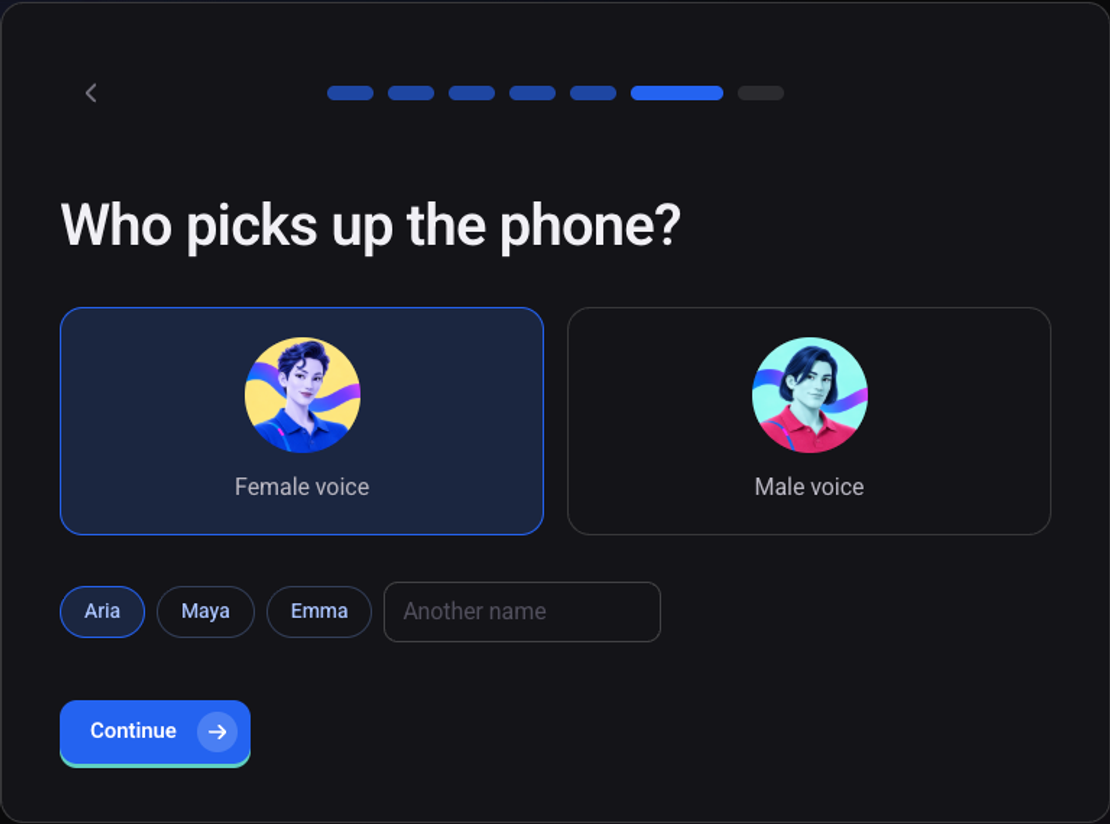
Pick a voice and a name for the agent
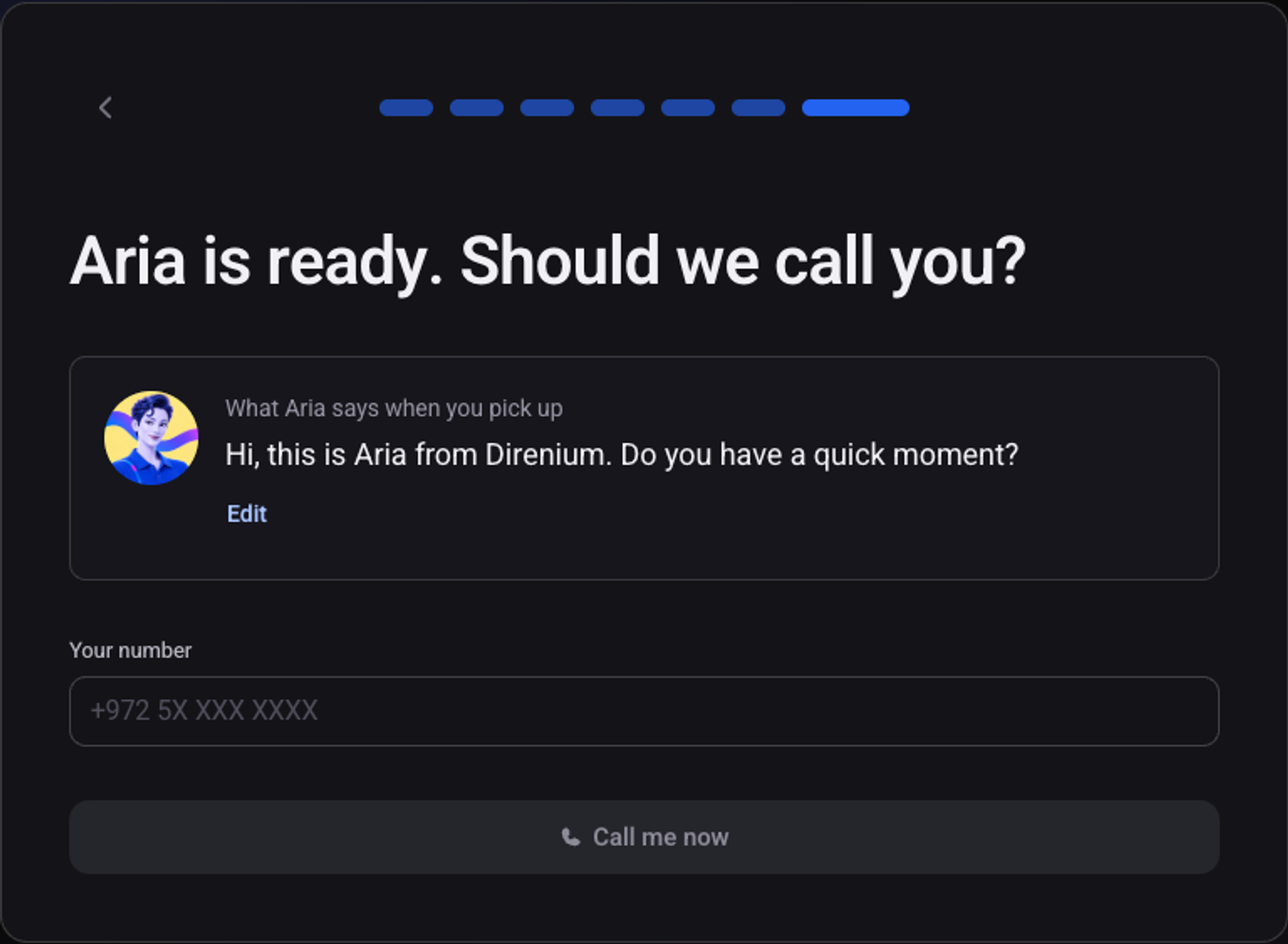
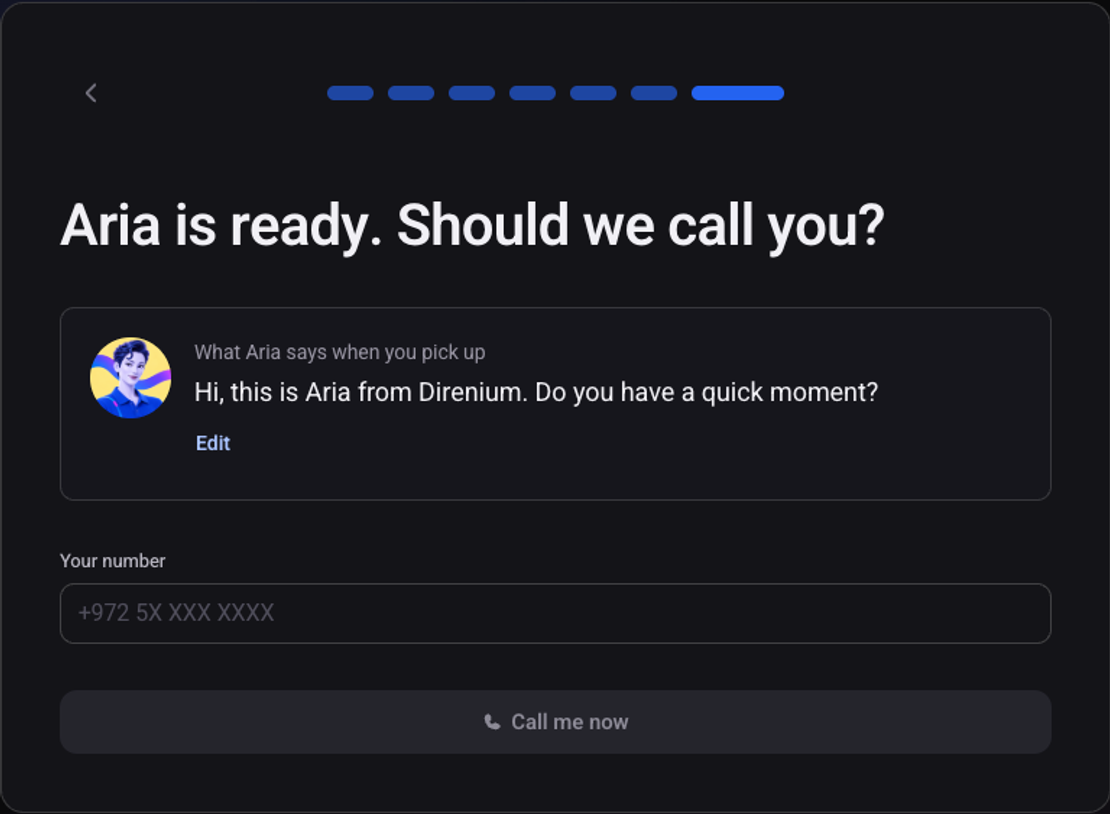
Click "Call me now" and talk to the agent
The agent is built and calls your mobile. "Edit" changes the greeting before the call.
Happy with it? Click the activate button and complete the payment
Details in how to activate your account.
The agent gets a phone number and goes live
The number appears at the top of the agent page.