
How to test an automation before turning it on
Before an automation runs on customers, you can see what it will do without sending anything, and then run it once for real.
How do I see what it will do without sending?
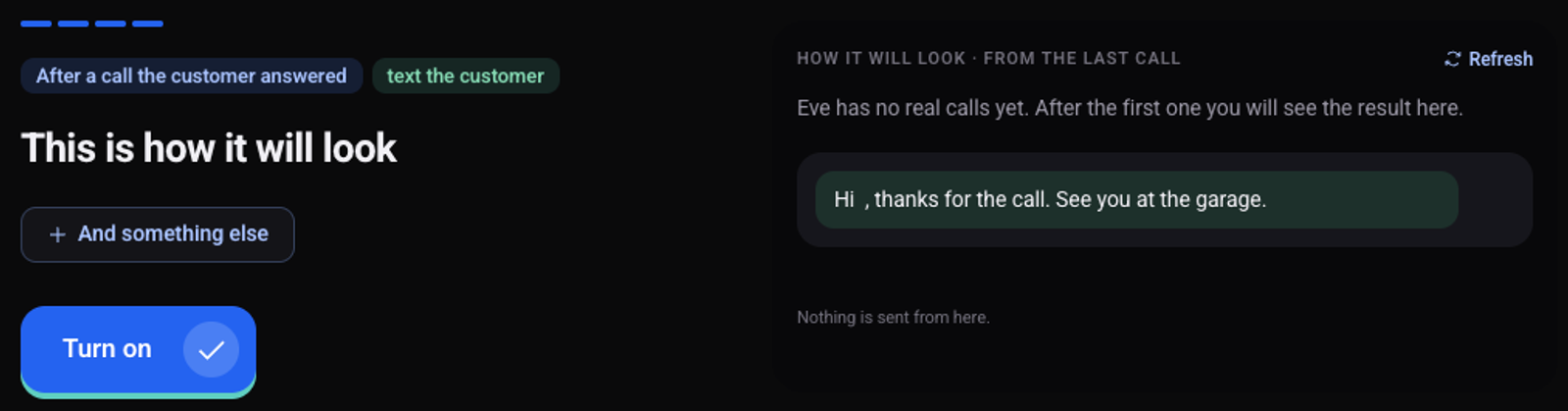
The last step of creating an automation, "This is how it will look", shows the result based on the agent's last call. Nothing is sent from the preview. "Refresh" reloads it.
How do I run it once for real?
Open the automation from the list under "Automations"
Click the three dots and choose "Try on the last real call"
Confirm
Messages go out and connected systems are updated for real.
How do I test it on a test call?
Turn on "Also do this on my test calls" at the bottom of "Automations", and make a test call. Turn the switch off afterwards, so later tests do not send messages.
See also: how to create an automation.