
How to set who, when and how many times the agent calls
Every dial list has three rows: "Who", "When" and "How much". Clicking a row opens its options.
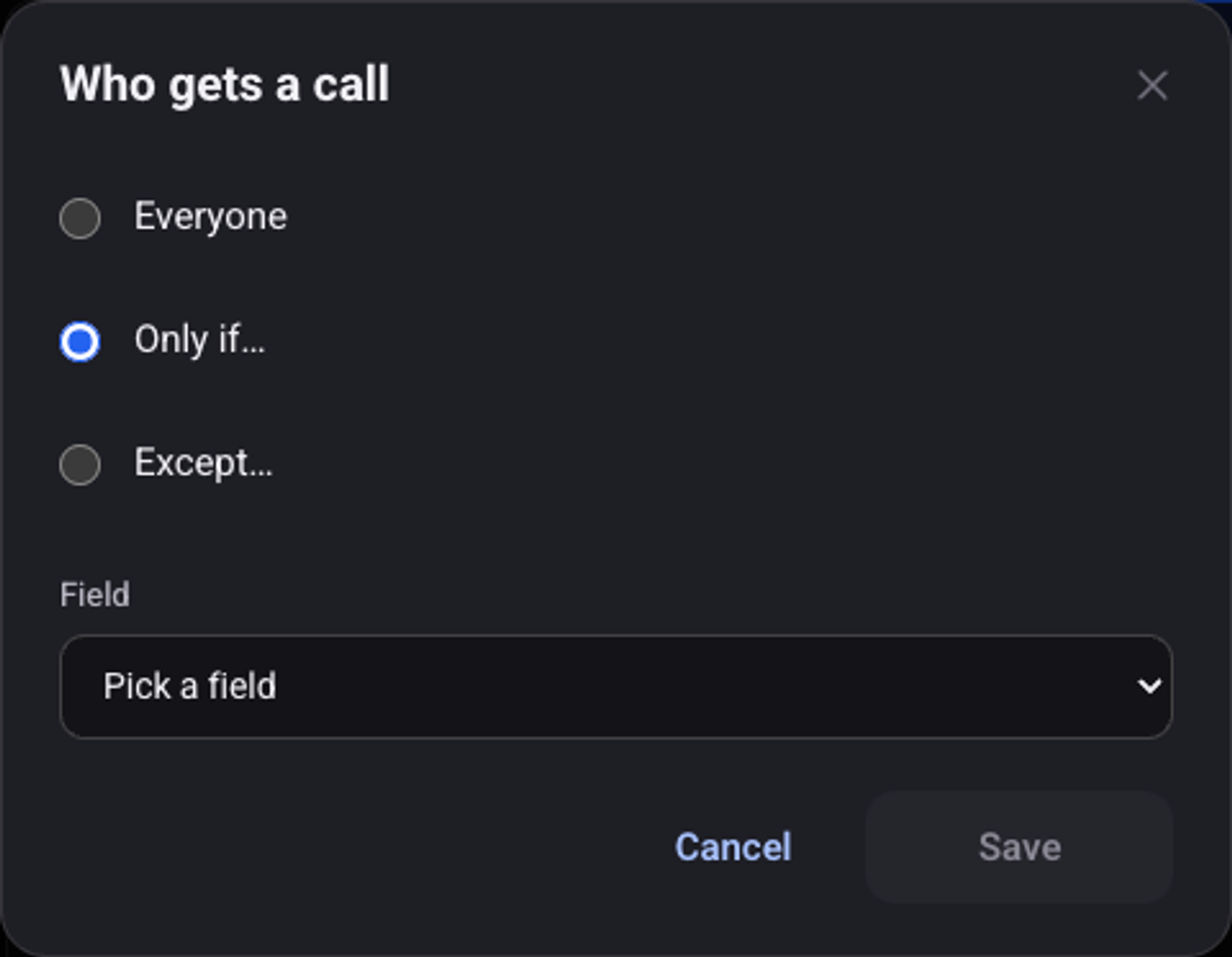
Who gets a call?
"Everyone" calls every lead. "Only if…" and "Except…" add a condition on a field that arrived with the lead, or on a check against a connected system.
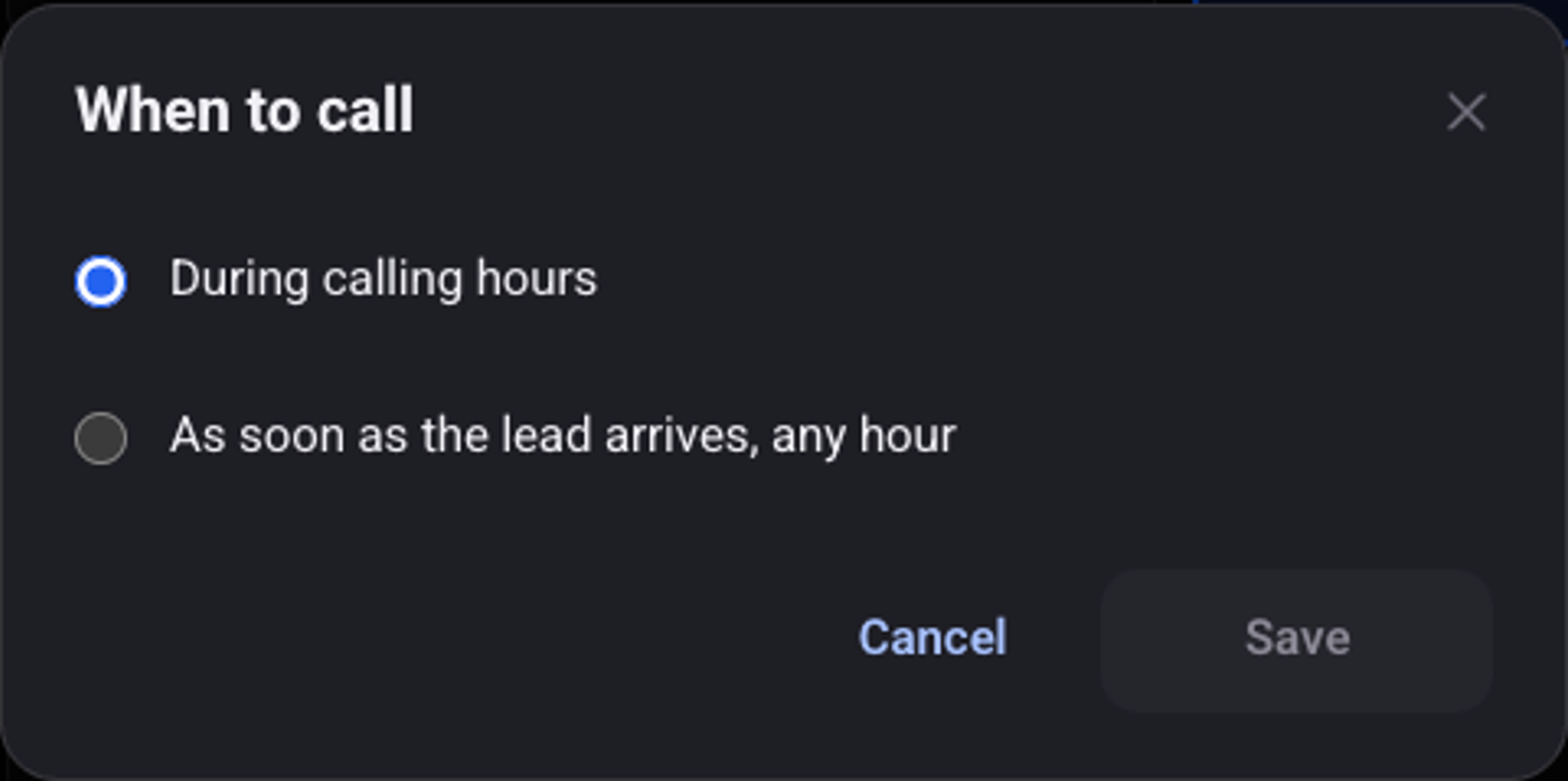
When does the agent call?
"During calling hours" waits for the agent's hours. "As soon as the lead arrives, any hour" calls right away, even at night.
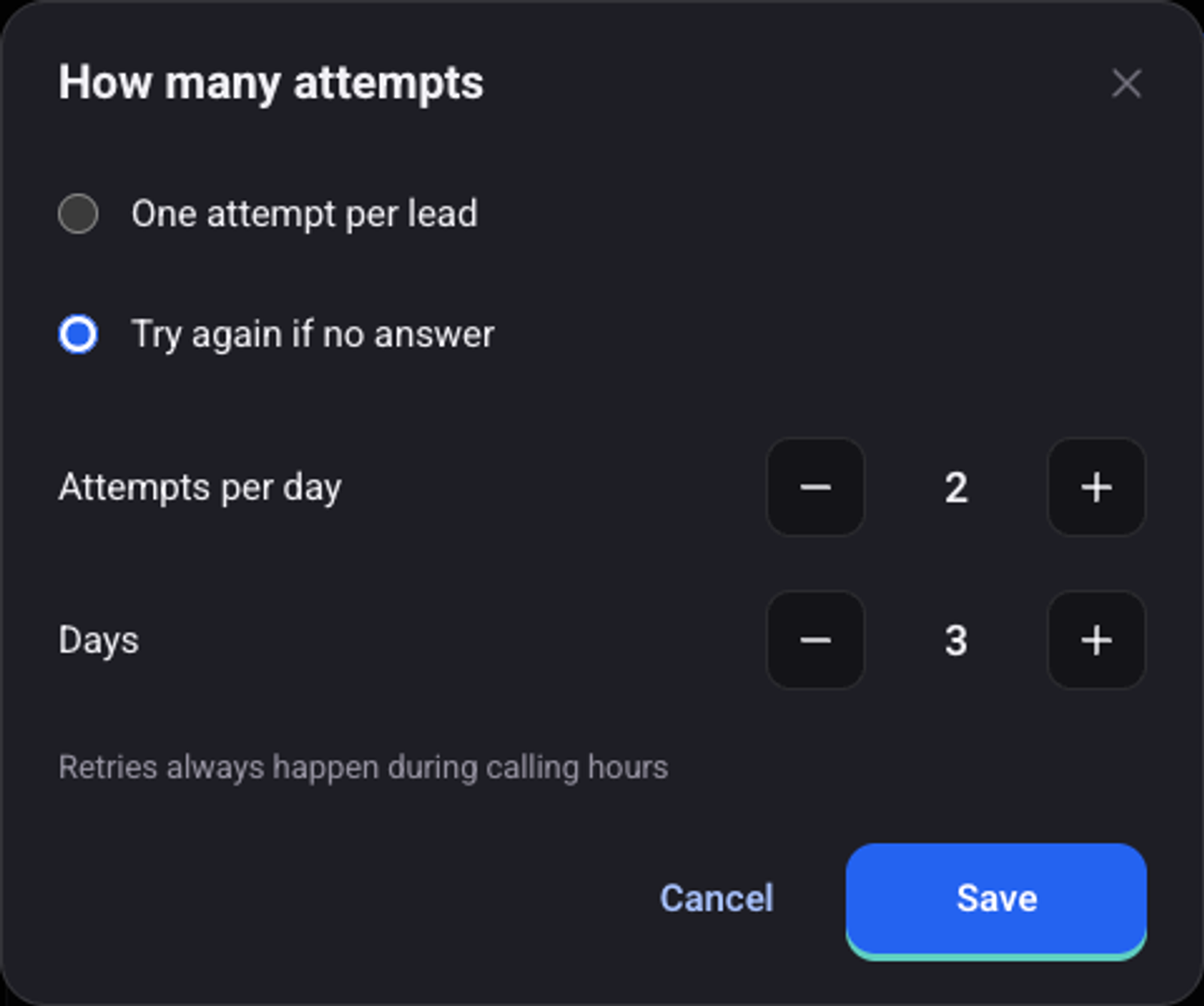
How many attempts?
"One attempt per lead", or "Try again if no answer". With the second option you set "Attempts per day" and "Days". Retries always happen during calling hours.
See also: why a lead was not called and how to trigger calls through the API.