
How to connect a CRM or another system
Once a system is connected, the agent can read leads from it and update it after every call.
Open the user menu, choose "Workspace settings" and then "Integrations"
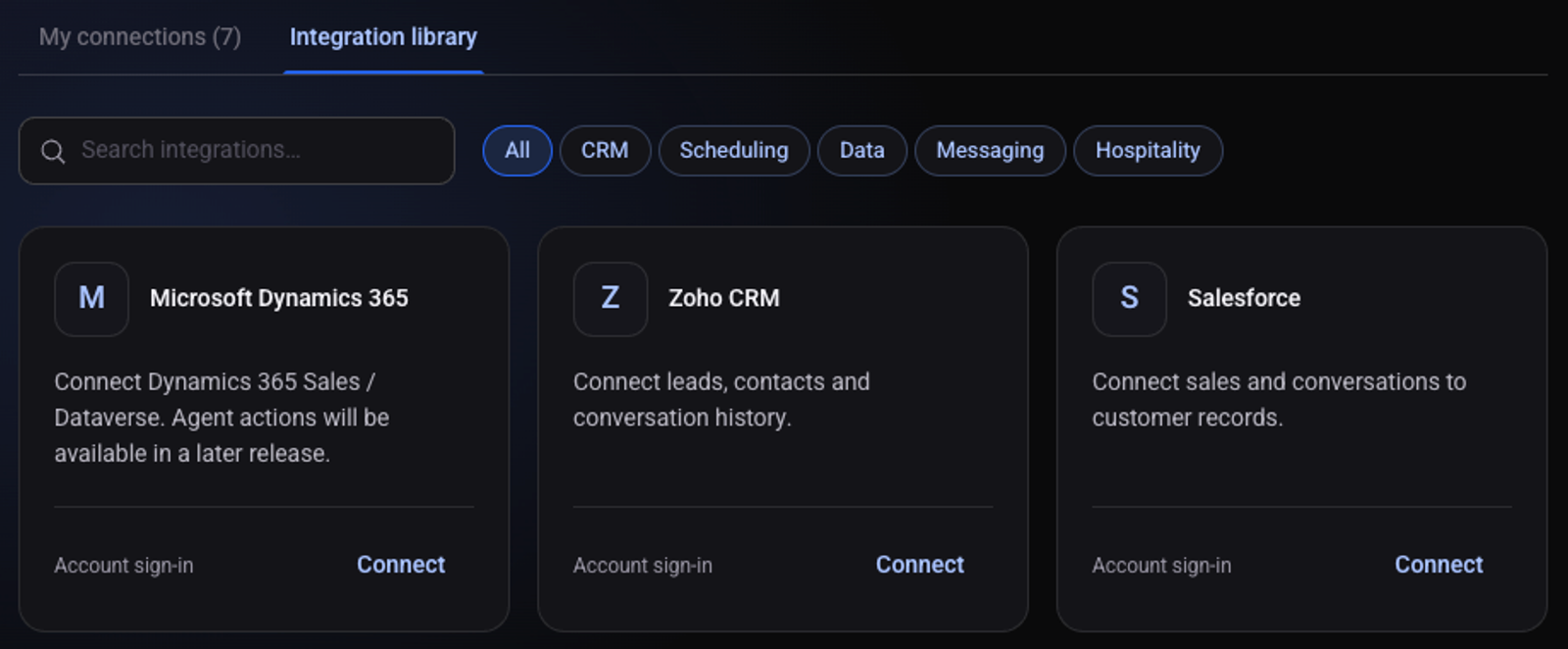
Go to the "Integration library" tab and find your system
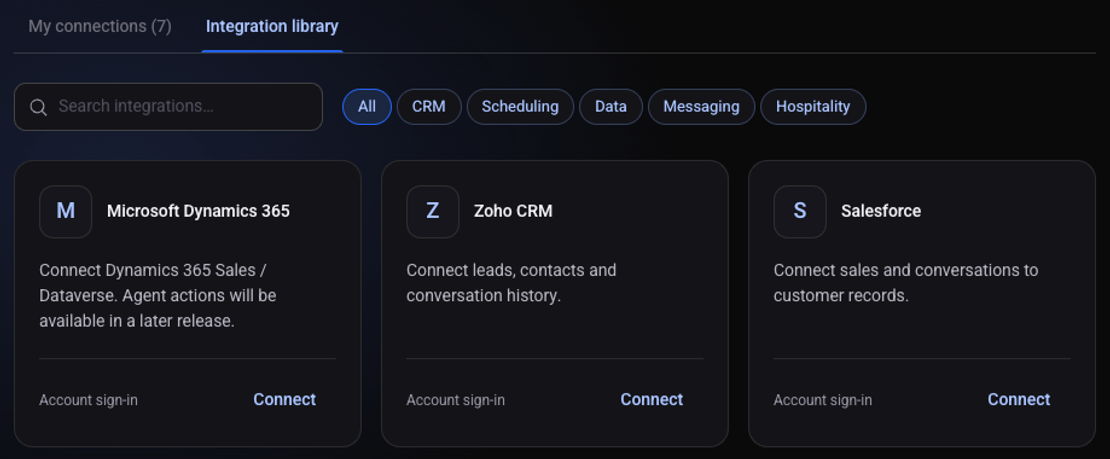
Click "Connect" on the system's card
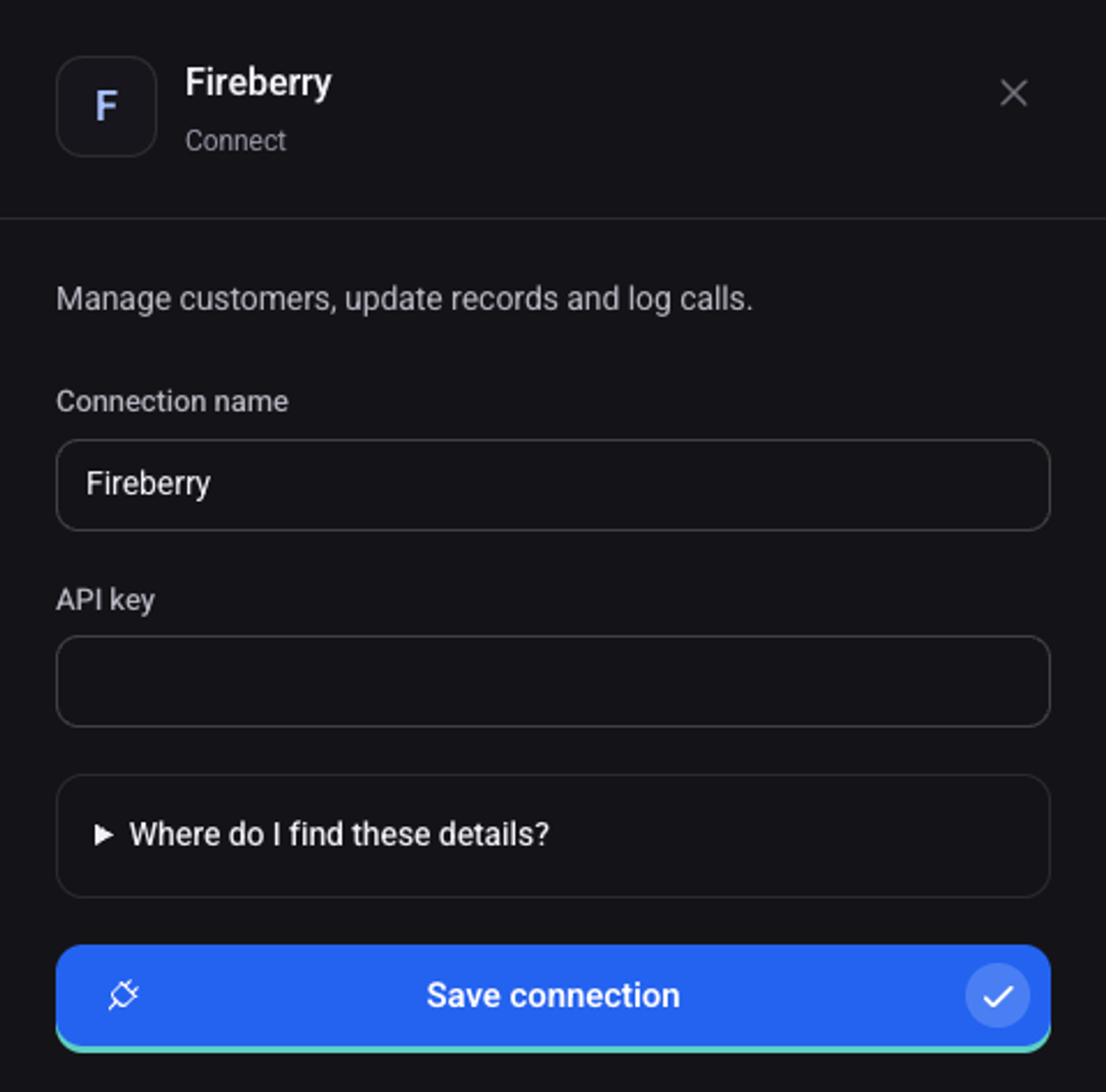
Fill in the access details
"Where do I find these details?" explains where they are in your system. Systems marked "Account sign-in" connect with a normal sign-in, without a key.
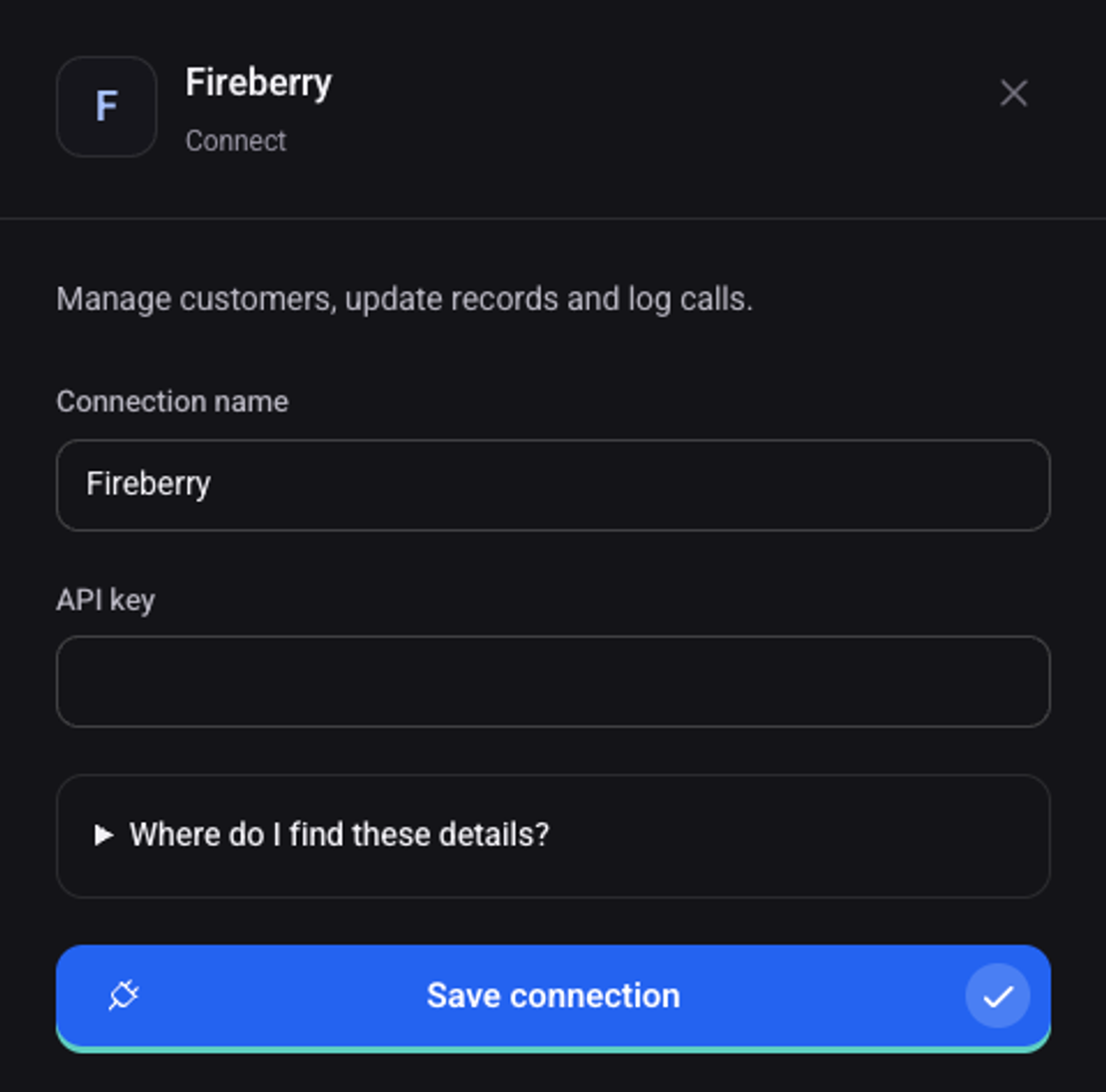
Click "Save connection"
The connection appears on the "My connections" tab with the status "Connected".
What can I do with the connection?
My system is not in the library
When creating an automation choose "Connect another system" and write the system's name or a link to its documentation.