
How the agent collects details from the customer
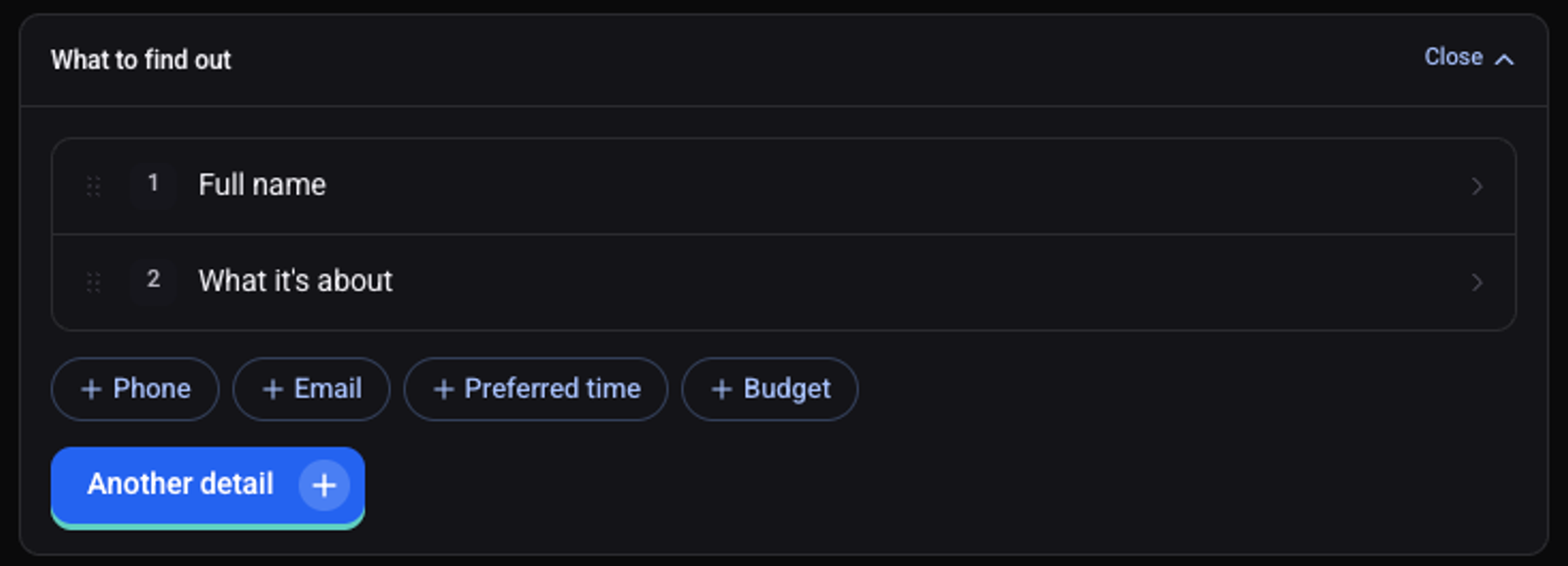
The list of details tells the agent what to find out on every call. It asks in the order of the list.
On the agent page click "Configure" and choose "Behavior"
Click "Edit" on the "What to find out" card
Click a ready-made detail, such as "Full name" or "What it's about"
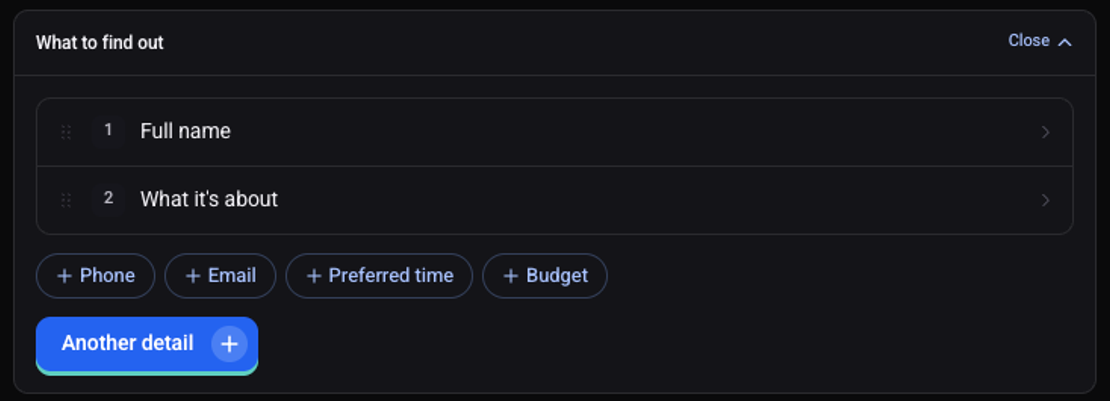
For a detail of your own click "Another detail" and name it
Click a detail in the list, then "More", to choose its "Type"
The types: Text, Email, Phone, Number, Yes / no, One of a list and Date.
Drag details to reorder them, and click "Save changes"
What do I do with the collected details?
Use them in a message to the customer or the team, or in a CRM update. See how to create an automation.