
How to create an automation
An automation is something the agent does on its own, as a call starts or after it: update the CRM, send a message or call again.
On the agent page click "Configure" and choose "Automations"
Click "New automation"
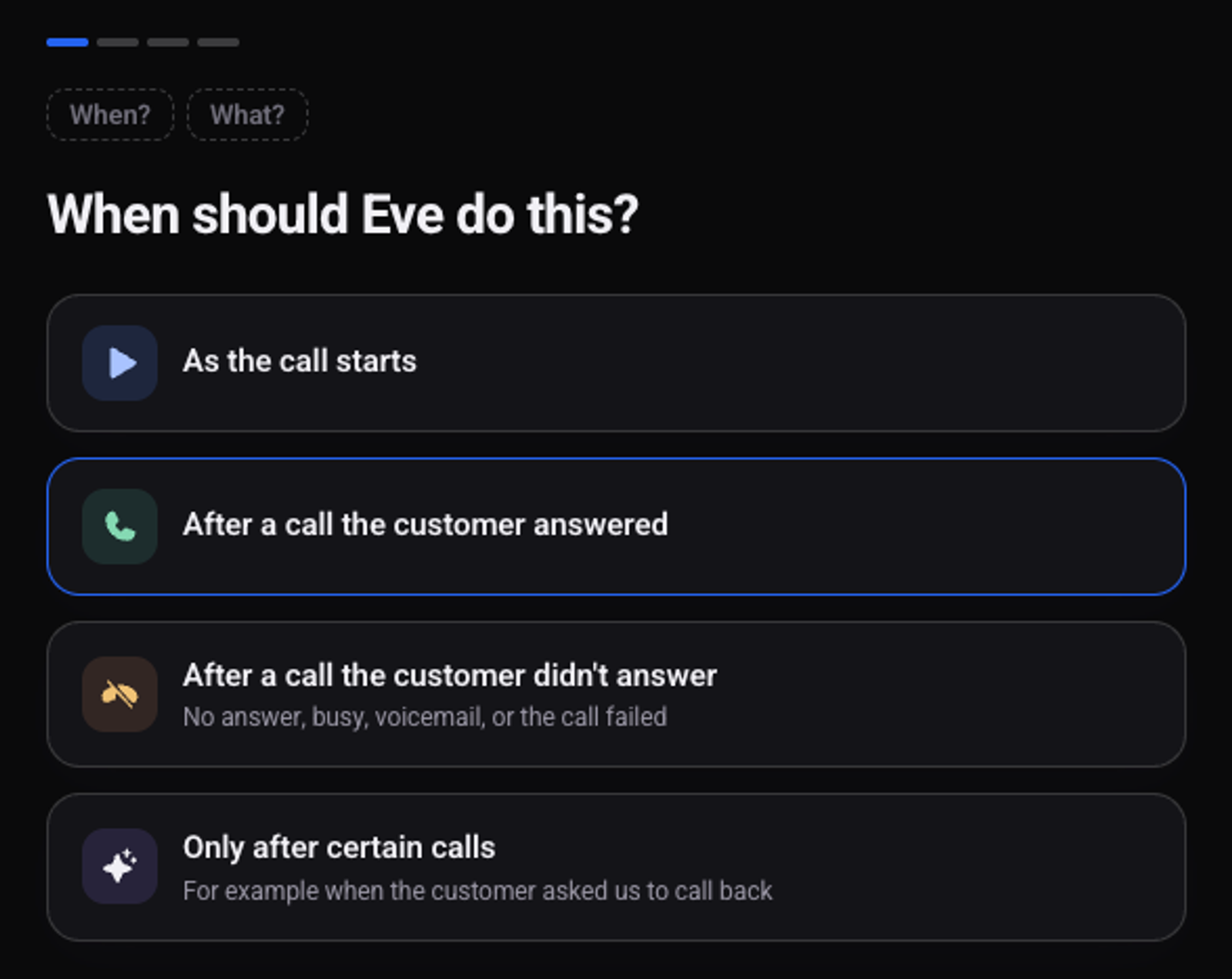
Choose when the agent acts
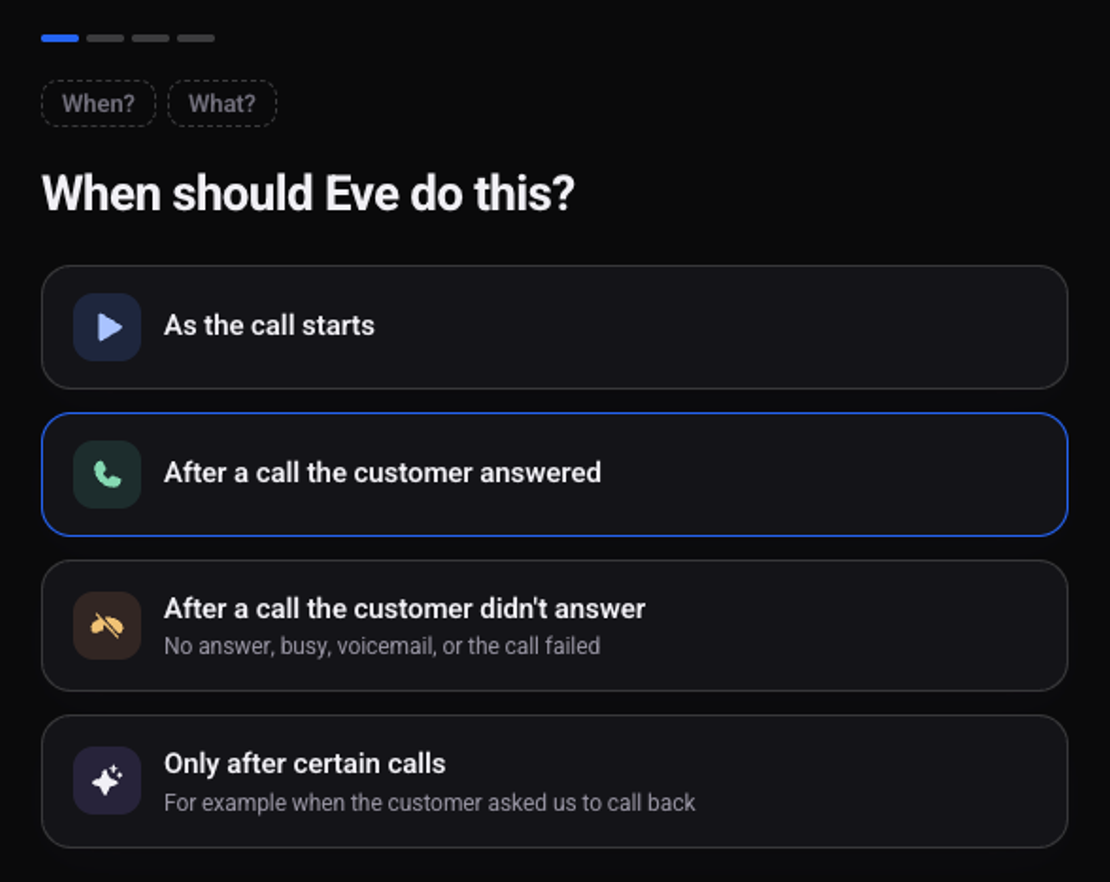
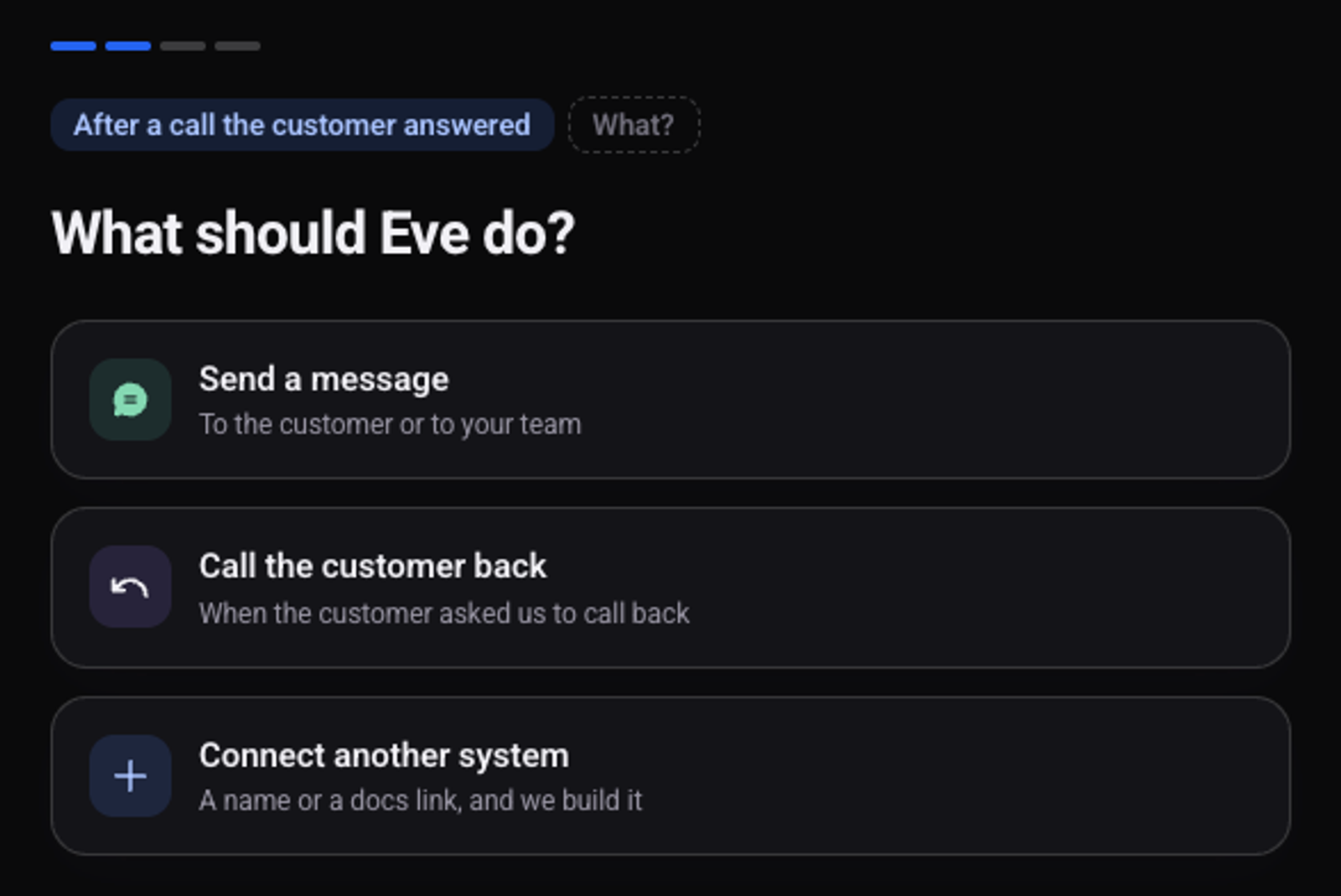
Choose what the agent does
Systems you have connected appear at the top of the list.
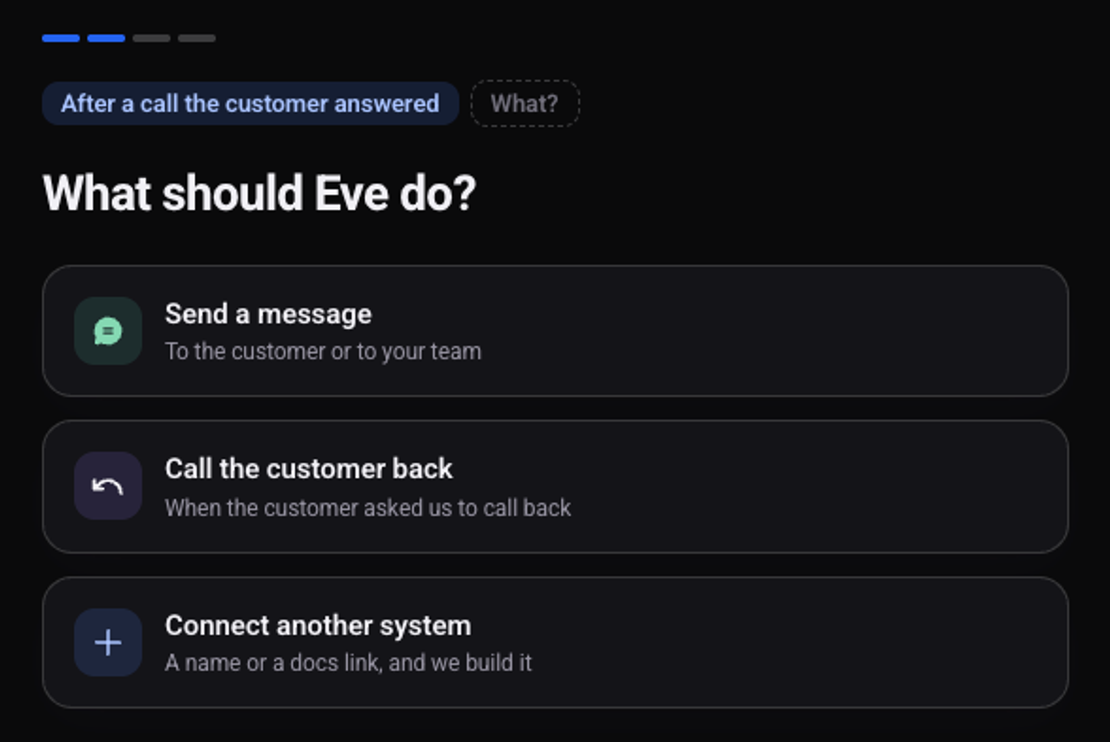
Fill in the details of the action and click "Next"
On the "This is how it will look" screen check the preview and click "Turn on"
Nothing is sent from the preview. The automation appears in the list under "Automations", with a switch to turn it on and off.
Which calls does the automation run on?
On the automation's page, under "Which calls", choose "All calls", "When people call us" or only the calls the agent makes.
How do I test an automation?
Test calls do not run automations until you turn on "Also do this on my test calls" at the bottom of the list. See how to make a test call.
A full example: how to send the team a call summary on WhatsApp. To update a CRM, first connect the system.