
How to check your minutes balance and buy more minutes
Every call a voice agent makes or answers uses minutes from your balance. Calls are billed by the second, so you only pay for actual talk time.
Open the user menu and choose "Billing"
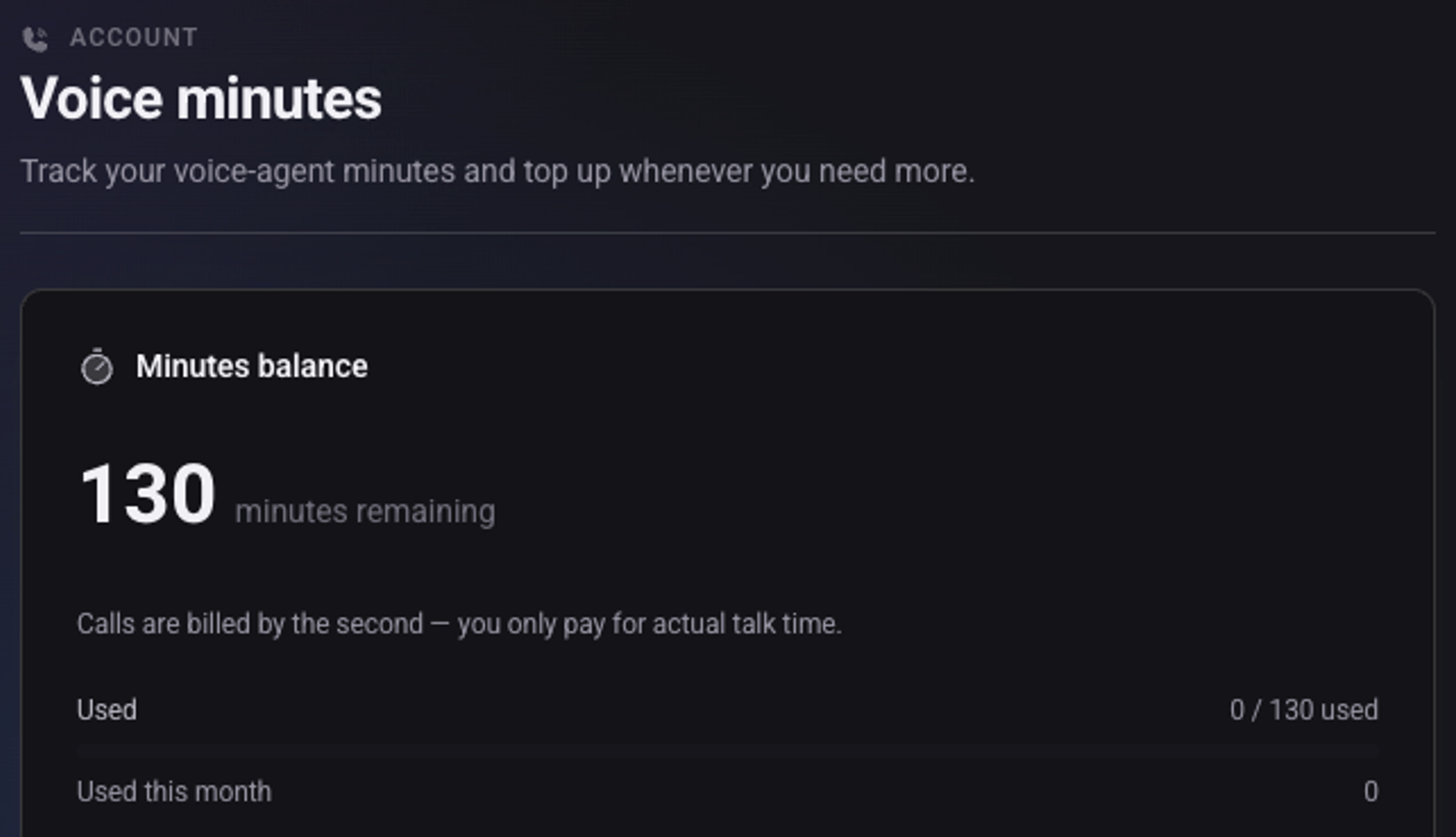
The "Minutes balance" card shows how many minutes are left and how many were used this month
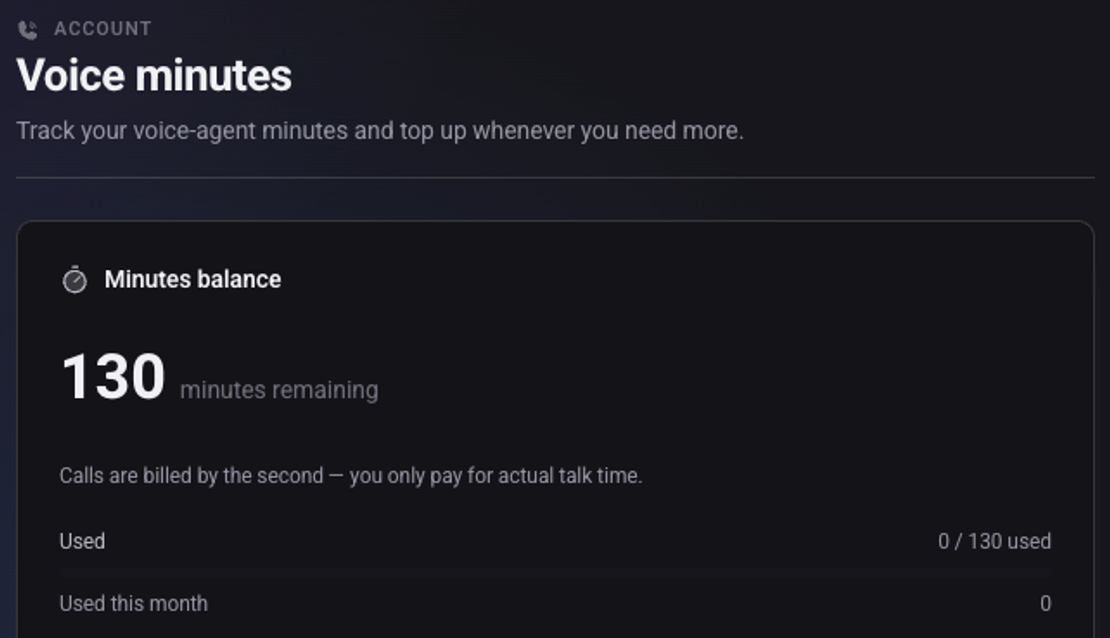
To buy, enter the "Number of minutes" and click "Continue to payment"
The screen shows the total including VAT before you pay. After payment the minutes are added to the balance.
To get an alert, turn on "Email me when below" and set a number of minutes
What happens when the minutes run out?
The voice agents stop working until you top up. New leads on a dial list are accepted, but the agent does not call them.
Where do I see what the minutes were used for?
The "Minutes activity" card shows, for each month, how many minutes were added, how many were used and the balance at month end.
See also: how to activate your account and how to make a test call.