
How to transfer a call to a person
There are two ways to bring in a person: transfer the call itself to a phone number, or open a task for the team without transferring the call.
How do I transfer the call itself?
On the agent page click "Configure", then "Outbound calls" or "Inbound calls"
Open "More settings" and scroll to "Call transfer"
On inbound calls "Call transfer" is right on the page.
Click "Add the first trigger"
Under "When" describe the situation in one sentence
For example: The customer asks to speak to a person.
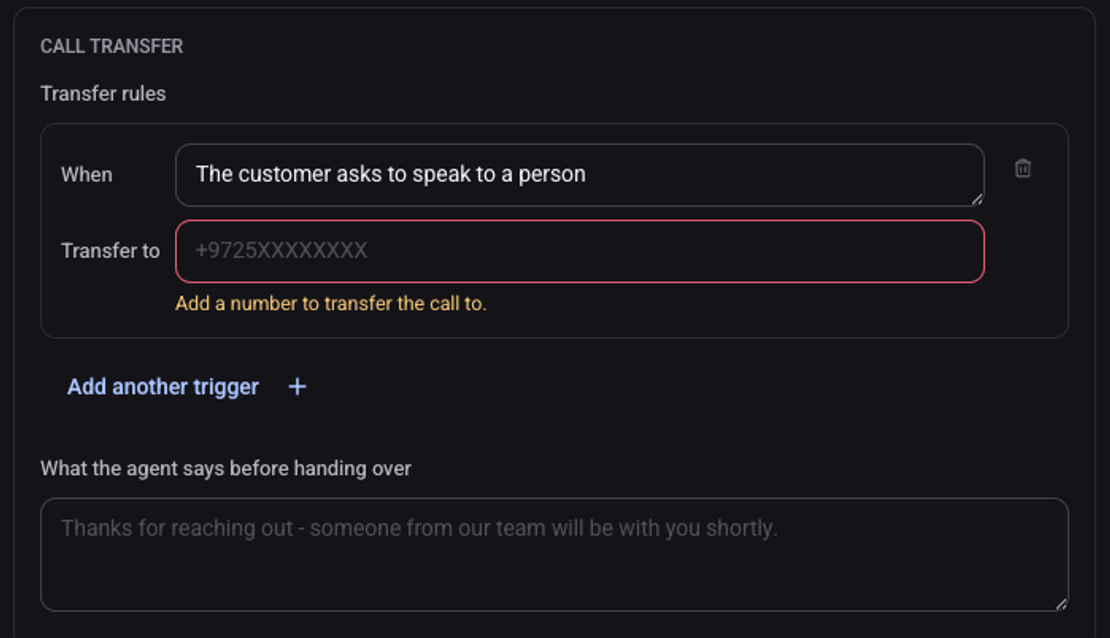
Under "Transfer to" enter the person's phone number
Without a number the rule does not work.
Write "What the agent says before handing over" and click "Save changes"
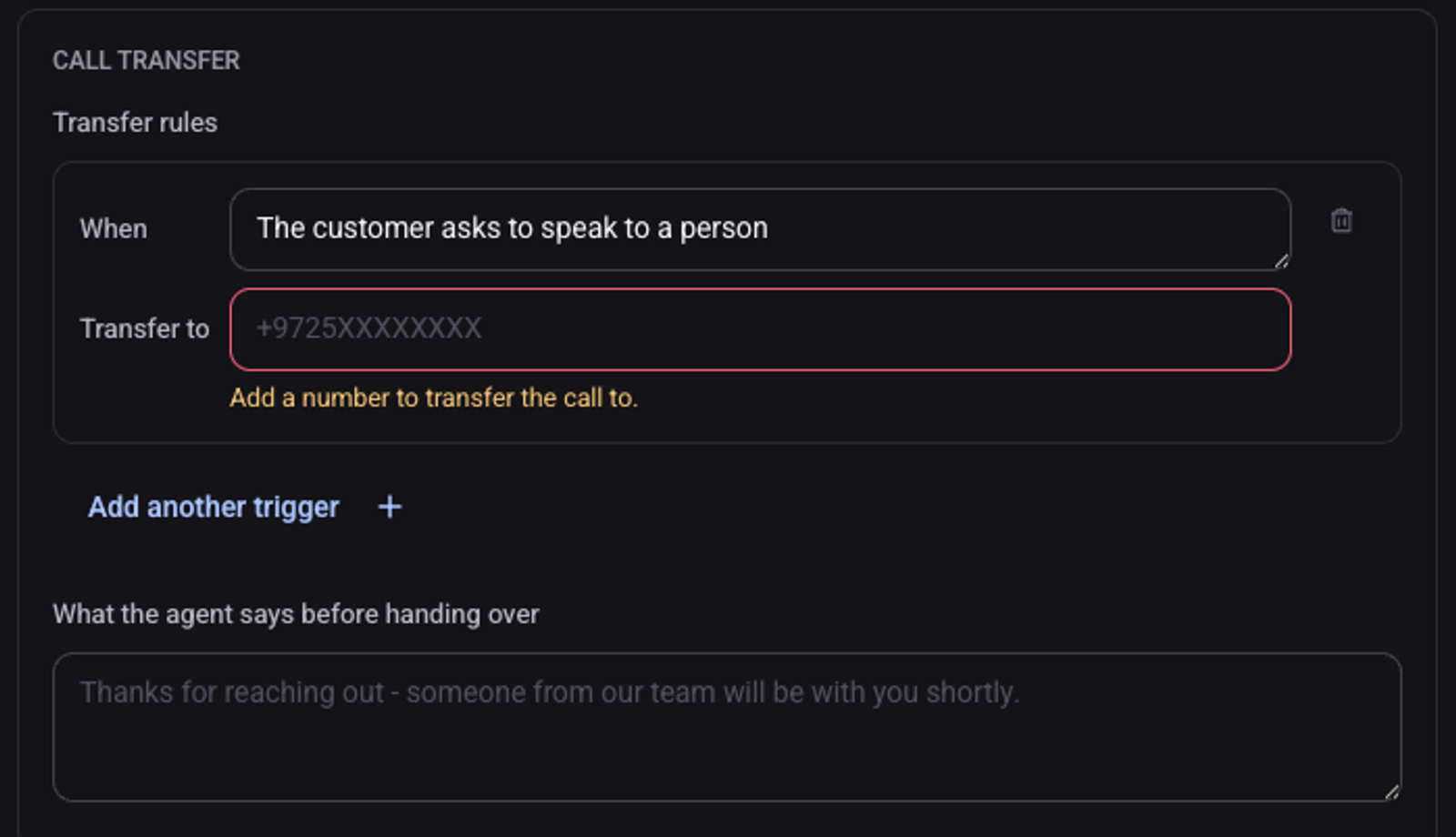
"Add another trigger" adds another situation, with its own number.
How do I only notify the team?
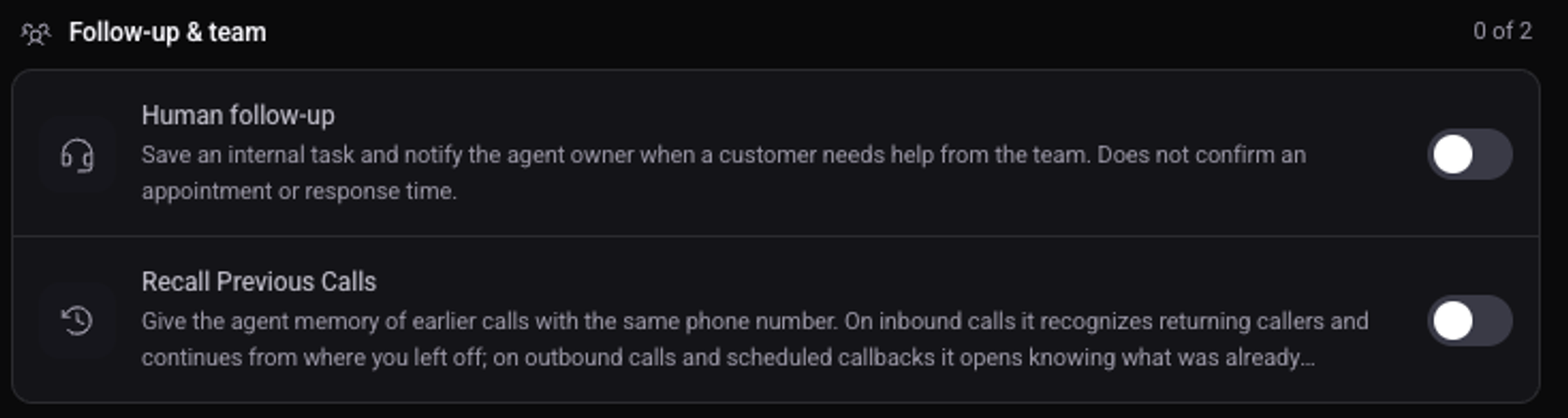
Under "Actions & permissions" turn on "Human follow-up". When the customer needs a person, a task is opened and the agent's owner is notified. The call itself is not transferred.
See also: what the agent may do on a call and how to send the team a call summary on WhatsApp.