
How to trigger calls through the API
Every lead your system sends enters a dial list, and the agent calls it. You set up the list, and your developer connects the website or CRM to it.
On the agent page click "Configure", then "Outbound calls"
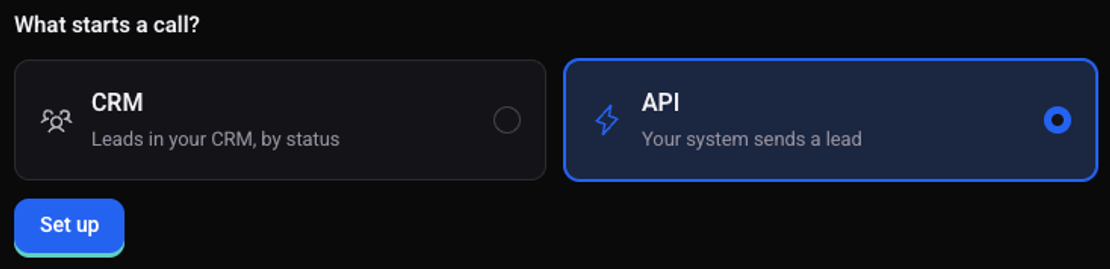
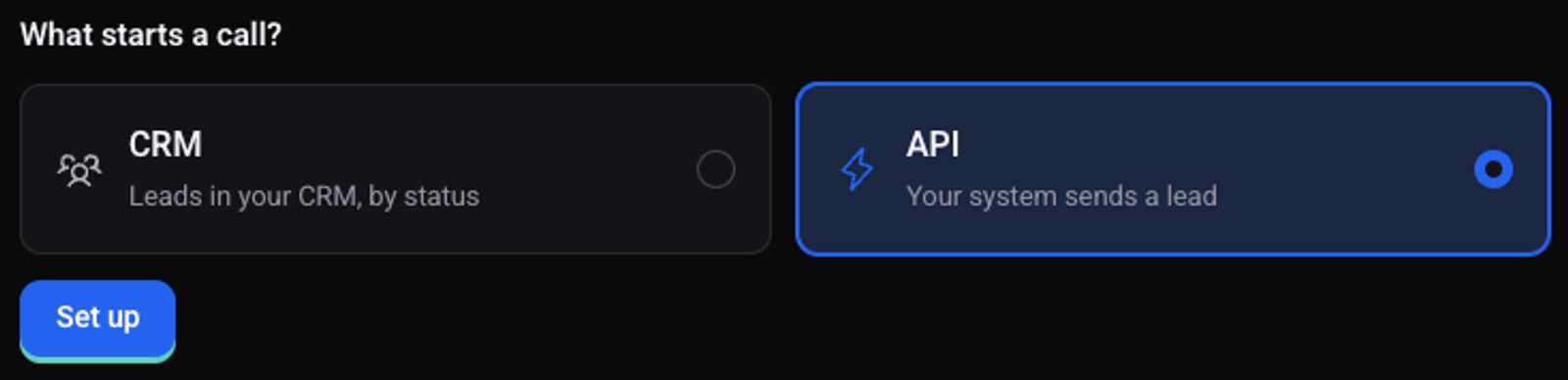
Under "What starts a call?" choose "API" and click "Set up"
Name the list and click "Next"
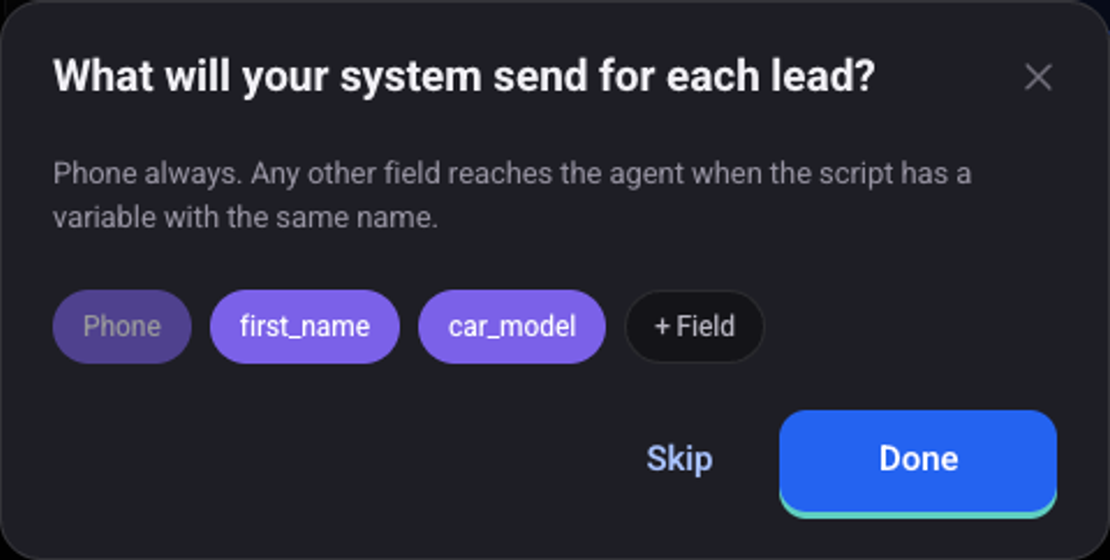
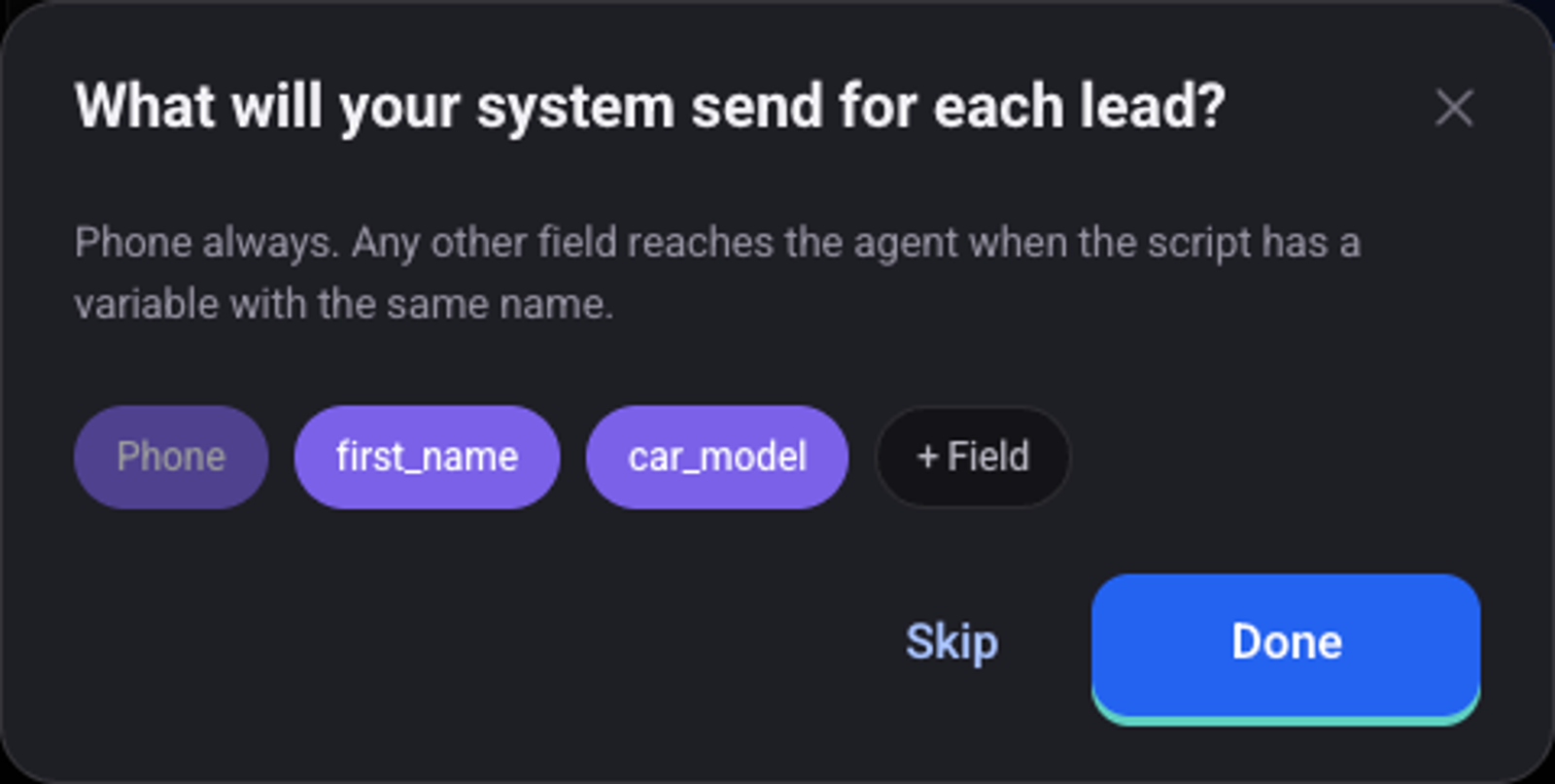
Mark which details your system sends for each lead, and click "Done"
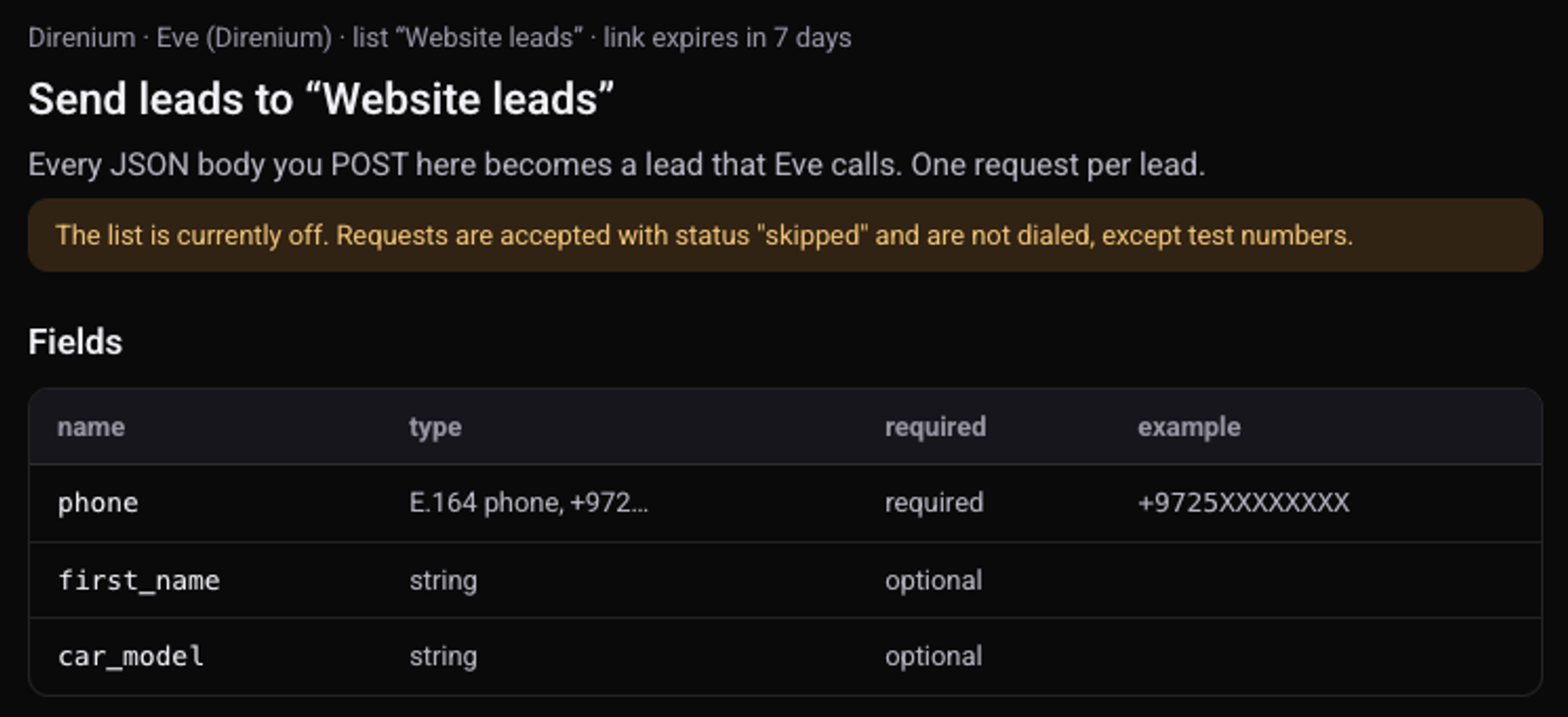
Phone is always sent. Any other field reaches the agent when the script has a variable with the same name. "+ Field" adds a new one.
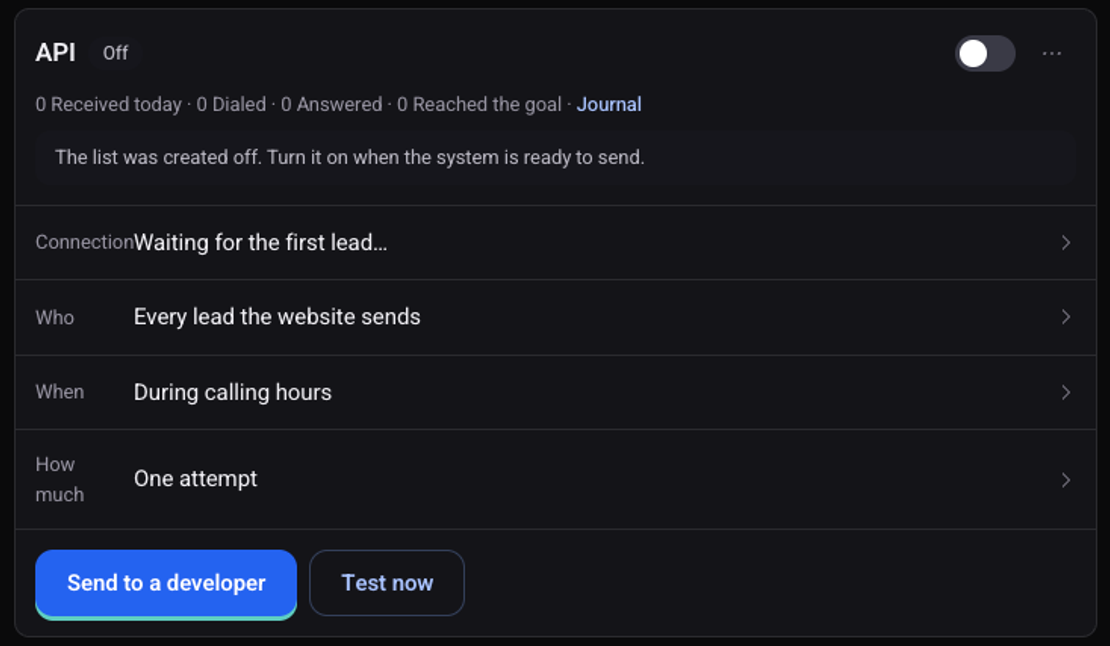
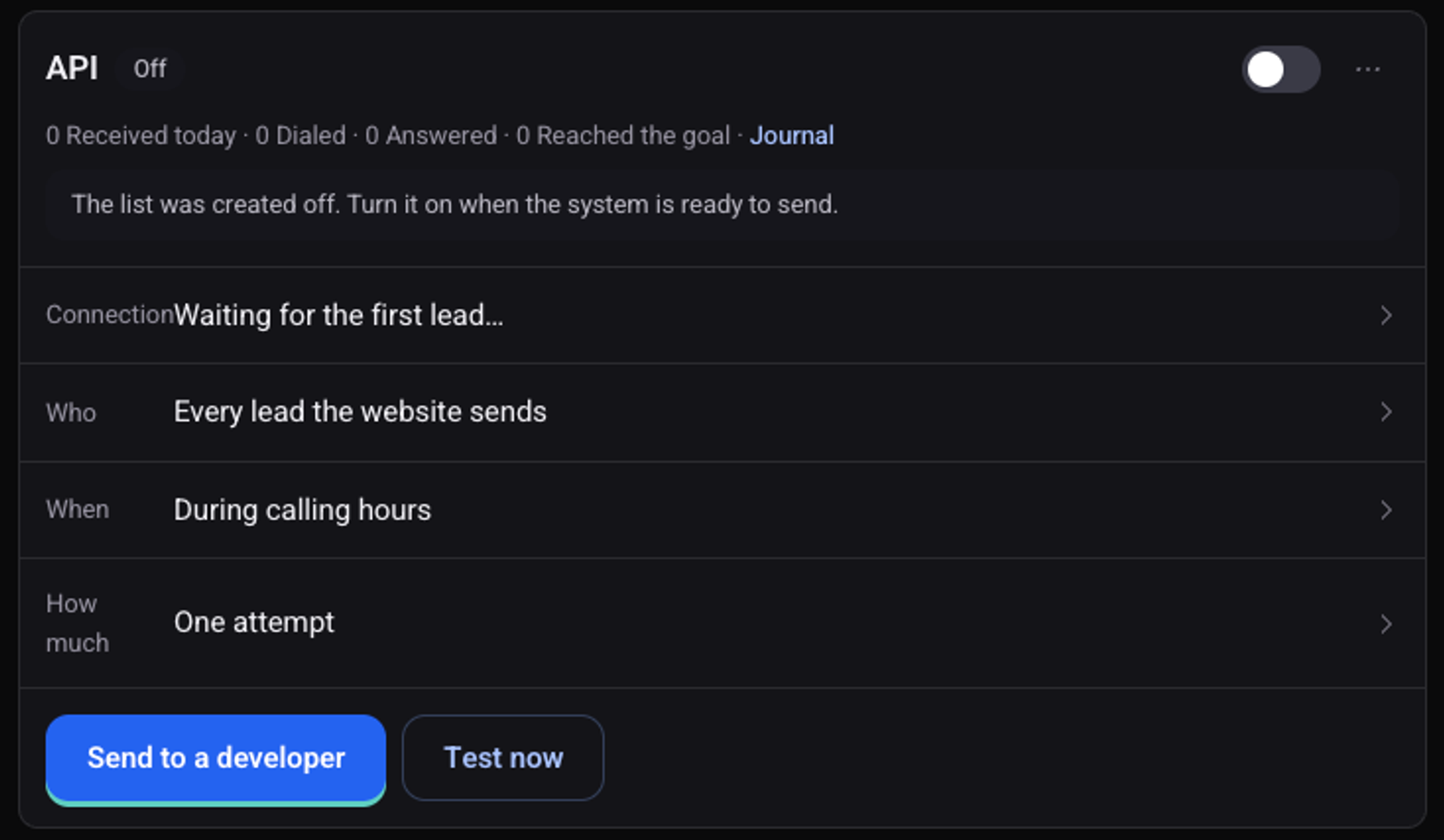
The list is created off
The defaults: every lead, during calling hours, one attempt. Change them in the "Who", "When" and "How much" rows.
How do I send the details to my developer?
On the list card click "Send to a developer"
Click "New key"
Only then does the link also include the key.
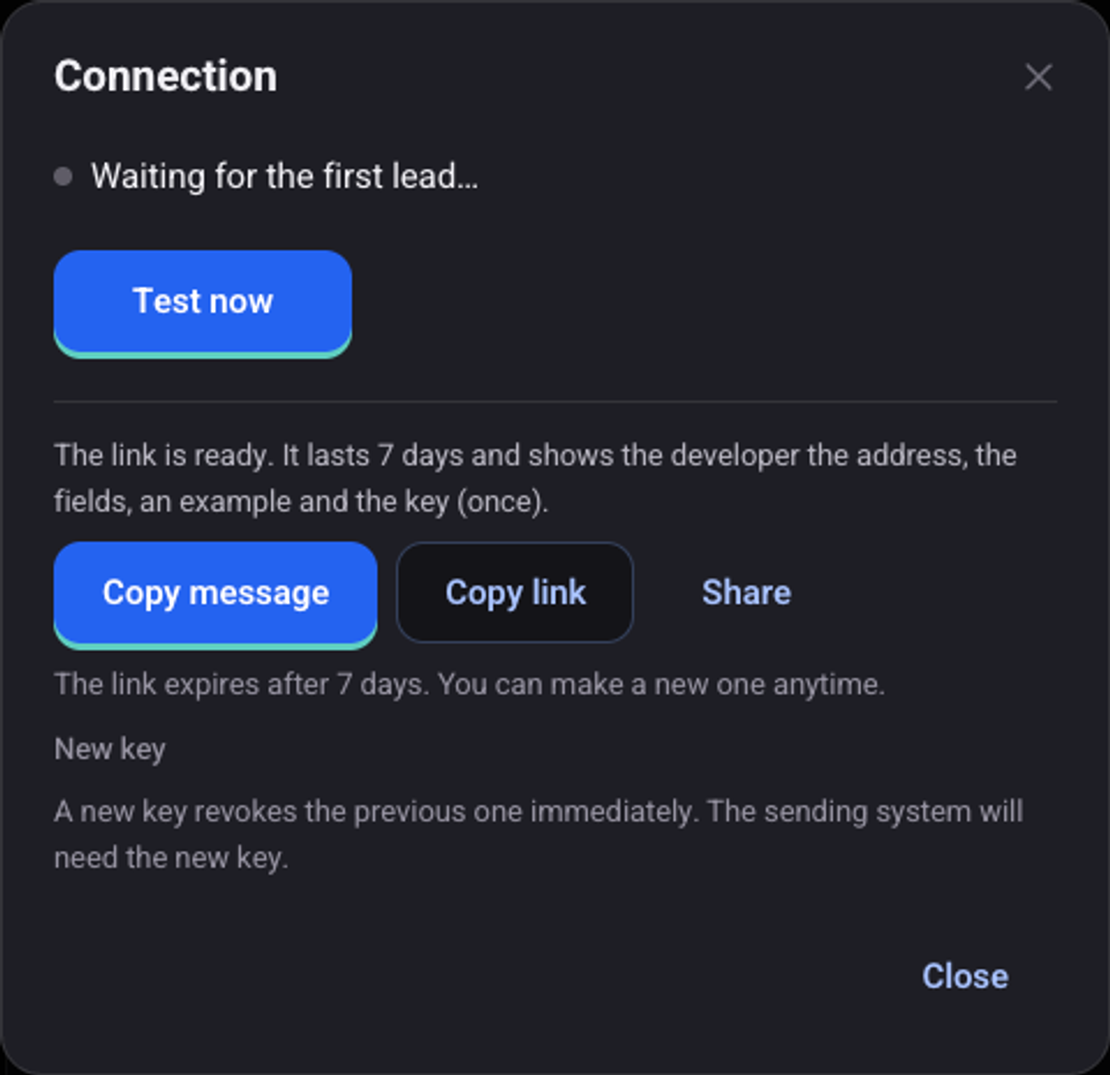
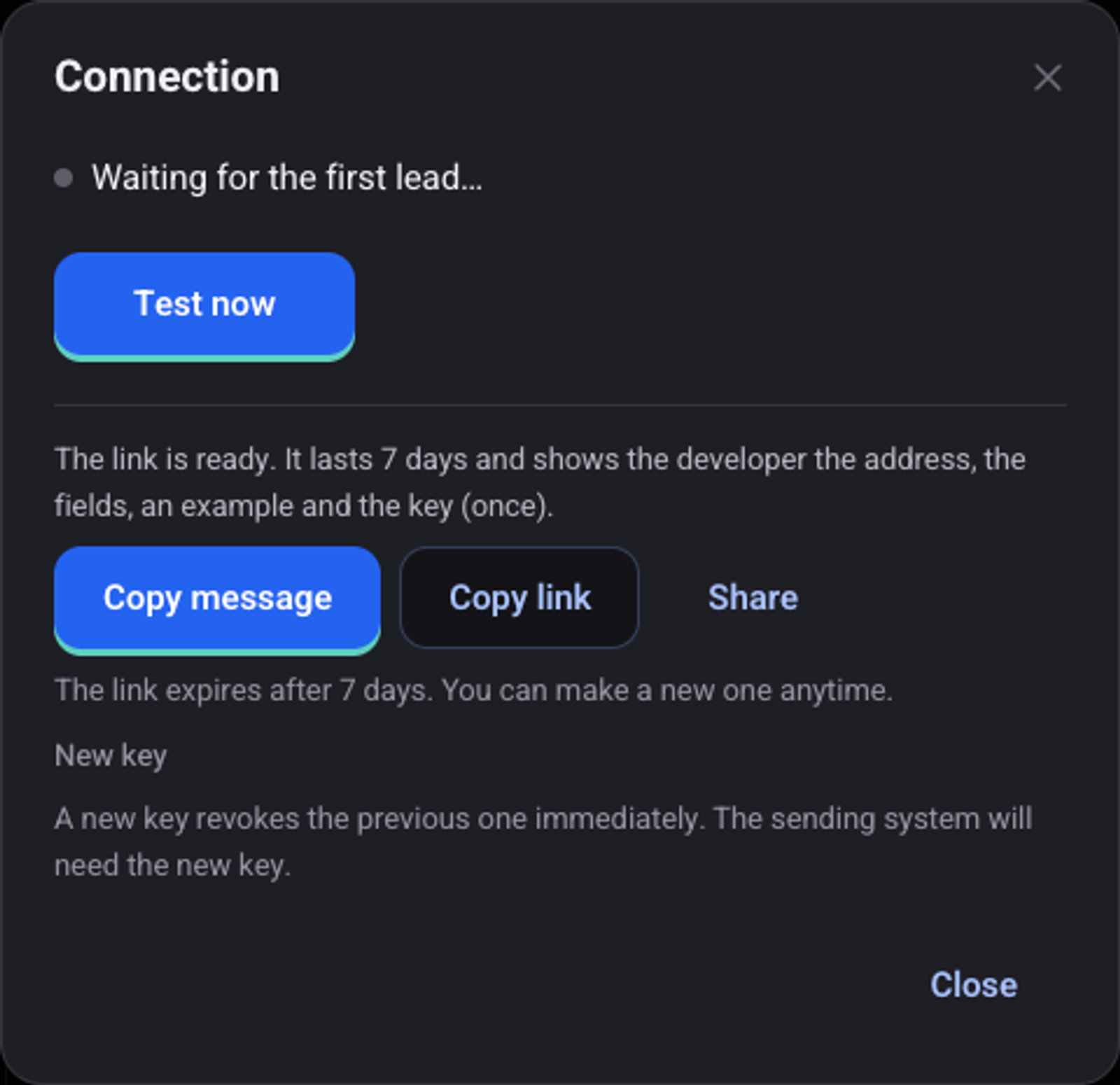
Send the link with "Copy message" or "Share"
For developers
Example request
curl -X POST '<ADDRESS_FROM_DEVELOPER_PAGE>' \
  -H 'Authorization: Bearer <API-KEY>' \
  -H 'Content-Type: application/json' \
  -H 'X-Idempotency-Key: lead-48213' \
  -d '{
    "phone": "+9725XXXXXXXX",
    "first_name": "Dana",
    "car_model": "Mazda 3"
}'| Field | Description |
|---|---|
phone | The lead's phone number, as a string. |
first_name, car_model… | A field named like a variable in the script reaches the agent. |
X-Idempotency-Key | A repeated request with the same value does not create a duplicate lead. |
202: the lead was accepted. The response carries ajobId.200with"status": "skipped": the list is off.422: the phone is missing or invalid.401: the key is missing or wrong.429: too many requests in a minute.
How do I test and turn it on?
Click "Test now" and enter your number
The agent calls you even while the list is off. The number is saved as a test number.
Turn on the switch on the list card
"On" appears next to the title. "Journal" shows what happened to each lead.
See also: how the agent calls leads from your CRM and how to use the customer's name in a call.