
How to include details from the call in a message
A message sent by an automation can include details from the call itself, such as its summary or the customer's name. The detail is filled in for every call.
On the automation's "What to write?" step, click inside the message where the detail should appear
Type @ and pick a detail from the list
You can also click "A detail from the call" under the message.
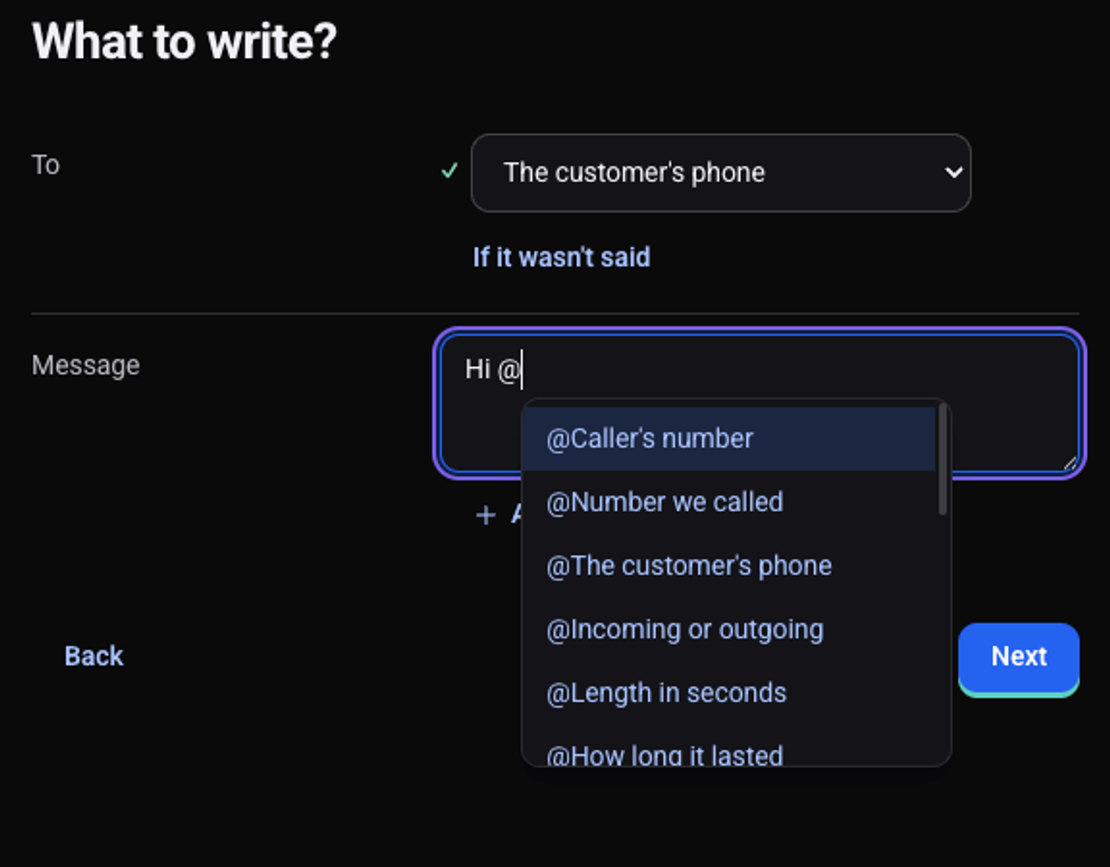
Write the rest of the message and click "Next"
The preview shows the message with values from the agent's last call.
Which details can I include?
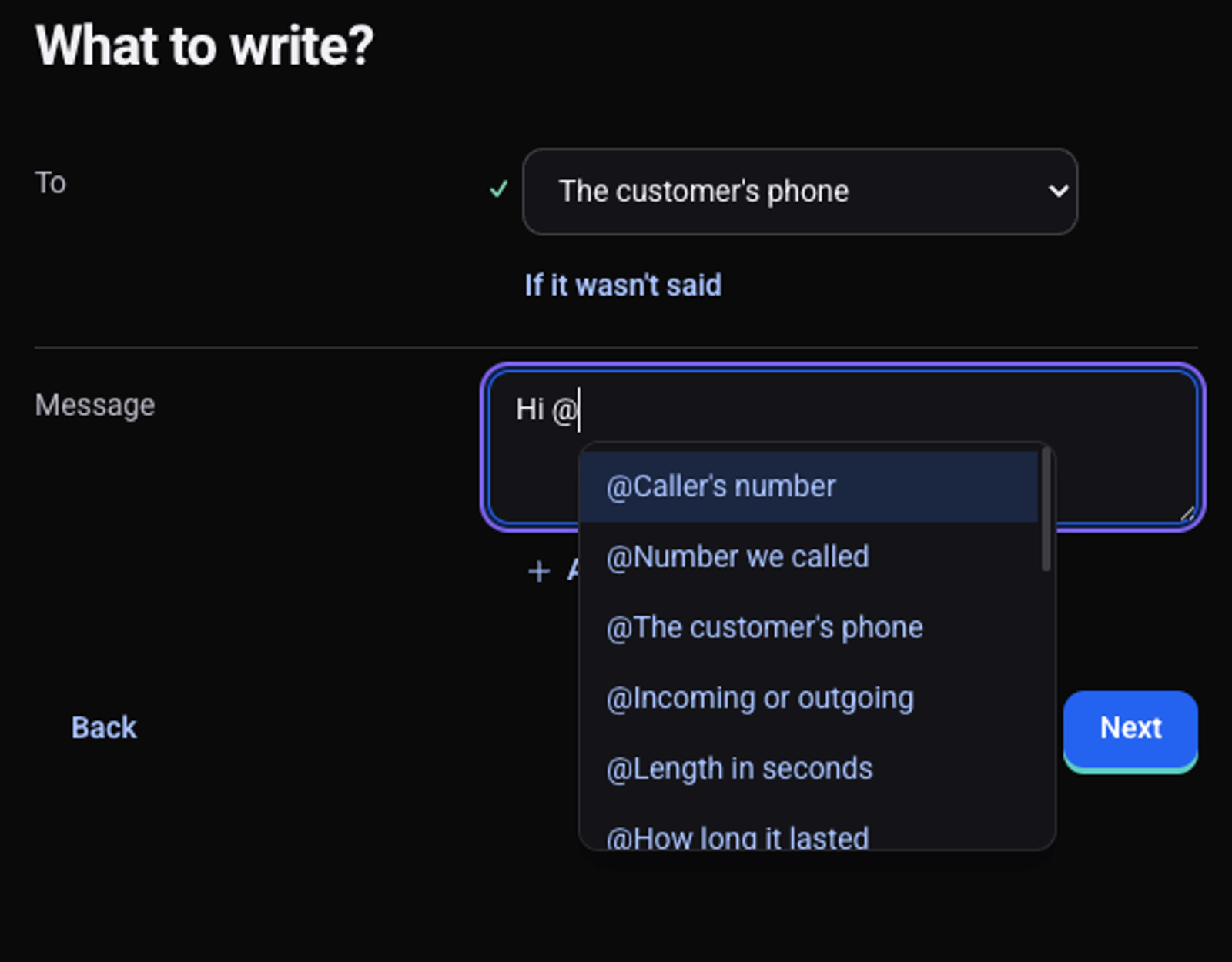
- About the customer: the customer's phone, the caller's number and the number we called.
- About the call: incoming or outgoing, how long it lasted, when it happened, its language and how it ended.
- About the content: the call summary, sentiment, the full transcript and a recording link.
- Callback: when the customer asked us to call back.
- Your own details: every detail the agent collects and every variable in the script, such as
first_name.
See also: how to message the customer after a call, how the agent collects details from the customer and how to test an automation before turning it on.