
How to add test numbers
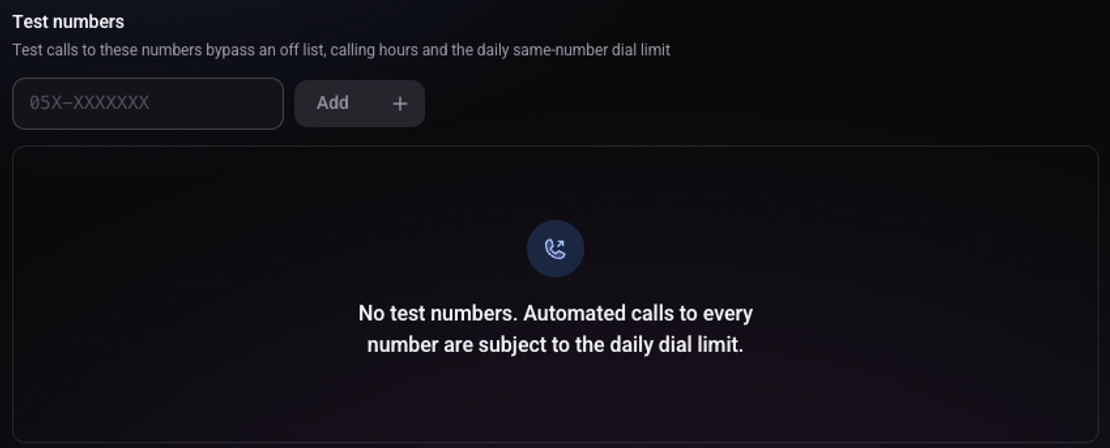
A test number belongs to someone on your team. The agent calls it in tests even when the dial list is off or outside calling hours.
Open the user menu and choose "Workspace settings"
The option is shown to workspace admins.
Choose "Calls & Messages" and scroll to "Test numbers"
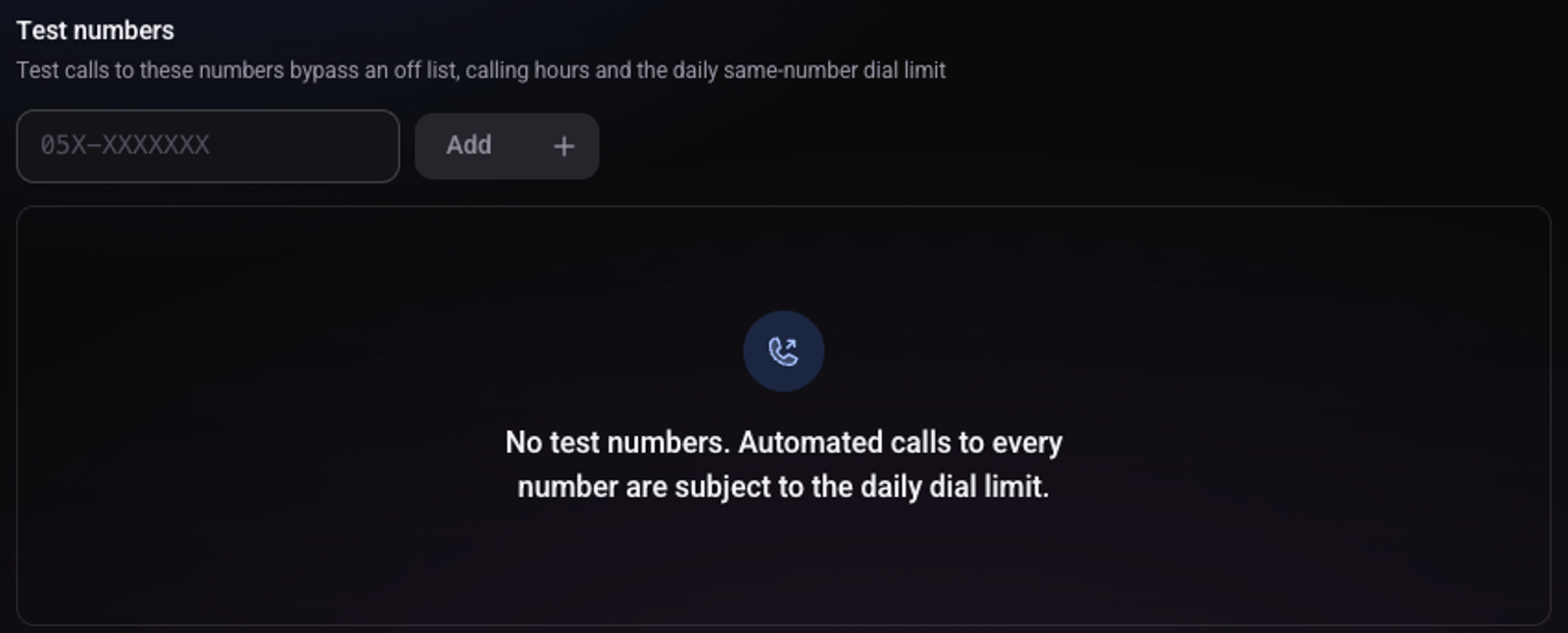
Type the number and click "Add"
The number appears in the table. "Remove" deletes it.
What is special about a test number?
Test calls to it go out even when the list is off, outside calling hours and past the daily limit for the same number. The minutes balance and the opt-out list still apply.
Is there a shorter way?
Yes. When you click "Test now" on a dial list and enter a number, it is saved as a test number. See how to trigger calls through the API and how to make a test call.