
How the agent books meetings in your calendar
An agent that books meetings checks availability in your calendar and offers the customer only open slots. First connect a calendar.
On the agent page click "Configure" and choose "Actions & permissions"
Scroll to "Meetings & callbacks"
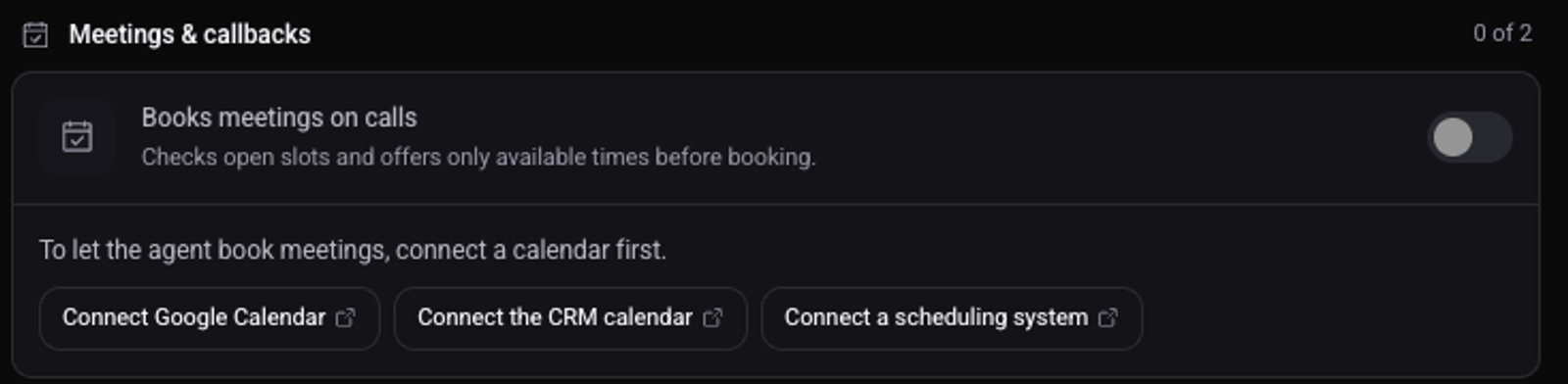
Without a connected calendar the switch is locked, and links to connect a calendar appear below it.
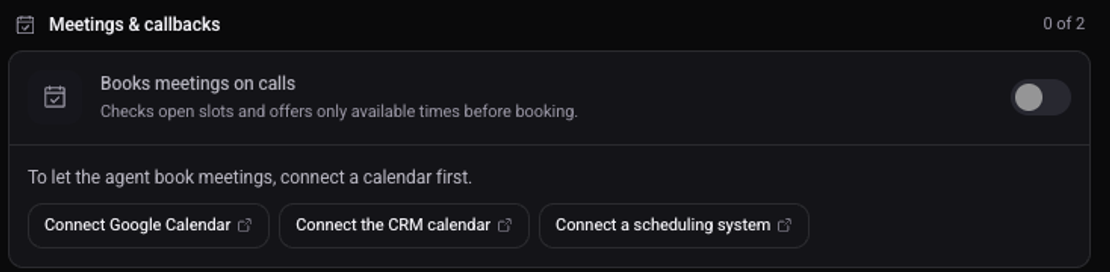
Turn on "Books meetings on calls"
Click "Save changes"
To confirm: in Workspace settings, under "Calendar", the agent is listed under "Who books meetings".
What else is worth turning on?
The callback action in the same group: when a customer asks to be called back, a call is scheduled for the time they asked, within calling hours.
See also: what the agent may do on a call and how to set calling hours and holidays.